


Last updated on May 19th, 2026 at 03:43 pm
Most solopreneurs do not have a shipping problem. They have a finishing problem.
After 2.5 years and 100+ template drops under Fayedtion, the difference between the months that paid the bills and the months that did not was never the idea. It was the workflow for solopreneurs running it. Same brain, same skills, same Notion. Different system.
This is the productivity system for creators I wish someone had handed me on day one. It is built for ADHD founders who collect 40 ideas before finishing one, and it holds up for any solopreneur tired of half-built drafts. Here is what you will walk away with:
- A five-stage idea-to-launch process that ends abandoned drafts
- A build day vs marketing day split that protects deep work
- A reusable block library and meta-templates that cut build time in half
- A 25-minute weekly review system that catches stuck drops six weeks early
Table of Contents
What You’ll Learn
The Idea-to-Ship Pipeline I Run on Every Drop
Every template I sell now moves through the same five stages: Idea → Brief → Build → Polish → Launch. No skipping, no shortcuts, no “this one is special.”
The reason is boring and effective. When the idea-to-launch process is named, the brain stops asking “what now?” every time you open Notion. The next move is already on the page.
I run this pipeline inside a build tracker. Every new template idea gets a row the moment it lands, with a status field that moves left to right. If a template has been stuck in “Build” for three weeks, the row makes it impossible to lie to myself about it.
Try this: open one Notion page today and list every template idea you have started in the last 90 days. Count the ones that shipped. That gap is what the pipeline closes.
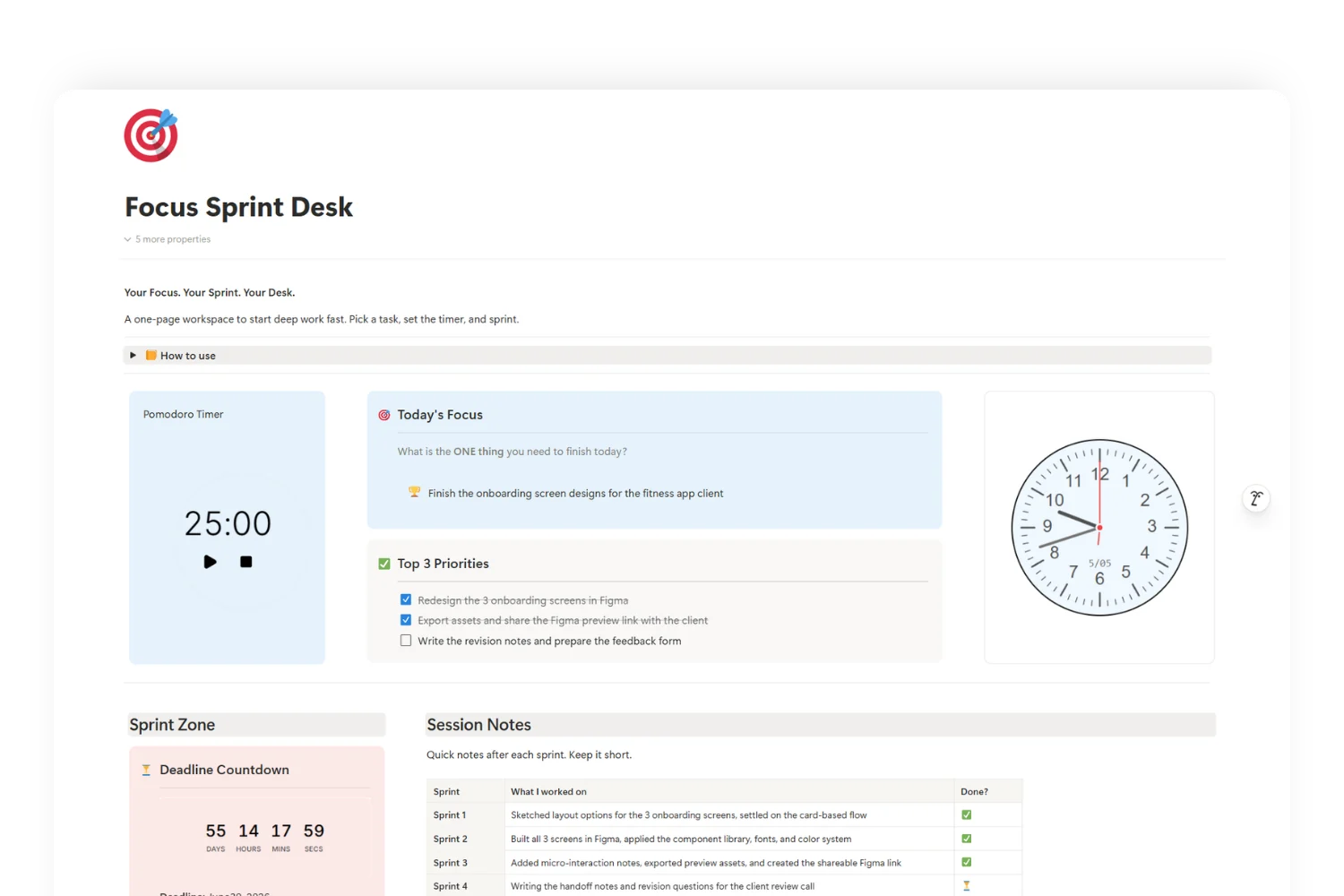
If you want a working version of this build tracker, I use Focus Sprint Desk as my daily home base. It is the desk I open the moment a new template idea lands.
Split Build Days From Marketing Days
The biggest unlock in my workflow for solopreneurs was simple: stop doing both on the same day.
Build days are deep work. No DMs, no Threads, no analytics, no replies. The goal is to move templates one stage forward in the pipeline. Marketing days are the mirror image. The template build is closed and the content creation workflow runs: posts, hooks, screenshots, emails.
Mixing the two used to cost me four hours a week to context switching. Splitting them returned that time and lifted my finishing rate by 30 percent in the first month.
If you have ADHD, this rule matters more, not less. A single Slack-style ping during a build session breaks the trance you need to design a clean template. Treat build days like a doctor’s appointment you do not reschedule.
A working split that fits most solopreneurs:
- Monday and Thursday: build days
- Tuesday and Friday: marketing days
- Wednesday: review and planning
You do not need that exact rhythm. You need any rhythm.
The Reusable Block Library That Cut Build Time in Half
After template number 30, I noticed I was rebuilding the same six blocks on every drop. Onboarding callout. Empty-state instructions. Shortcut legend. CTA footer. Changelog. Setup checklist.
So I stopped rebuilding them.
Now I keep a single Notion page called “Block Library.” Every reusable component lives there as a synced block or copy-ready snippet. New templates start from a duplicate, not a blank page.
This one shift cut my average build time from 11 hours to 5. The templates also got more consistent, which lifted reviews and lowered refund requests. Buyers feel quality long before they read the description.
If you take one thing from this article, take this: a productivity system for creators is mostly about removing decisions. The block library removes six of them on every single drop.
Templates for Templates: Meta-Systems That Compound
Here is the level above the block library: build templates for the act of building templates.
I have a brief template, a launch checklist template, a pricing-tier template, and a refund-tracker template. Each one started as “I keep doing this manually, let me make it a page.”
Meta-systems compound. The first time you build a launch checklist, it saves you maybe 20 minutes on the next launch. By launch ten, it has saved four hours and caught two mistakes that would have cost refunds.
This is also where ADHD productivity system thinking earns its name. ADHD brains punish repeated micro-decisions. Meta-systems strip out the micro-decisions and let the interesting work breathe.
A practical starting list, in order of payoff:
- Brief template (every new idea fills one)
- Launch checklist (pre-launch, launch day, post-launch)
- Pricing decision template (three questions, locks the tier)
- Post-launch review template (what worked, what to keep)
You do not need all four. Start with the brief. Add the next one when you feel the pain.
Weekly Reviews That Catch Stuck Drops Early
The weekly review system is where the whole workflow stays honest.
Every Wednesday, I open the build tracker and answer four questions:
- What moved forward this week?
- What is stuck and why?
- What is the single most important thing for next week?
- What gets dropped?
That last question matters most for ADHD-leaning solopreneurs. Without it, the tracker fills with 12 half-started templates by month two. The review is permission to kill drops, not a guilt session.
A weekly review that takes 25 minutes catches stuck templates six weeks earlier on average than no review. Six weeks is a launch.
If you skip every other lesson in this article, run the review. Tomorrow morning, 25 minutes, four questions. That alone will outperform any new tool you buy this quarter.
What This Workflow Looks Like in Practice
A normal Fayedtion week now looks like this:
- Wednesday review: pick the one template to push into Polish.
- Thursday build day: 4 hours, no notifications, move that template forward two stages.
- Friday marketing day: write five posts referencing the template’s pain point.
- Monday build day: finish Polish, move to Launch.
- Tuesday marketing day: launch posts, email, listings.
Five working blocks, one shipped template, repeat.
The outcome is not magic. It is a finishing rate of three templates a month instead of one, with less burnout and fewer abandoned drafts. Same brain, different system.
The Lesson Behind the Lessons
Solopreneurs do not lack ideas. We lack a workflow that survives a bad week.
Build the pipeline. Split build from marketing. Library your blocks. Template your templates. Review weekly. That is the whole idea-to-launch process, in one paragraph.
Open one page in Notion today and start at stage one. The rest of the system grows from there, and so does the income that finally matches the work you have already been doing.
FAQ
What workflow works for solopreneurs building Notion templates?
The workflow that ships templates is the five-stage pipeline: Idea → Brief → Build → Polish → Launch, run on split build and marketing days with a 25-minute weekly review on Wednesday.
How long should a build day be for a solopreneur?
Three to four uninterrupted hours is the sweet spot. Less than two hours and the trance never starts. More than five hours and quality drops on the same drop.
Is this productivity system for creators ADHD-friendly?
Yes. The pipeline names the next move, build days remove decisions, and the weekly review gives explicit permission to drop projects. Every layer is built to reduce micro-decisions, which is where ADHD brains burn out fastest.
How often should I run the weekly review system?
Once a week, same day, same 25 minutes. Wednesday works best because it leaves Thursday and Friday to act on what the review surfaces. Skipping it for two weeks is the most common reason templates die in Build.
What is the idea-to-launch process for a Notion template?
Capture the idea on the build tracker, fill the brief template, build to a working duplicate, polish with a checklist, and launch through the listing and marketing flow. The same five stages on every drop.
Do I need paid tools to run a content creation workflow alongside this?
No. A free Notion workspace, one Block Library page, and a calendar are enough to start. Tools matter less than the rhythm.
