

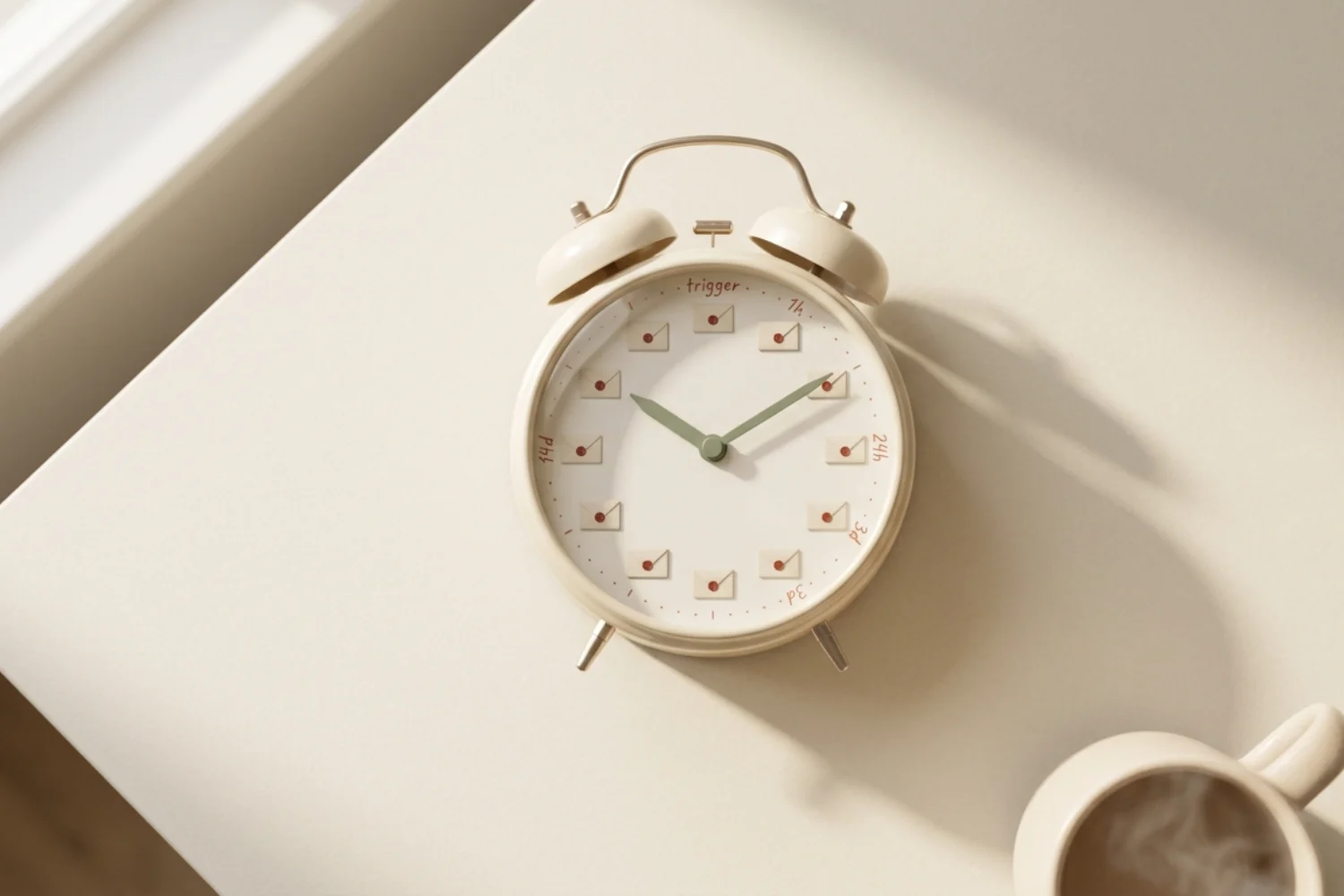
Most send-time studies focus on newsletters. If you run automations, those studies miss the point. The best time to send automated emails is set by an event, not a calendar. A welcome email fires when someone joins. A cart email fires when someone leaves. Your job is to pick the delay between the event and the send.
This guide gives you exact delays for the five most common flows, plus benchmarks for scheduled broadcasts. Every number here comes from published 2024 to 2026 data, so you have a fair starting line before you A/B test your own list.
Triggered vs. scheduled: two different email send time problems
Triggered emails run on subscriber time. The clock starts when the trigger fires. Best email send time equals best delay after the event.
Scheduled emails run on your calendar. Best send time equals best day and hour of the week.
Mix these two and your reporting turns into noise. Split them, and each flow gets its own timing rule. Popular tools like Mailchimp and MailerLite treat them as separate objects for this reason.
Welcome email automation timing (immediate vs. 5-minute delay)
The first message in a welcome flow is the highest-open email you will ever send. GetResponse’s 2024 benchmark shows welcome emails averaging an 83.63% open rate, well above triggered emails as a whole at 45.38%. Read the full report on the GetResponse email benchmarks page.
Recommended delay:
- Delivery message: send immediately. Users expect the confirmation before they leave the tab.
- Full welcome email: 5 to 10 minute delay. Gives the delivery message time to land and clears mobile push queues, so opens are not split across two notifications.
- Second email: 24 hours after signup. Same time of day as the signup, not a fixed hour.
Skip the “batch on the hour” pattern. Immediate wins.
Abandoned cart timing (1 hour, 24 hours, 72 hours)
Cart flows lose value fast. The window of highest purchase intent closes inside a few hours. Use three steps with widening gaps.
| Step | Delay after abandonment | Goal | Content angle |
|---|---|---|---|
| 1 | 1 hour | Recover the sale | “You left this in your cart” |
| 2 | 24 hours | Answer objections | Reviews, sizing, shipping |
| 3 | 72 hours | Final nudge | Small discount or expiry |
Omnisend’s 2026 send-time research confirms the 1-hour first send outperforms same-day-later sends, and recommends a follow-up around 24 hours plus a final reminder 5 to 7 days after the event with a stronger incentive.
If you push all three inside 24 hours, unsubscribes spike. Give the third message room to breathe.
Post-purchase timing (instant, 3 days, 14 days)
Post-purchase is where automation timing earns repeat revenue. Three touchpoints with clear jobs beat one long thank-you flow.
- Instant: order confirmation. Transactional. Include reorder link and support contact.
- Day 3: use-and-enjoy tips. Delivers value before the “will this work?” doubt starts.
- Day 14: review request or cross-sell. Timed after the customer has had two weeks with the product.
Extend day 14 to day 21 for slow-onboarding products like software or courses. Shorten to day 7 for consumables.
Re-engagement timing (60, 90, 120 days inactive)
Re-engagement is the flow most senders start too late. By the time a subscriber has been silent for six months, deliverability has already taken the hit.
Fire the sequence in three waves:
- Day 60 of no opens: soft check-in. “Still want these emails?” One clear CTA.
- Day 90: value-only reminder. Best-of content, a small gift, or a preference update link.
- Day 120: last chance. Explicit “we will remove you” note with a one-click stay button.
Suppress everyone who does not respond after day 120. Your open rates recover inside two sends.
Automation timing decision chart
Copy this into your workflow docs. Every automated flow gets a row.
| Flow | Trigger | Step 1 delay | Step 2 delay | Step 3 delay |
|---|---|---|---|---|
| Welcome | Signup confirmed | Instant (delivery) | 5 to 10 min (welcome) | 24 hours (nurture) |
| Abandoned cart | Cart idle over 20 min | 1 hour | 24 hours | 72 hours |
| Post-purchase | Order placed | Instant (receipt) | 3 days (use tips) | 14 days (review or cross-sell) |
| Re-engagement | No opens for 60 days | Day 60 (soft check-in) | Day 90 (value reminder) | Day 120 (last chance) |
| Post-review | Review submitted | Instant (thanks) | 14 days (bounce-back offer) | n/a |
When to send marketing email: broadcast benchmarks (2026)
For scheduled campaigns, timing is set by the calendar. Omnisend analyzed roughly 26 billion emails in 2026 and found clean patterns worth borrowing before you test.
| Goal | Best day | Best hour |
|---|---|---|
| Opens | Tuesday | 9 to 11 AM |
| Clicks | Tuesday, Wednesday | 7 to 8 AM and 4 PM |
| Conversions | Friday | 7 to 8 AM |
The strongest single slot was Friday 7 AM with a 0.138% conversion rate. Saturday came in weakest across every metric. Litmus’s ongoing State of Email reports show similar morning-heavy patterns across enterprise senders.
Use these as your starting hypothesis, not a final answer. Your list is not the average list.
Timezone strategies for automated sends
Triggered emails handle timezone by default. The event carries the time with it.
Scheduled emails do not. You have three options:
- Business timezone send. Everyone gets the email at the same wall-clock moment. Simple. Fine for lists under 2,000 subscribers.
- Subscriber timezone send. Each person gets the email at, say, 9 AM local. Available in most modern ESPs under names like “send in recipient’s local time” or “smart send.” Best for global lists.
- Segment by region. Split your list into two or three regional buckets and schedule each block by hand. Middle-ground option when you want control without full timezone logic.
Pick one method per campaign type and hold it for at least 30 days before you compare results.
Email scheduling best practices: how to A/B test send times
Benchmarks give you a hypothesis. Only your own tests give you an answer. Follow a tight loop.
- Freeze every variable except send time. Same subject line, same audience segment, same content.
- Split the segment 50/50. Use random assignment, not signup order.
- Run the same test 3 to 5 times. One winner is a coincidence. Three wins is a signal.
- Measure the outcome you care about most. Opens for awareness, clicks for engagement, revenue for sales. Do not optimize opens if you sell products.
- Repeat every quarter. Inbox behavior shifts with mobile OS updates and privacy changes. Last year’s winner is not this year’s winner.
Log results in a shared sheet with date, segment, send time, and outcome metric. Six months in, you will spot patterns no benchmark article will show you.
FAQs
What is the best time to send automated emails?
The best time to send automated emails is measured from the trigger event, not the clock. Send welcome emails within 10 minutes, cart emails at 1 hour, post-purchase confirmations instantly, and re-engagement checks at day 60 of inactivity.
Should welcome emails send instantly or with a delay?
Confirmation messages send instantly. The full welcome email sends 5 to 10 minutes later so the two notifications do not collide on mobile.
How many abandoned cart emails should I send?
Three. At 1 hour, 24 hours, and 72 hours. Beyond three, unsubscribes rise faster than recovered revenue.
Is Tuesday still the best day to send a marketing email?
For opens and clicks, yes. Omnisend’s 2026 dataset shows Tuesday leading the week at a 31.27% open rate. For conversions, Friday morning wins.
Do timezone-based sends improve results in practice?
For lists over 5,000 subscribers with global reach, yes. Below 2,000 subscribers, the effect is small enough for one business-timezone send to work well.
Key takeaways
- Split triggered and scheduled flows in your reporting. Different problems, different rules.
- Welcome: instant confirmation + 5 to 10 minute full welcome + 24 hour follow-up.
- Cart: 1 hour, 24 hours, 72 hours.
- Post-purchase: instant, 3 days, 14 days.
- Re-engagement: 60, 90, 120 days of inactivity.
- Broadcasts: aim for Tuesday 9 to 11 AM for opens, Friday 7 AM for conversions.
- Run send-time tests every quarter. Benchmarks age fast.
Next action: audit one of your active flows against these delays today. Fix the biggest gap before you touch a subject line.
