Stay in stock without trapping cash in inventory.
This Amazon inventory management template turns stock levels, sales velocity, lead times, and inbound units into clear reorder actions. Spot stock-out risk earlier, reduce excess coverage, and follow every purchase order from placement to delivery.
Your sales plan breaks when inventory reaches zero
A profitable PPC campaign, improved listing, and creator launch all depend on one condition: the product must remain available.
Seller Central reports units. Supplier messages live in email. Purchase-order details sit in files. Shipment updates arrive from carriers. When those signals remain separated, a reorder becomes urgent before the risk feels visible.
The opposite mistake is expensive too. Excess units absorb cash, add storage pressure, and reduce room for products with stronger demand.
Why this Amazon inventory management template works earlier
The workspace combines four inputs behind every reorder decision:
- Demand: Average daily sales shows how quickly inventory moves.
- Coverage: Current and inbound units show how long stock may last.
- Supply: Supplier lead time and safety stock define the reorder threshold.
- Execution: Purchase-order stage and shipment ETA show whether replacement units will arrive in time.
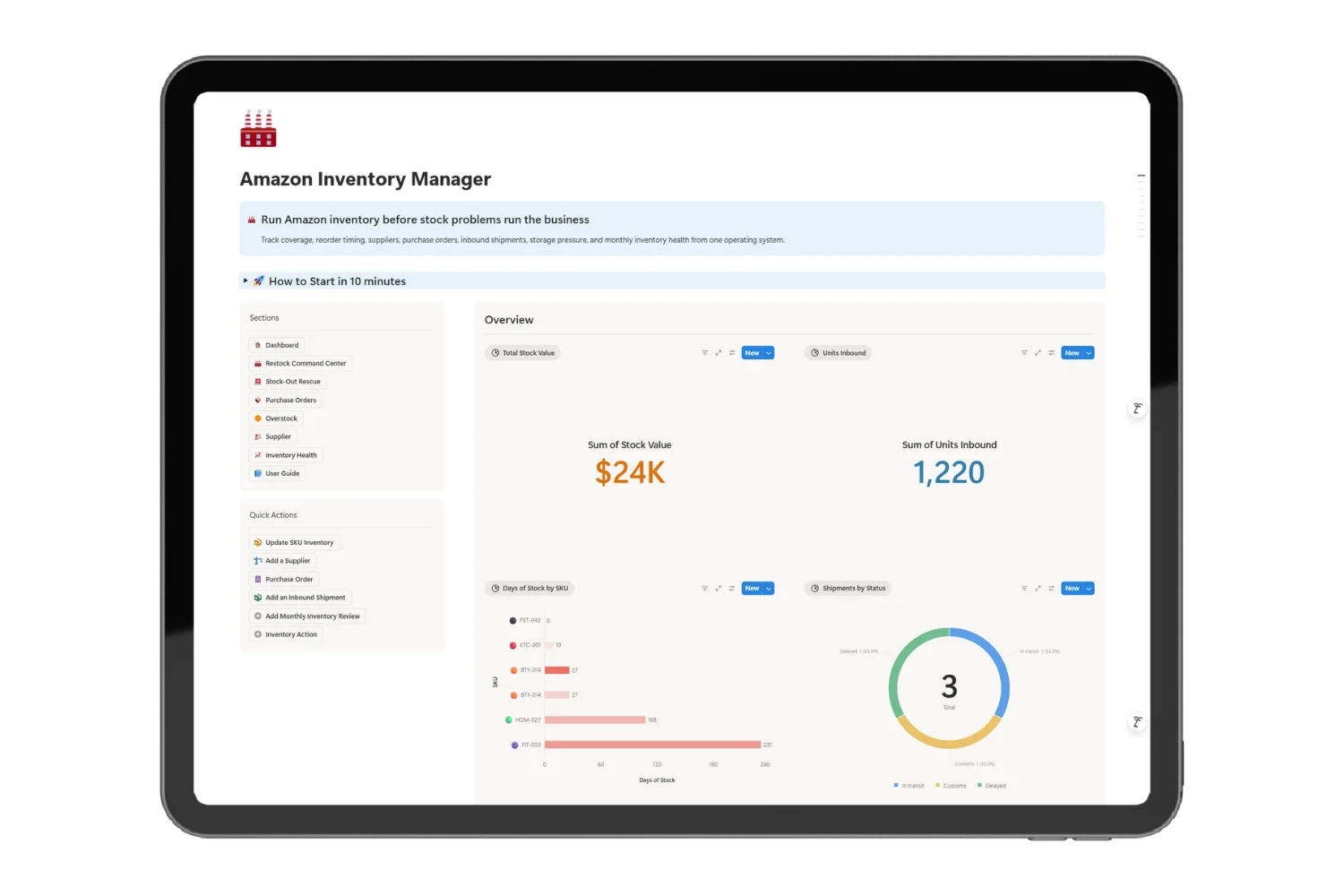
The Amazon inventory management template translates those inputs into days of stock, reorder points, suggested order quantities, delivery signals, storage pressure, and next actions. You see the decision before the shortage or excess becomes expensive.
Move from stock warning to completed action
- Start with SKUs holding the shortest coverage.
- Compare current units with inbound quantities and arrival dates.
- Confirm the reorder point and suggested quantity.
- Place or update the purchase order.
- Follow production, payment, carrier, ETA, and delivery status.
- Assign the next action until receiving is complete.
- Review overstock, stock value, storage fees, and IPI each month.
This operating rhythm replaces reactive reminders with a repeatable inventory review.
Outcomes built around sales and cash
- Reorder earlier when lead time exceeds remaining stock coverage
- Reduce stock-out risk before a launch or advertising increase
- Avoid unnecessary orders for products with excess coverage
- Release cash from slow inventory through focused sell-through actions
- See delayed inbound supply before the expected delivery date passes
- Keep supplier lead time inside every reorder decision
- Protect listing and PPC momentum from preventable inventory gaps
- Build a monthly record of inventory health and follow-up actions
What you receive for $49
- A ready-to-use Amazon stock-planning workspace
- Guided SKU setup with example products
- Automatic days-of-stock and reorder calculations
- Purchase-order and inbound follow-up workflows
- Supplier lead-time context for stock decisions
- Overstock and storage-pressure monitoring
- Monthly IPI and inventory health reviews
- Priority actions for restocks, delays, and sell-through work
- Scenario pages for stock-out rescue, reorders, inbound supply, overstock, suppliers, and monthly reviews
- A complete guide for setup, weekly use, and monthly review
The value does not come from collecting more numbers. It comes from seeing which decision protects sales or cash today.
Built for the operator behind the brand
The Amazon inventory management template fits:
- Private-label sellers managing 5 to 40 active SKUs
- Solo sellers ordering directly from suppliers
- Small ecommerce teams responsible for Amazon stock continuity
- Brands planning launches, PPC growth, or creator campaigns
- Operators replacing manual sheets with a focused weekly system
It is not an ERP, accounting platform, or automatic Seller Central integration. It is a practical decision layer for small Amazon operations.
A clear setup from the first review
Setup clarity guarantee: The product includes example records, guided scenarios, and a complete operating guide so every signal has a defined purpose. The product page shows the included workflows before purchase, and the setup steps begin with the minimum data required for a useful reorder decision.
Keep demand and supply working together
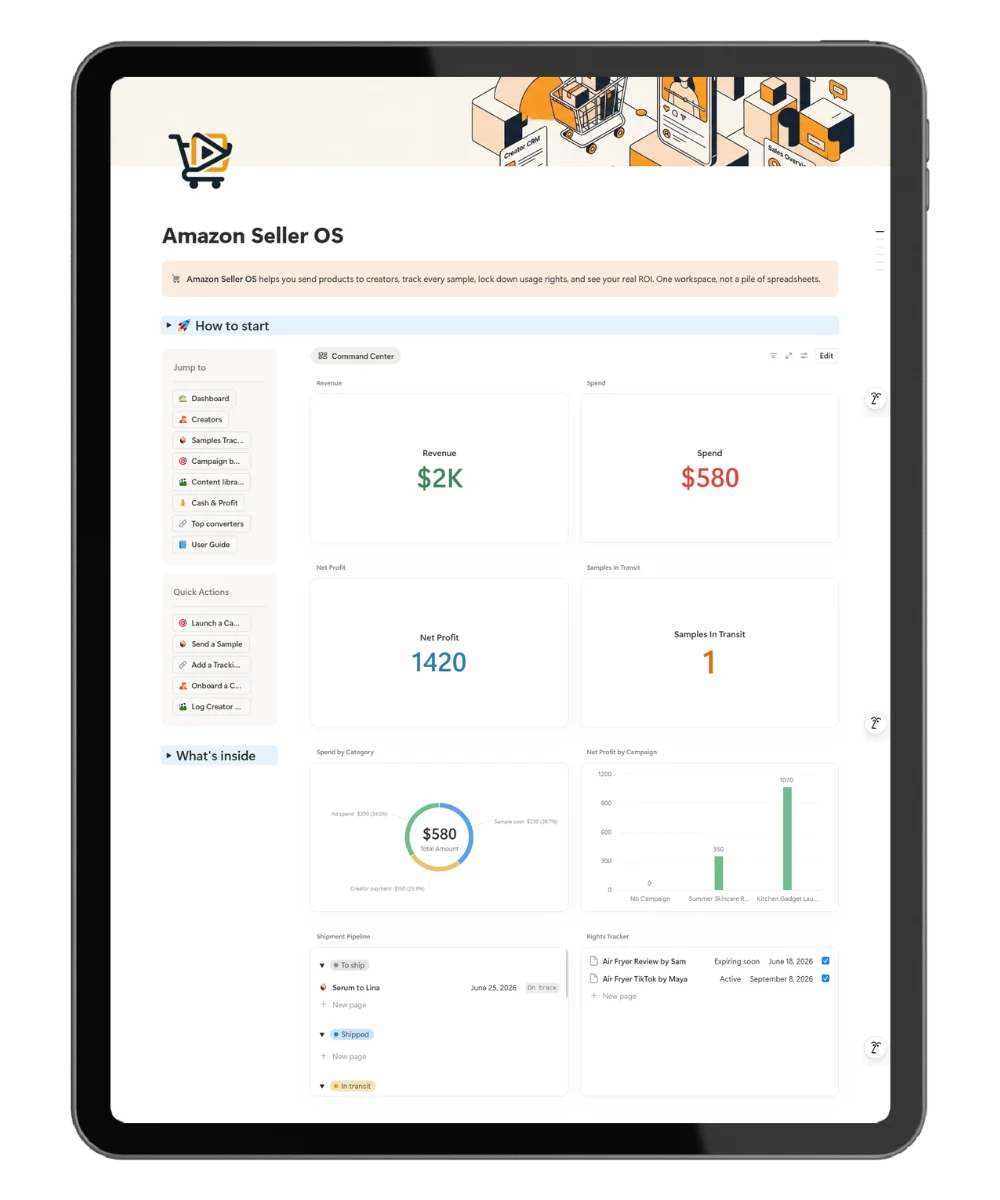
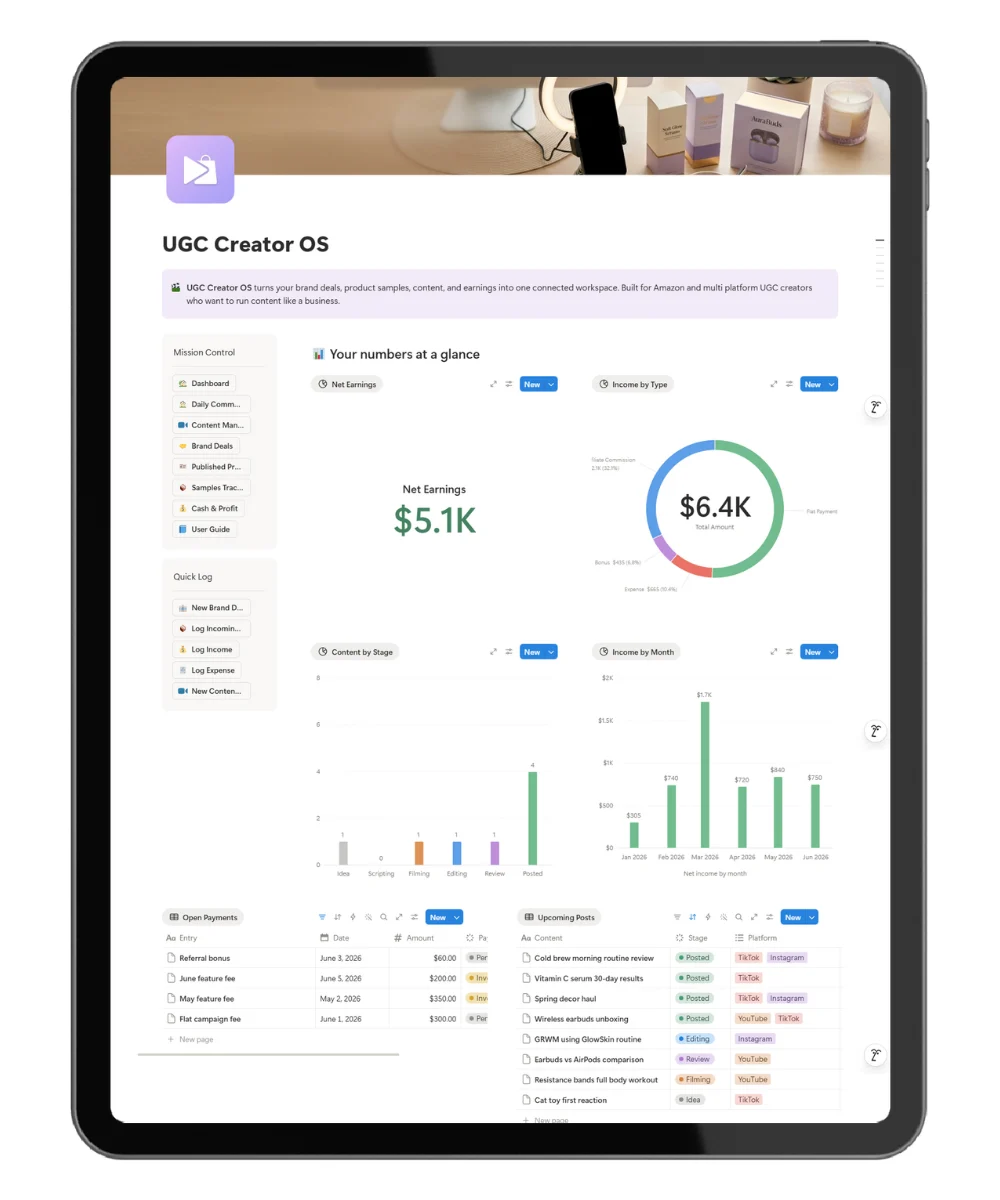
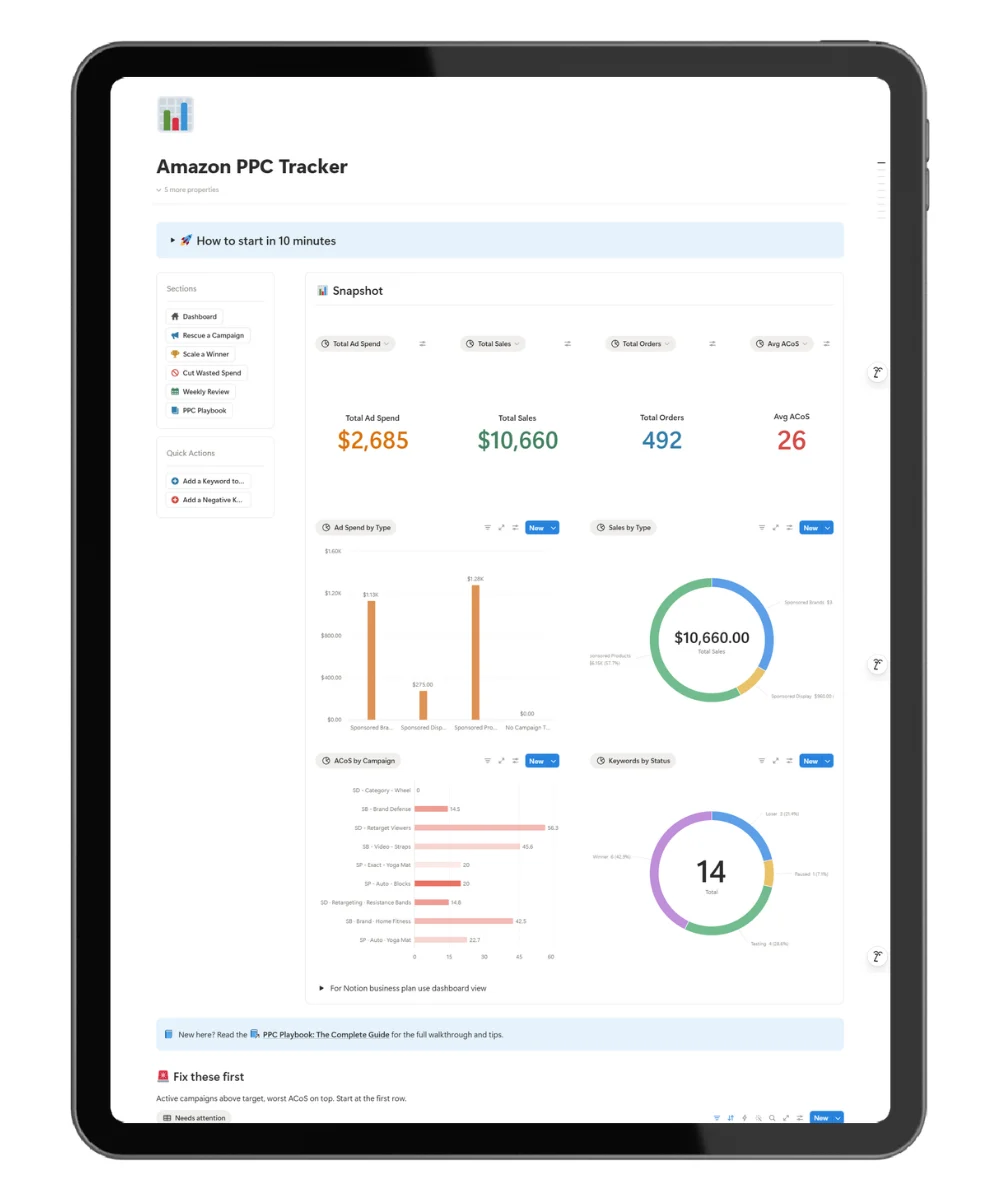
Amazon Seller OS supports creator and campaign operations. Listing Optimizer improves product-page quality. PPC Tracker controls paid traffic. Amazon Inventory Manager protects the stock needed to fulfill the demand those systems create.
Use the future Supplier and Sourcing Tracker for deeper sourcing, sample, negotiation, and supplier relationship work. Use the future Profit and ROI Dashboard for full margin and profitability analysis.
Start before the next reorder becomes urgent
Price: $49 one-time purchase
Add your SKUs, enter current stock and sales velocity, then run the guided reorder review.
Frequently asked questions
What does the Amazon inventory management template calculate?
It calculates days of stock, reorder points, suggested order quantities, stock value, estimated storage pressure, supplier rating, delivery signals, and action urgency from the information you enter.
Does it sync with Amazon Seller Central?
No. Update the key inventory numbers during your operating review. The manual workflow keeps the product lightweight and removes the need for a paid connector.
How long does setup take?
Small catalogs may complete the core setup in one focused session. Add SKU, sales, lead-time, safety-stock, supplier, and inbound details first. Add deeper records as the workflow grows.
Is it suitable for wholesale or retail arbitrage sellers?
The workflow is strongest for private-label and repeat-order products. Any seller managing predictable SKUs, lead times, and purchase orders may adapt it.
Does it help prevent overstock?
Yes. Coverage, stock value, and storage-pressure signals highlight products where another order would lock more cash in inventory.
Does it track supplier performance?
It keeps lead time, reliability, quality, MOQ, and contact context close to reorder work. Deeper sourcing and negotiation belong in the Supplier and Sourcing Tracker.
How often should I review inventory?
Review active SKUs weekly. Review fast movers, launches, and delayed inbound shipments more often. Complete the inventory health review monthly.
What do I need to start?
You need a Notion account and basic SKU information: current units, average daily sales, supplier lead time, safety stock, unit cost, and inbound units when applicable.