

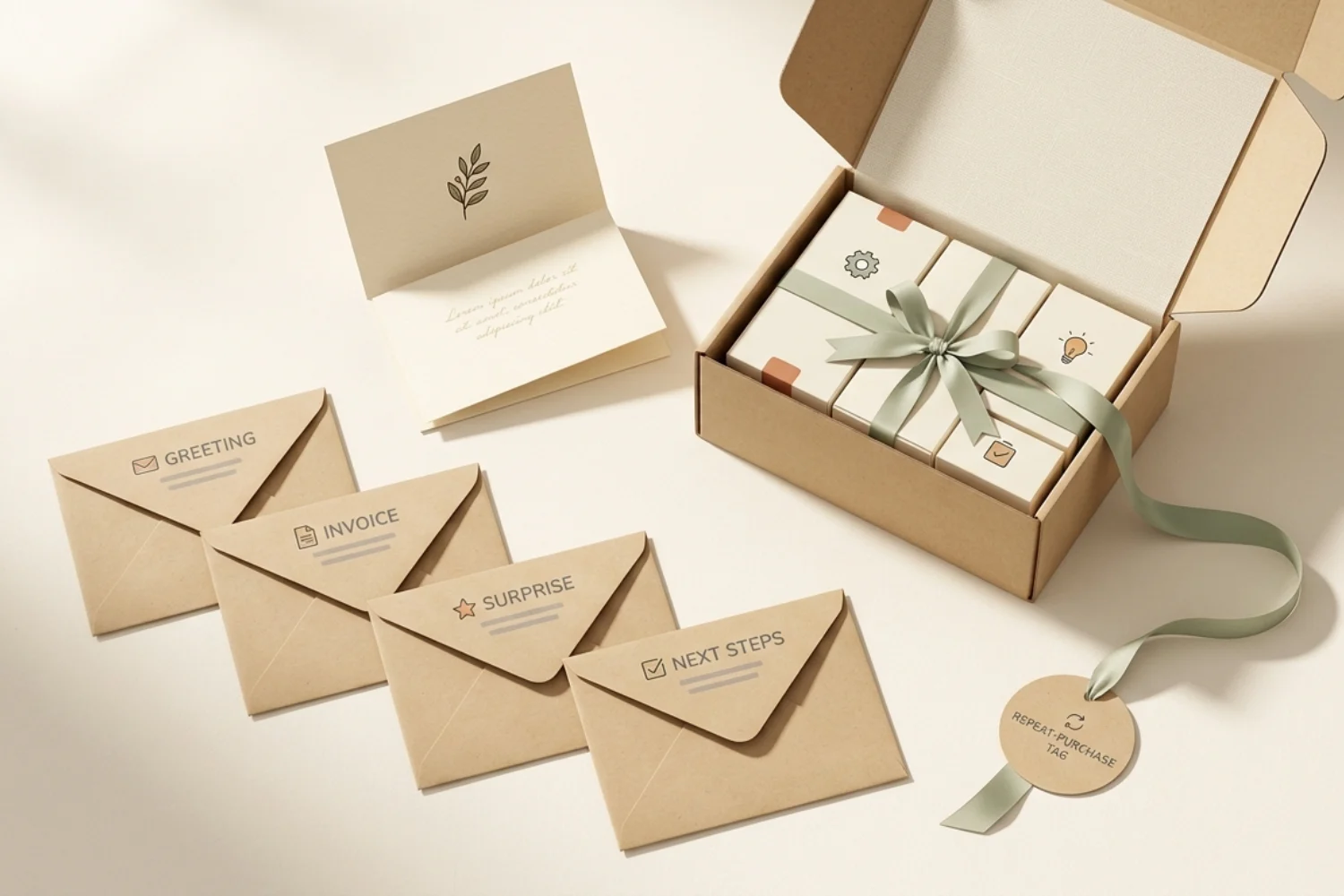
The first sale is not the finish line. It is the point where trust becomes easiest to lose or compound.
A strong post-purchase email sequence helps a buyer feel safe, guided, and remembered after checkout. It confirms the order, reduces support questions, teaches product use, asks for feedback at a sane time, and opens a path toward a second purchase.
Most ecommerce stores send a receipt, then disappear. Others jump straight into another offer before the package arrives. Both moves waste the warmest attention window in the customer journey.
Use this four-email post-purchase email sequence when your store gets buyers, but repeat purchases feel random. The flow works for physical products, digital products, subscriptions, service add-ons, and small ecommerce brands with lean teams.
The post-purchase window of attention
A buyer has already said yes. They know your brand, trusted checkout, and exchanged money for a result. For a short window, your messages feel more useful than promotional.
Klaviyo defines post-purchase emails as messages sent after a purchase, often including order details plus educational or promotional content for retention or a next purchase. Its Klaviyo post-purchase email guide also warns against asking for a review before delivery and product use.
Mailchimp frames email automation as rule-based messages sent from customer actions, such as product recommendations after a purchase. The Mailchimp email automation glossary explains the core idea as right message, right person, right time.
This is why a post-purchase flow matters. It turns a transaction into a guided experience.
The 4-email framework at a glance
Here is the simple flow:
| Timing | Goal | Main CTA | |
|---|---|---|---|
| 1. Confirmation + next steps | Immediately after purchase | Reassure | Track order or view account |
| 2. Check-in + setup help | After shipment or access | Help buyer use product | Read guide or get help |
| 3. Review request | After delivery plus usage time | Collect feedback | Leave review |
| 4. Cross-sell or upsell | After value moment | Encourage next purchase | Shop related item |
The timing depends on product type.
- Digital product: compress the sequence into 1 to 10 days.
- Physical product: wait for delivery before setup help or review asks.
- Consumable product: time the final offer near likely refill need.
- High-ticket product: add more education before any offer.
Email 1: Confirmation + what to expect
Send this immediately after checkout.
The job is reassurance. The buyer wants to know the order worked, payment processed, and next steps are clear. Do not turn this into a discount blast.
Include:
- Order summary
- Shipping or access expectations
- Support contact
- Link to account or tracking
- One helpful note about product use
Template
Subject line: Your order is confirmed
Hi [First Name],
Thanks for your order, [Product Name] is confirmed.
Here is what happens next:
- We will send tracking as soon as your order ships.
- You will get setup tips after delivery.
- If anything looks wrong, reply to this email and our team will help.
Order: [Order Number]
Estimated delivery: [Delivery Window]
Your next step: [Track your order]
Thanks again for choosing [Brand].
[Signature]
Subject line options for email 1
- Your order is confirmed
- We received your order
- Thanks for your purchase
- Your [Product Name] order details
- What happens next with your order
Email 2: Check-in and setup help
Send this after shipment for physical products, or within 24 hours for digital access.
The goal is product success. Help the buyer get value sooner. If the buyer succeeds, the next ask becomes easier.
This email belongs before the review request. A customer who has not opened the box, installed the product, or tried the guide cannot give useful feedback.
Include:
- Short thank-you
- One setup tip
- Link to guide, video, sizing chart, usage guide, or FAQ
- Support path
- Low-pressure CTA
Template
Subject line: A quick tip for your [Product Name]
Hi [First Name],
Your [Product Name] is on the way, so here is one quick tip before it arrives.
[Practical tip related to first use]
Most customers get the best result when they [simple action].
Need help? Reply here or visit the setup guide below.
CTA: [See the setup guide]
Enjoy it,
[Signature]
Subject line options for email 2
- A quick tip for your [Product Name]
- Before your order arrives
- How to get the best result
- Save this setup guide
- Your first-use checklist
Email 3: Review request
Send this only after delivery plus enough usage time.
For a supplement, wait until the buyer has tried it. For clothing, wait until delivery plus a few days. For a digital template, 3 to 7 days may work. For a high-ticket product, wait longer.
Klaviyo notes review requests should trigger after delivery and product use, not after shipment. Mailchimp also lists surveys, product reviews, and user content as common post-purchase email types in its Mailchimp post-purchase email strategy.
This email has one job: ask for feedback. Do not bury the request under promos.
Template
Subject line: How did [Product Name] work for you?
Hi [First Name],
You have had a little time with [Product Name], and we would love your honest feedback.
Your review helps our team improve, and it helps future customers choose with more confidence.
CTA: [Leave a quick review]
It takes about one minute.
Thank you,
[Signature]
3 review request CTA options
- Leave a quick review
- Rate your purchase
- Share your feedback
Subject line options for email 3
- How did [Product Name] work for you?
- Got one minute?
- Tell us about your order
- Your feedback helps
- Did [Product Name] meet expectations?
Email 4: Cross-sell or upsell
Send this after the buyer has received value.
This is the repeat customer email sequence moment. The offer should feel like the next logical step, not a random pitch.
Use purchase data to decide the recommendation.
| If buyer purchased | Recommend |
|---|---|
| Starter kit | Refill, accessory, or advanced kit |
| Single item | Matching item or bundle |
| Digital template | Related workflow, checklist, or upgrade |
| Course | Coaching session, toolkit, or next module |
| Subscription | Annual plan or premium feature |
Cross-sell recommendation block template
Because you chose [Product Name], you may also like:
[Recommended Product]
Best for: [specific use case]
Why it pairs well: [reason tied to first purchase]
CTA: [See the recommendation]
Template
Subject line: A good next step after [Product Name]
Hi [First Name],
If [Product Name] helped you with [benefit], this may be a useful next step.
[Recommended Product] pairs well because [specific reason].
It is best for customers who want to [desired result].
CTA: [See the recommendation]
No pressure. If you need help choosing, reply here and we will point you in the right direction.
[Signature]
Subject line options for email 4
- A good next step after [Product Name]
- This pairs well with your order
- Recommended for your setup
- Ready for the next step?
- Customers also use this with [Product Name]
Tagging customers for future segmentation
A post-purchase email sequence works better when it creates useful customer tags.
Start simple. You do not need a complex CRM map on day one.
Useful tags:
- First-time buyer
- Repeat customer
- Product category purchased
- Average order value range
- Review submitted
- No review after request
- Cross-sell clicked
- Cross-sell purchased
- Support issue raised
- VIP or loyalty member
These tags help later flows. For example, a first-time buyer may need education. A repeat buyer may need loyalty perks. A review submitter may receive a referral ask later.
Setup walkthrough
Use this setup flow in Mailchimp, Klaviyo, Brevo, Kit, Omnisend, or any ESP with purchase triggers.
- Choose the trigger: order placed, purchase completed, or paid invoice.
- Exclude refunds and canceled orders when your platform supports it.
- Add Email 1 immediately.
- Wait until shipped, delivered, or 1 to 2 days, based on platform data.
- Add Email 2 with help content.
- Wait until delivery plus usage time.
- Add Email 3 review request.
- Wait 5 to 10 days.
- Add Email 4 cross-sell or upsell.
- Stop the flow if the buyer refunds, unsubscribes, or buys the recommended item.
If your ESP does not track delivery, use a conservative delay. It is better to ask for feedback late than ask before the buyer has the product.
For more trigger context, connect this setup with Email Automation Triggers Explained: The Complete Reference for Beginners. If your store also loses buyers before checkout, pair this flow with Abandoned Cart Email Sequence: The 3-Email Recovery Playbook with Copy and Setup.
Common mistakes
Asking for another purchase too soon
A customer who has not received the first order does not need an upsell yet. Give reassurance first. Sell later.
Asking for a review before use
This creates awkward timing and weak reviews. Wait until the customer has enough product experience.
Sending too many emails
Four useful emails beat ten vague ones. Keep the flow focused.
Using the same flow for every product
A skincare product, digital planner, and furniture order need different timing. Build one base flow, then adjust by category.
Hiding support
Post-purchase emails should reduce anxiety. Put support access where buyers see it.
Ignoring repeat buyers
A returning customer does not need the same intro as a first buyer. Add a branch for repeat customers when possible.
FAQs
What is a post-purchase email sequence?
A post-purchase email sequence is an automated email flow sent after a customer buys. It usually confirms the purchase, helps the buyer use the product, asks for feedback, and recommends a relevant next step.
How many post-purchase emails should I send?
Start with four emails. Send confirmation, setup help, review request, and one cross-sell or upsell. Add more only when each message has a clear purpose.
When should I ask for a review?
Ask after delivery and enough usage time. For simple products, a few days after delivery may work. For products with a learning curve, wait longer.
Should I include discounts in post-purchase emails?
Use discounts carefully. A discount in Email 1 may train buyers to wait for offers. Save incentives for review campaigns, loyalty perks, or a later cross-sell.
What is the best CTA for a post-purchase flow?
The best CTA matches the buyer stage. Use track order first, read setup guide second, leave a review third, and shop related products fourth.
Key takeaways
A post-purchase email sequence should build trust before it sells again.
Use four emails:
- Confirmation + what to expect
- Check-in and setup help
- Review request
- Cross-sell or upsell
Time each email around the real customer experience. Do not ask for reviews before product use. Do not pitch before reassurance. Keep every email useful, specific, and easy to act on.
This flow turns the period after checkout into a customer retention email system, not a loose set of receipts.
