

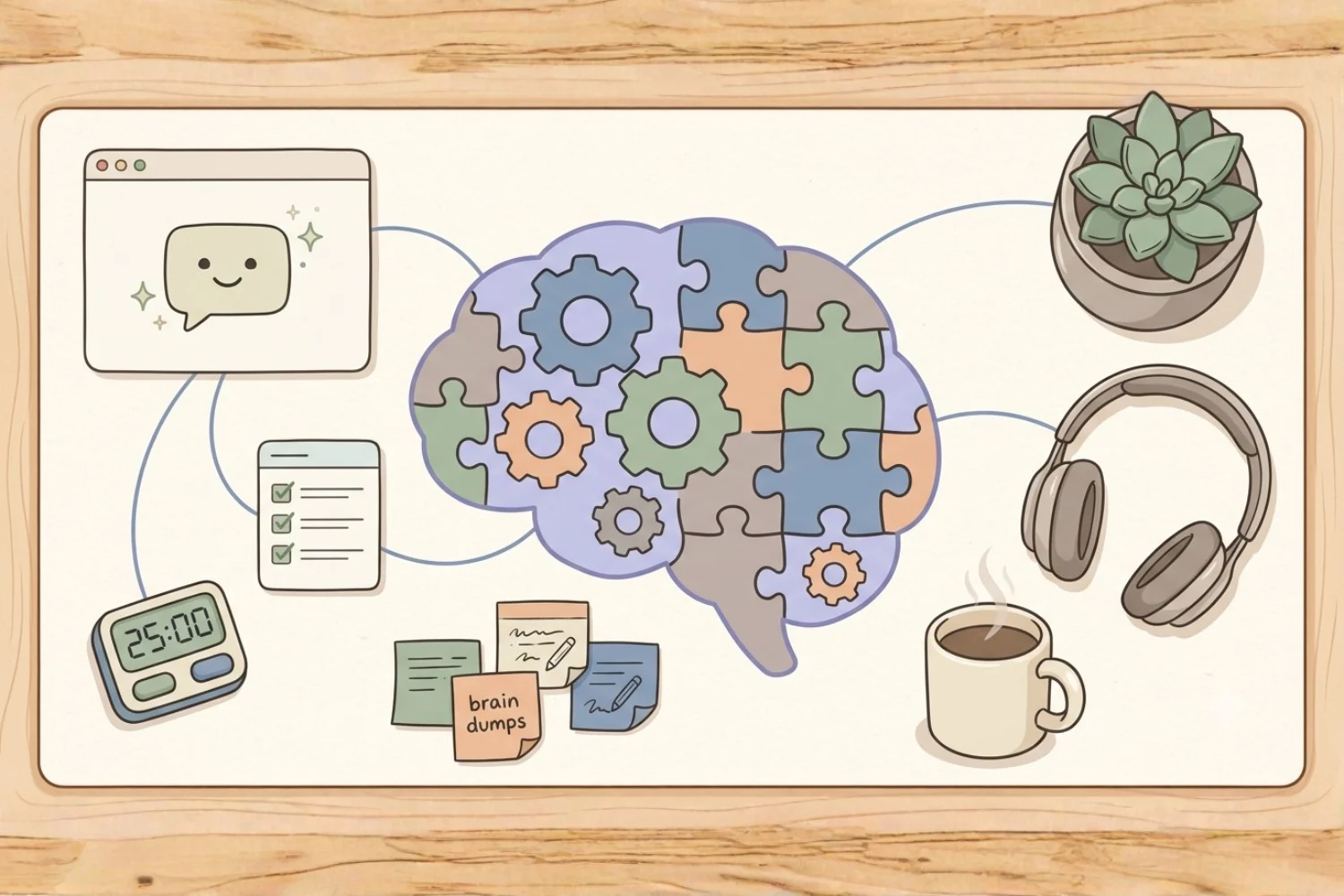
ADHD brains are not broken. They run on a different clock, a different priority engine, and a different kind of memory. The wrong workspace demands executive function you do not have on tap. The right one hands most of it back to you.
This is where a Notion AI agent for ADHD starts to feel like cheating in the best possible way. Notion Custom Agents (shipped in Notion 3.3 on February 24, 2026, and generally available since May 4, 2026) run inside your workspace, act on your databases and data sources, and fire on triggers you set once. You are not opening yet another app. You are offloading the parts of your day your brain hates: prioritizing, remembering, resetting, and starting.
This guide covers the 10 best custom Notion agent for ADHD setups I have built for creators, students, freelancers, and knowledge workers who want to stop white-knuckling productivity. Each one is paired with a published Fayedtion template you use as the working data source underneath the agent.
Table of Contents
What You’ll Learn
Why ADHD brains benefit from Notion Custom Agents
Executive function research keeps pointing to the same trio of pain points: task initiation, working memory, and decision fatigue. Traditional productivity apps and generic ADHD apps assume you will maintain them. ADHD brains rarely have the fuel to maintain a system on top of doing the work.
Notion Custom Agents flip the maintenance layer:
- Task initiation. Agents open the day for you. Instead of staring at a blank page, you get a pre-populated dashboard with today’s top 3, a warmup task, and a nudge.
- Working memory. Every capture goes into a database (Notion now calls these data sources). An agent pulls it back to the surface when you need it.
- Decision fatigue. Agents apply the priority rules once, silently, on a schedule. You are not deciding the same low-stakes question every morning.
- Hyperfocus channeling. Agents watch a database for signals (“row created in Content Inbox”) and route work into a focus queue automatically.
- External brain. Notion becomes the memory. The agent becomes the retrieval layer.
One reality check before we start. Every workspace gets 300 free AI credits per month after GA, resetting monthly with no rollover. A single heavy agent run eats meaningful credits. Plan your ADHD agents to run on daily or weekly cadences, not every hour. Extra credits cost $10 per 1,000 through the Credits Dashboard in workspace admin settings.
The 10 best custom Notion AI agent for ADHD users
1. Daily Reset & Brain Dump Agent
What it does: Every morning it pulls every unprocessed capture from your inbox, sorts it by energy level, and posts a clean “start here” panel on your dashboard. You wake up to a tidy workspace instead of yesterday’s mess.
Trigger: Recurrence, weekdays at 6:30 AM local time.
Sources: Inbox database, Today’s Focus data source, calendar.
Model: Sonnet 4.6 or Gemini 3.1 Pro for speed on structured routines.
Instruction snippet:
Every morning, read every row in the Inbox database created since yesterday’s reset. Sort them by energy level (low, medium, high) using the tag column. Move the 3 highest-priority items to Today’s Focus. Draft a one-paragraph “start here” note at the top of the daily page with the top 3 tasks, one warmup task under 5 minutes, and one gentle reminder based on yesterday’s incomplete rows.
Paired template: Daily Reset Desk | ADHD Worker already has the inbox, energy tags, and daily reset panel wired up. The agent slots in on top with zero setup.
2. Focus Sprint Coach ADHD notion template
What it does: Runs a Pomodoro-style focus sprint on demand. You press a button, tell it what you are working on, and it logs the sprint, times it, and posts a mid-sprint check-in prompt. When the sprint ends, it captures what you finished and what to carry over.
Trigger: Button press on the Focus dashboard.
Sources: Focus Log database, current sprint page.
Model: GPT-5.4 for conversational tone during check-ins.
Instruction snippet:
When called, ask for the sprint task in one sentence. Create a new row in the Focus Log with start time, task, and target duration (default 25 minutes). At the midpoint, post a low-pressure check-in question. At the end, ask what got done and what carries over, then close the row.
Paired template: Focus Sprint Desk ADHD notion template is designed for this exact workflow. The agent is the coach the desk was waiting for.
3. Task Triage Agent
What it does: Auto-sorts new tasks into the Eisenhower matrix (Urgent-Important, Important-Not Urgent, Urgent-Not Important, Neither) based on due date, tags, and any context in the task title. ADHD brains often stall on prioritization. This agent removes the stall.
Trigger: Database row created in Tasks data source.
Sources: Tasks database, calendar, project data source.
Model: Opus 4.7 for reasoning about ambiguous priorities.
Instruction snippet:
When a new task row lands, read the title, due date, project relation, and tags. Classify it into one of the four Eisenhower quadrants. Set the Quadrant property. If the task lands in Urgent-Important, add a comment tagging the owner. Never delete or overwrite existing quadrant values.
Paired template: Task Manager Eisenhower matrix already has the quadrant property, the four-view layout, and the routing filters. The agent takes over the manual sorting step.
4. Morning Command Center
What it does: Builds a single, opinionated “here is your day” page every morning. Calendar events, top 3 tasks, one focus block reserved, hydration reminder, and a soft mood check-in. Nothing to configure at 7 AM.
Trigger: Recurrence, daily at 7:00 AM.
Sources: Calendar, Tasks data source, Habits database.
Model: Auto or Sonnet 4.6.
Instruction snippet:
Every morning, generate a page inside Daily Command titled with today’s date. Include: three calendar events highlighted, top 3 tasks pulled from Priority = 1 or 2, one 90-minute focus block suggested based on calendar gaps, and a one-line mood check-in prompt.
Paired template: Daily Command ADHD notion template is the dashboard the agent writes into. Together they replace the “which app do I open first” spiral.
5. Task Initiation Nudger
What it does: Breaks any task marked “stuck” into a 5-minute first step. ADHD task initiation research is clear: if the starting cost is under 5 minutes, initiation odds triple. This agent enforces the rule automatically.
Trigger: Database row updated (Tasks data source, Status = Stuck).
Sources: Tasks database.
Model: GPT-5.5 for creative first-step suggestions.
Instruction snippet:
When a task’s Status flips to Stuck, read the title and description. Draft a first step taking under 5 minutes to start. Post it as a comment on the row. Suggest one physical action (open the document, create the file, write a one-line outline) rather than a mental one.
Paired template: Daily Flow has the Stuck status baked in and a comment stream for nudges. The agent turns a stuck row into a moving row within seconds.
6. Working Memory Capture Agent
What it does: Watches @mentions across the workspace for the pattern “@Fufa remember [thing]”. Any time you fire the phrase, it drops the fragment into your Second Brain database with the right tags, project link, and follow-up date.
Trigger: Notion agent mentioned.
Sources: Second Brain database, Projects data source.
Model: Sonnet 4.6.
Instruction snippet:
When mentioned with “remember”, extract the fragment after the keyword. Create a row in Second Brain with the fragment as title, source page as backlink, current project as relation, and Follow-up Date = today + 3 days. Reply with a single confirmation emoji.
Paired template: Notion Starter Pack ships with a Second Brain database ready to receive captures. Set up the agent once and stop losing thoughts mid-flow.
7. Content Batching Assistant
What it does: For ADHD creators who batch content in bursts, this agent takes a bulk of raw ideas dropped into an inbox and turns them into a scheduled content plan. Batching leverages hyperfocus. The agent keeps it from becoming chaos.
Trigger: Button press on Content Inbox.
Sources: Content Inbox database, Content Calendar data source, Platform property values.
Model: Opus 4.8 for creative content routing.
Instruction snippet:
When called, read every row in Content Inbox with Status = Raw. For each, propose: a working title, a target platform, an ideal publish week (spread evenly across the next 4 weeks), and one tag. Update the rows with these values and flip Status to Batched.
Paired template: ADHD Content Batching System ADHD notion template is built specifically for burst-mode creation and has the inbox, calendar, and status pipeline wired. The agent handles routing so hyperfocus keeps flowing.
8. Weekly Review & Reset Agent
What it does: Runs the review nobody wants to run on Sunday evening. Pulls incomplete tasks, wins, and lessons from the week, drafts a one-page summary, and pre-fills next week’s top 3 focus areas. ADHD brains love the reset. They rarely have the energy to do it manually.
Trigger: Recurrence, Sundays at 6:00 PM.
Sources: Tasks database, Wins log, Daily journal data source.
Model: Opus 4.7.
Instruction snippet:
Every Sunday evening, pull tasks with Completed Date in the last 7 days and tasks still open. Draft a review page with three sections: what got done, what carried over, and one lesson. Pre-fill next week’s top 3 focus areas based on open Priority = 1 tasks.
Paired template: The ADHD Summer Reset ADHD notion template works as the weekly reset engine. The agent does the writing, you do the reading.
9. Life Admin Agent
What it does: Reminds you about bills, appointments, prescriptions, and errands the way a great life admin assistant would. Reads your Life Admin database, checks dates, and posts a Monday-morning summary of what needs handling this week.
Trigger: Recurrence, Mondays at 8:00 AM.
Sources: Life Admin database, Calendar, Recurring bills data source.
Model: Auto.
Instruction snippet:
Every Monday morning, pull rows from the Life Admin database with Due Date within the next 7 days. Group them into Bills, Appointments, and Errands. Draft a one-page summary at the top of the Life Admin dashboard with total dollars due this week, appointment count, and errand count.
Paired template: Life Planner ships with Life Admin, recurring bills, and appointment tracking already structured. The agent gives you the Monday briefing the planner was built for.
10. Hyperfocus Protector
What it does: When you flip your workspace to Focus Mode, this agent watches for distraction detours. If a new “shiny thought” row gets captured in your Second Brain during a focus block, the agent tags it and defers it to your next reset instead of surfacing it now.
Trigger: Database row created (Second Brain data source, during Focus Mode).
Sources: Second Brain database, Focus Sessions log.
Model: Sonnet 4.6.
Instruction snippet:
When a Second Brain row is created and the active Focus Session row is Open, set the new row’s Defer Until property to end-of-day. Add tag “shiny-thought”. Do not comment or notify. Keep the focus session uninterrupted.
Paired template: Daily Focus Planner ADHD notion template has the focus session log and defer property baked in. The agent quietly protects your hyperfocus without breaking flow.
How to set up your first ADHD-friendly agent
Start with one. ADHD brains rarely sustain a 10-agent rollout in a weekend. Here is the smallest working sequence.
- Pick the agent fixing your biggest daily friction. Task initiation and daily reset are the two highest-leverage picks.
- Duplicate the paired template into your workspace so the agent has a real data source to act on.
- Open Notion AI and choose Create Custom Agent.
- Paste the instruction snippet from above and adjust the database and data source references to match your workspace.
- Set the trigger. Recurrence for a daily reset, button press for on-demand tools, database row triggers for background work.
- Pick a model. Auto is fine for the first week. Move to Sonnet 4.6 or Opus 4.7 once you know which agents deserve premium credits.
- Run it manually once and read what it wrote. Adjust the instruction if it missed the vibe. Save.
For a broader library of Notion Custom Agent ideas beyond ADHD workflows, browse the companion guide covering agents for content, sales, and team operations.
Credit budget for ADHD workflows
Because every custom agent costs credits, plan your ADHD stack around the 300 free credits per workspace per month. Rough math:
- Recurrence agents running daily: budget 30 to 60 credits per month, per agent.
- Button-press agents used a few times a day: 20 to 40 credits per month.
- Database row-triggered agents on active tables: this is where you burn credits fast. Test on a small dataset before turning them on for a full data source.
Two or three well-scoped agents fit comfortably inside the free budget. Every extra 1,000 credits costs $10, monthly reset, no rollover, workspace-shared. Track usage in the Credits Dashboard in workspace admin settings so you spot which agent is expensive before it drains the month.
Frequently Asked Questions
Are Notion Custom Agents a good fit for ADHD?
Yes, when scoped right. The wins for ADHD are automatic prioritization, daily reset, and captured working memory. The trap is building 10 agents in a weekend and losing track of them. Start with one agent, one trigger, one data source, and stay there for two weeks before adding another.
Which Notion template is best for ADHD users?
It depends on the pain point. 🎯Daily Reset Desk | ADHD Worker is the strongest single ADHD notion template for workday focus. Life Planner handles life admin. Focus Sprint Desk covers deep-work sessions. 📅ADHD Content Batching System is built for creators.
Do I need a paid Notion plan to run Custom Agents?
Custom Agents ship with 300 free AI credits per workspace per month after GA (launched May 4, 2026). The free budget covers 2 to 3 modest agents. Heavier setups need paid credits at $10 per 1,000, or a Business or Enterprise plan for team-scale usage. Check the Credits Dashboard in workspace admin settings.
How is a custom agent different from Notion Chat AI?
Chat AI answers on demand. A custom Notion agent for ADHD runs on a trigger you set once (schedule, button, database change, mention) and acts on real database rows. For ADHD brains, the trigger layer is the difference between “another tool I have to remember” and “something running for me while I focus”.
Which model should I pick for ADHD-focused agents?
Auto is safe by default. For task triage and weekly reviews, Opus 4.7 handles messy priorities well. For quick daily resets and captures, Sonnet 4.6 is fast and cheap on credits. For creative content batching, Opus 4.8 or GPT-5.5 give more usable variations. Match the model to the job. Do not run every agent on the most expensive option.
Key takeaways
- The best AI agent for ADHD is the one running on Sunday night without you.
- Notion Custom Agents remove three ADHD-heavy layers: task initiation, working memory, and daily reset.
- These 10 setups are among the best Notion Custom Agents you build for ADHD workflows because each one pairs cleanly with a published template.
- Every agent needs a real database or data source underneath. Pair the agent with a published template like Daily Reset Desk | ADHD Worker so it has something to act on.
- Start with one agent. Add the second only after the first has been running for two weeks without babysitting.
- Budget for the 300 free credits per month. Recurrence and button-press agents fit comfortably. Row-triggered agents on active tables burn credits fastest.
- The right stack turns Notion into an ADHD productivity system ADHD notion template you keep using, not another abandoned setup.
The gap between “I want to be productive” and “I finished the thing” is where ADHD lives. A well-scoped Notion AI agent for ADHD closes the gap by running the friction-heavy work in the background so your brain gets to spend energy on the thinking.
→ Start with Daily Reset Desk | ADHD Worker, add one agent on top, and let the workspace do the executive function you were never meant to spend fuel on.
