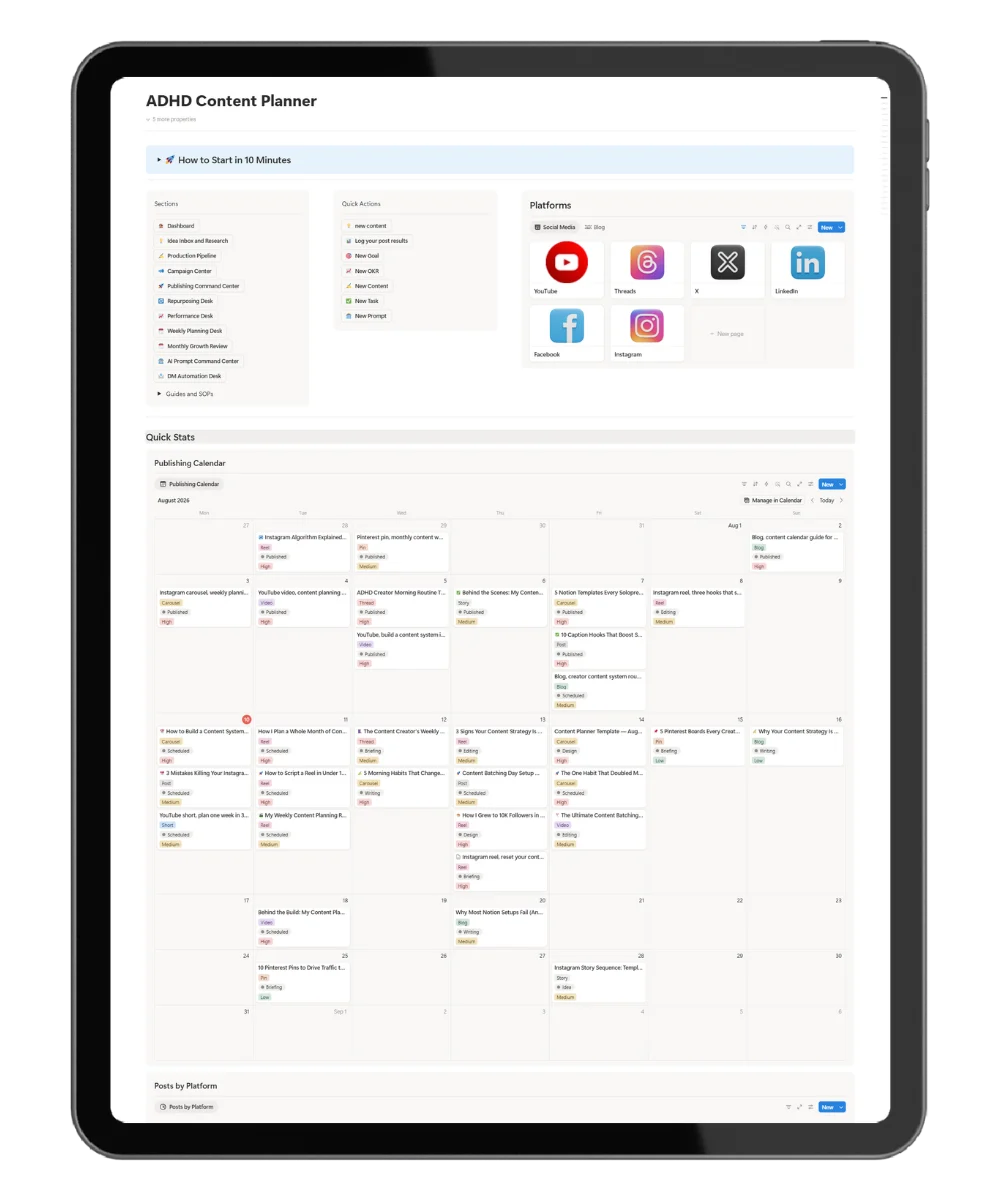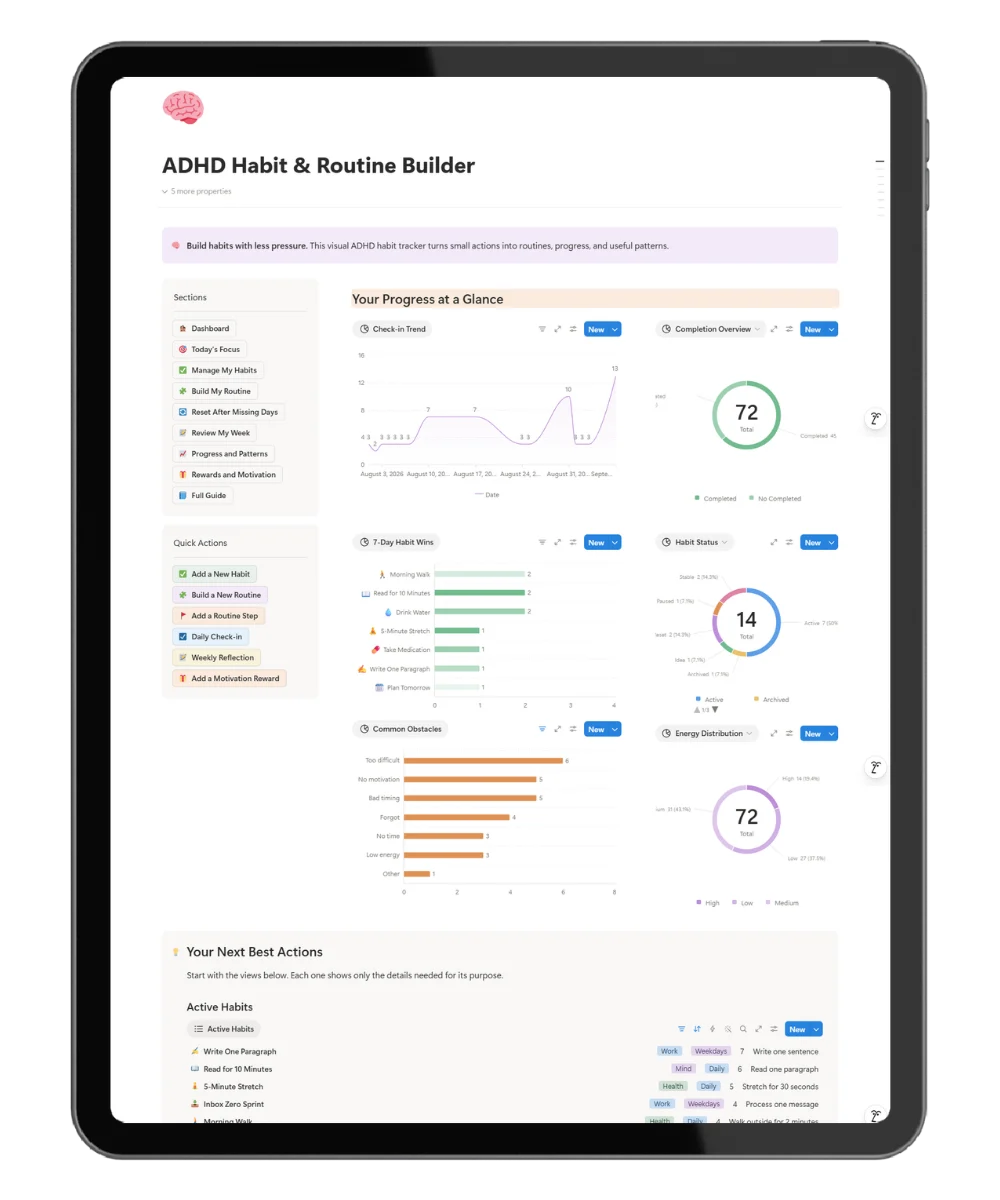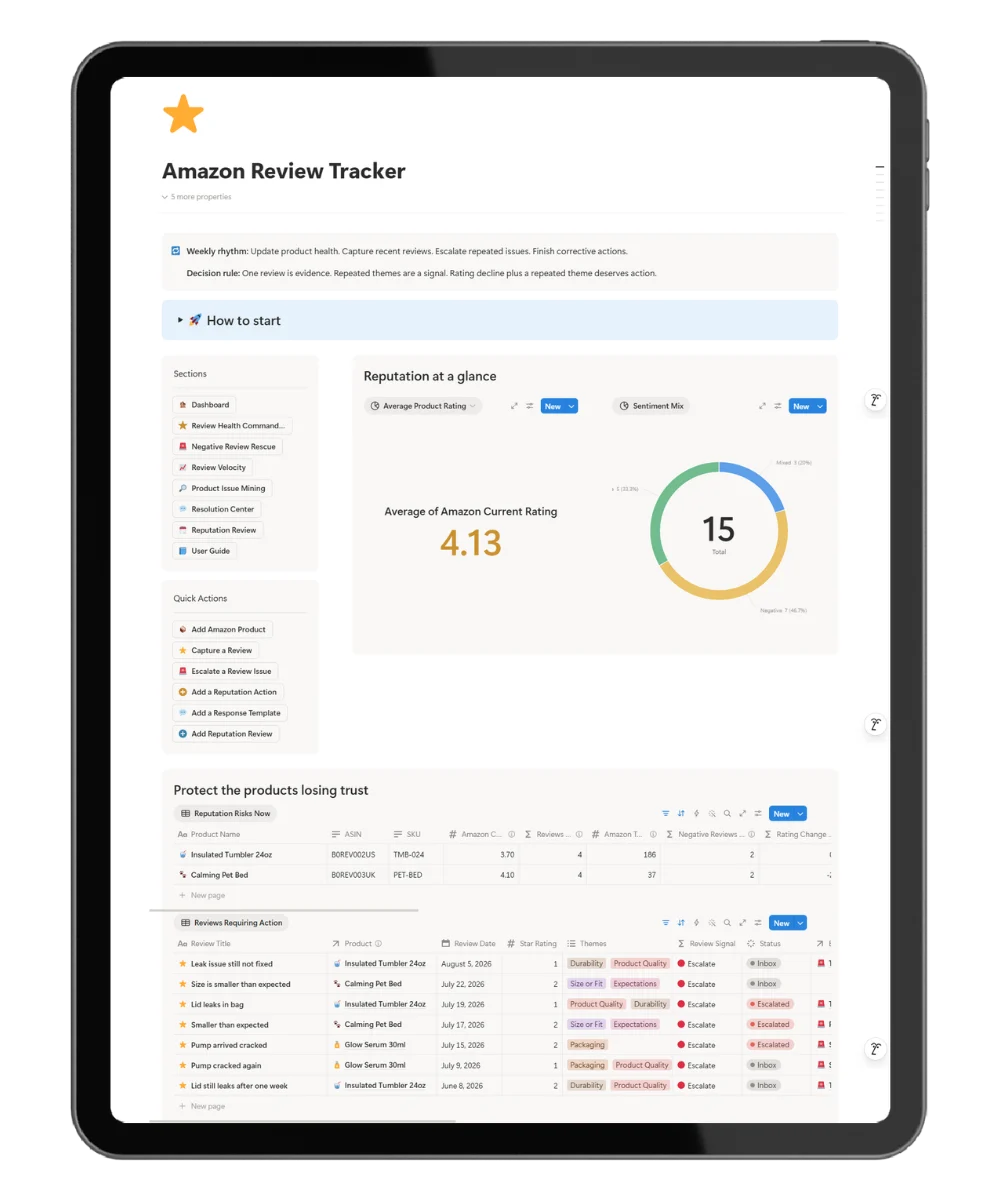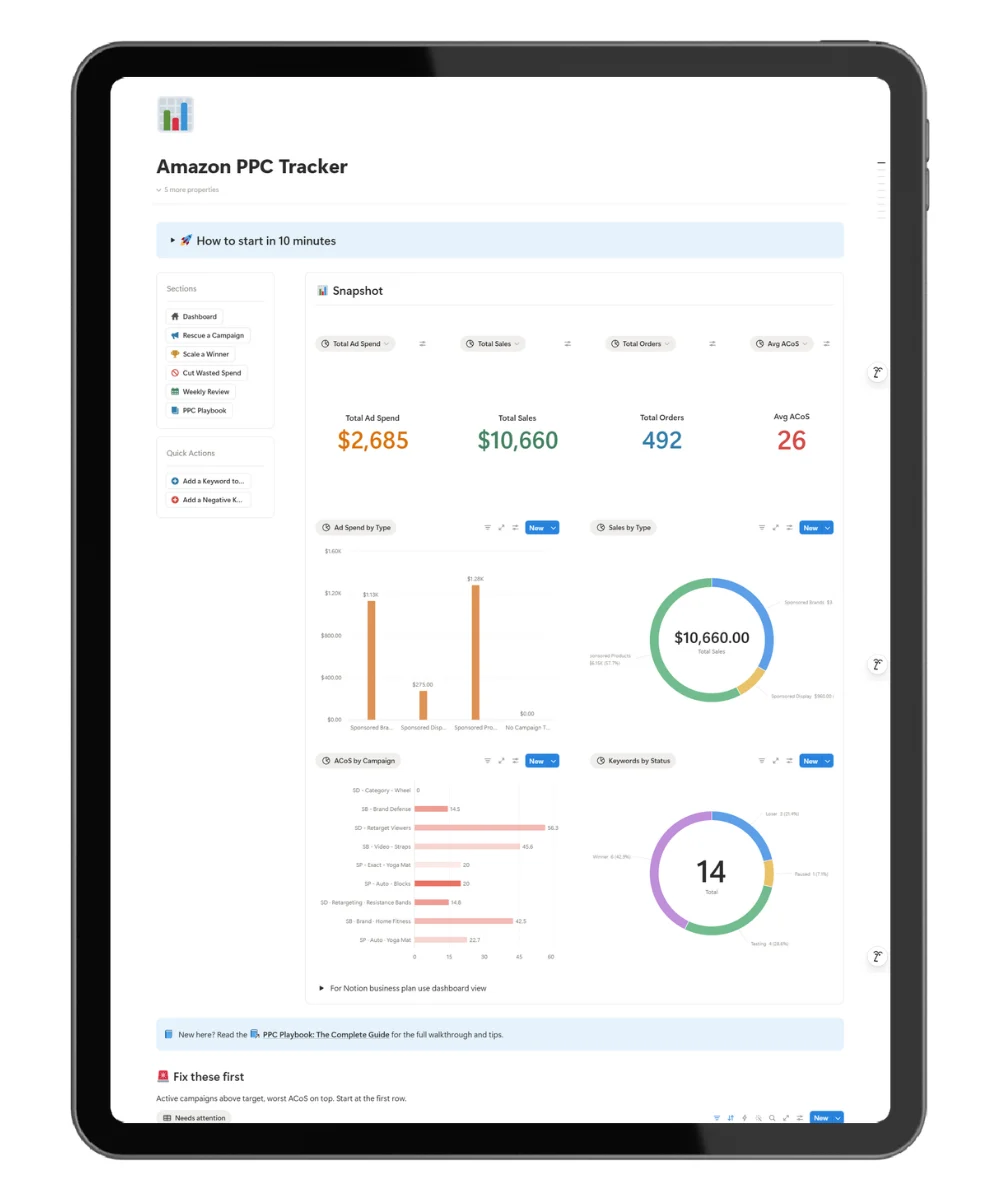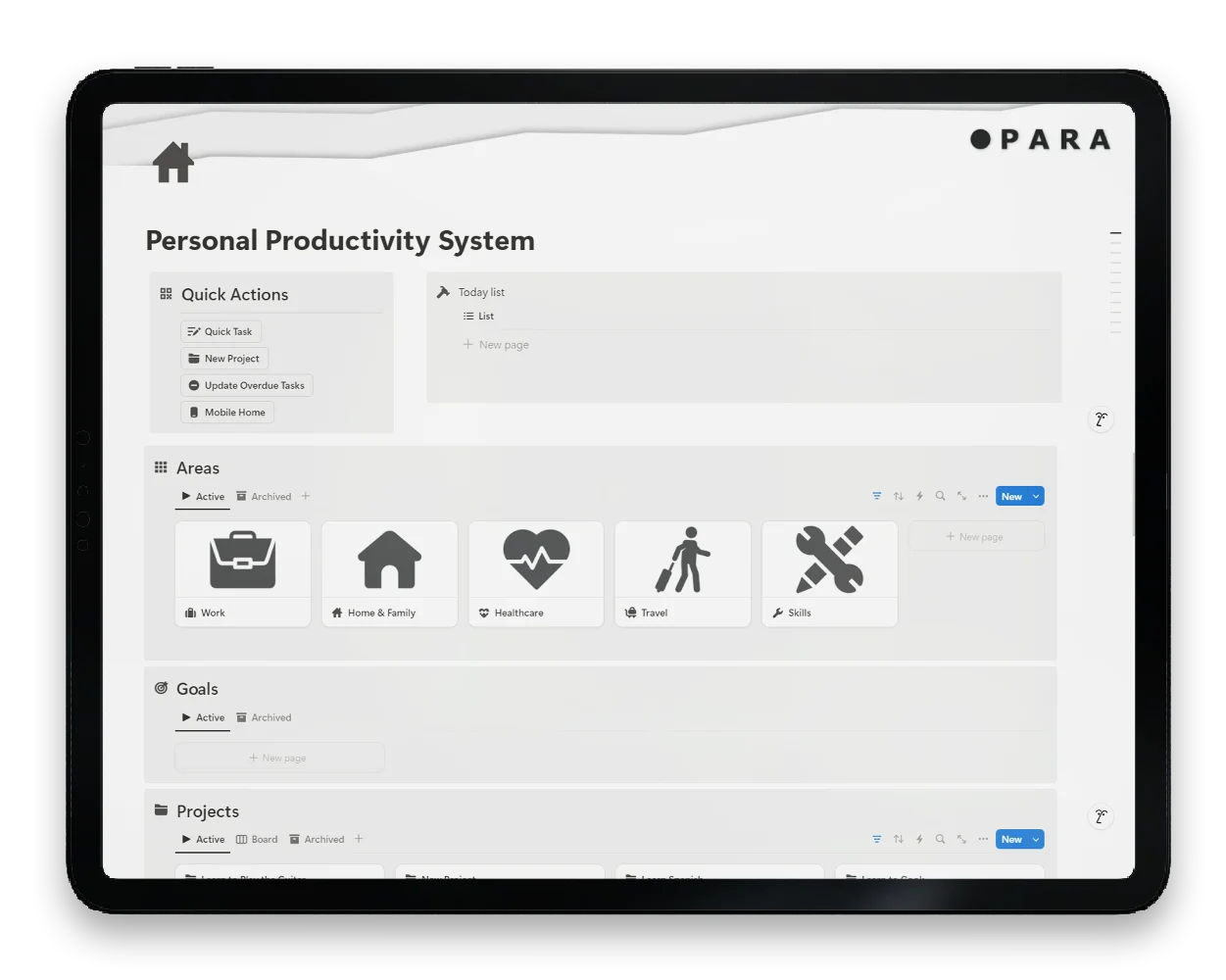
A calm Notion workspace for brains running ten threads at once. This free ADHD Notion template uses the PARA method (Projects, Areas, Resources, Archives) to hold your tasks, goals, and life areas in one mobile-friendly home. Duplicate in under five minutes. Open it on your phone or your laptop. Start tomorrow with one clear next step.
When Your Productivity System Is Why You Are Not Productive
You opened five apps before lunch. You wrote the same task in three places. You spent an hour color-coding labels and forgot to do the thing.
This is the cost of a system built for neurotypical brains. Too many options. Too many setup steps. By the time the dashboard looks right, the energy is gone and the task is still waiting.
ADHD brains do not lose tasks because of laziness. They lose them because most productivity tools force them to choose, switch, and remember.
Hold Projects, Areas, Resources, And Archives In One Mobile-Friendly Home
A productivity system should do four things for an ADHD brain without effort:
- Show one clear next action.
- Capture every thought before it slips.
- Keep long-term goals visible without burying daily work.
- Travel with you on your phone, not only your laptop.
This ADHD Notion template gives you all four. Tap one button to log a task. Tap another to capture an idea. Open the mobile productivity dashboard from the couch, the train, or your desk and find the same home page waiting.
Built On PARA, Sharpened For ADHD Brains
Most productivity templates hand you a blank Notion page and a thousand options. ADHD brains drown in blank canvases.
This one flips the model. The home page does the thinking for you:
- A clear PARA structure for Projects, Areas, Resources, and Archives.
- A mobile productivity dashboard for one-tap capture on the go.
- Quick-action buttons for the work you do every day.
- Goal tracking tied to daily tasks so long-term work stays visible.
- Visual progress markers so finished work feels finished.
- A focus-friendly layout with no color theory or tag system to learn.
No setup ritual. No tutorial loop. Duplicate, name it, start logging.
How A PARA Productivity System Replaces The App-Switching Loop
The ADHD Notion template is built around one rule: capture in one place, work from one place.
Here is the flow:
- A thought lands. You tap one quick-action button. It goes to Projects, Areas, Resources, or Archives without you having to think about where.
- Today’s priorities sit on the mobile productivity dashboard, so the next clear action is one tap away.
- Goals stay linked to active projects, so weekly progress is visible without a planning session.
- Finished work flows to Archives, so the active list stays short and your eye sees less noise.
The structure carries the cognitive load. You carry the focus. This is the trade neurodivergent brains need.
Built By A Notion Template Builder With 3 Years Of System Work
This template comes from Fayedtion, where Fayed has been building Notion templates for around 3 years with a focus on practical workflows for solopreneurs, creators, and neurodivergent task management.
Every section in the Personal Productivity System has a reason. If a feature did not earn its spot, it is gone. The goal is not a beautiful screenshot for social. The goal is a second brain you still open on day 30.
Why People Use This ADHD Notion Template Instead Of Todoist Or Trello
| What ADHD brains struggle with in other tools | How this ADHD Notion template answers it |
|---|---|
| Apps split across tasks, notes, projects, and goals | One PARA home holds all four lanes |
| Setup fatigue before the first task is logged | Duplicate and use, under five minutes |
| Mobile apps feel like a cut-down version | Mobile productivity dashboard built for one-tap action |
| Color theory, tag systems, and rules to learn | Outcomes over options. The home page does the thinking. |
| Tools you pay for and stop using by week three | Free download, lives inside your Notion |
Download The Free ADHD Notion Template
What lives inside:
- PARA structure: Projects, Areas, Resources, Archives
- Mobile productivity dashboard with quick-action buttons
- Goal tracking linked to daily tasks
- Quick-capture for tasks, notes, and ideas
- Today view for one clear next action
- Visual progress markers for active work
FAQ
Is this ADHD Notion template free?
Yes. Free to download, free to duplicate, free to keep. No paywall on the template itself. The newsletter signup on the home page is optional.
Do I need a paid Notion plan?
No. The free Notion plan covers everything in this template. Personal accounts work fine.
Is it beginner-friendly?
Yes. Duplicate the template, rename it, and start logging. No formulas to fix, no setup video to sit through, no tag rules to memorize.
Does it work on mobile?
Yes. The mobile productivity dashboard is built into the template. Quick-capture buttons, today view, and PARA navigation work from the Notion mobile app.
Will it work for someone without ADHD?
Yes. The design choices were made for neurodivergent brains, which means fewer steps, one home page, and clear capture. Anyone who hates productivity setup wins from the same choices.
What is the PARA method and do I have to learn it first?
PARA stands for Projects, Areas, Resources, Archives. It is a simple way to sort everything in your life into four buckets. The template applies it for you. No book required.
What about refunds?
This is a free digital product, so there is no payment to refund. For paid digital products on Fayedtion, all sales are final.
Is there a bigger paid version?
The free template covers the core PARA setup, mobile productivity dashboard, and quick capture. For full habit tracking, financial tracking, and deeper project views, the Ultimate Life Planner on the Fayedtion website is the next step.