Run Your Whole Business Money in One Notion Finance OS
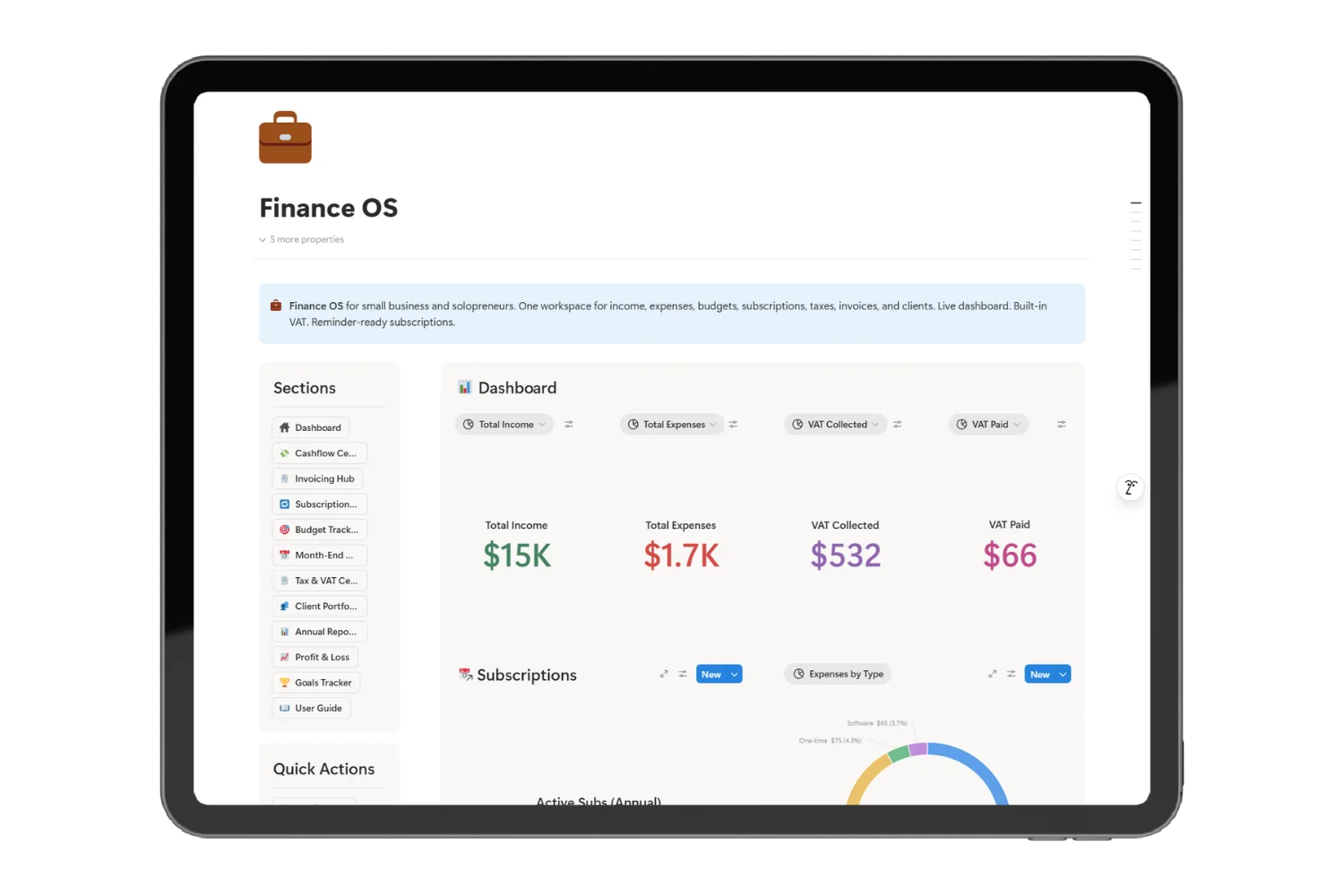
Finance OS is the Notion finance OS for small business owners, freelancers, and solopreneurs. Income, expenses, VAT, invoices, and cash flow live in one workspace, so you stop switching tabs to answer one money question.
Your Money Lives in Five Tabs, and You Trust None of Them
A spreadsheet for income. A bank tab for expenses. An invoicing app for clients. A note for VAT. A second spreadsheet for the budget.
Most freelancers and small business owners run an income and expense tracker in Notion or a sheet, a separate invoicing app, and a third file for tax. When the accountant emails for the quarter, you open all five files and still have no clean answer to one question: after VAT, how much did the business keep this month?
From Lead to Invoice to Paid, See Your Whole Money Flow in Notion
Finance OS turns the five tabs into one workspace built around how a small business runs. The Notion finance OS links income, expenses, clients, invoices, VAT, and cash flow as one workflow, not five disconnected files. As a Notion template to track income and expenses, it goes past a basic tracker and runs the full money workflow.
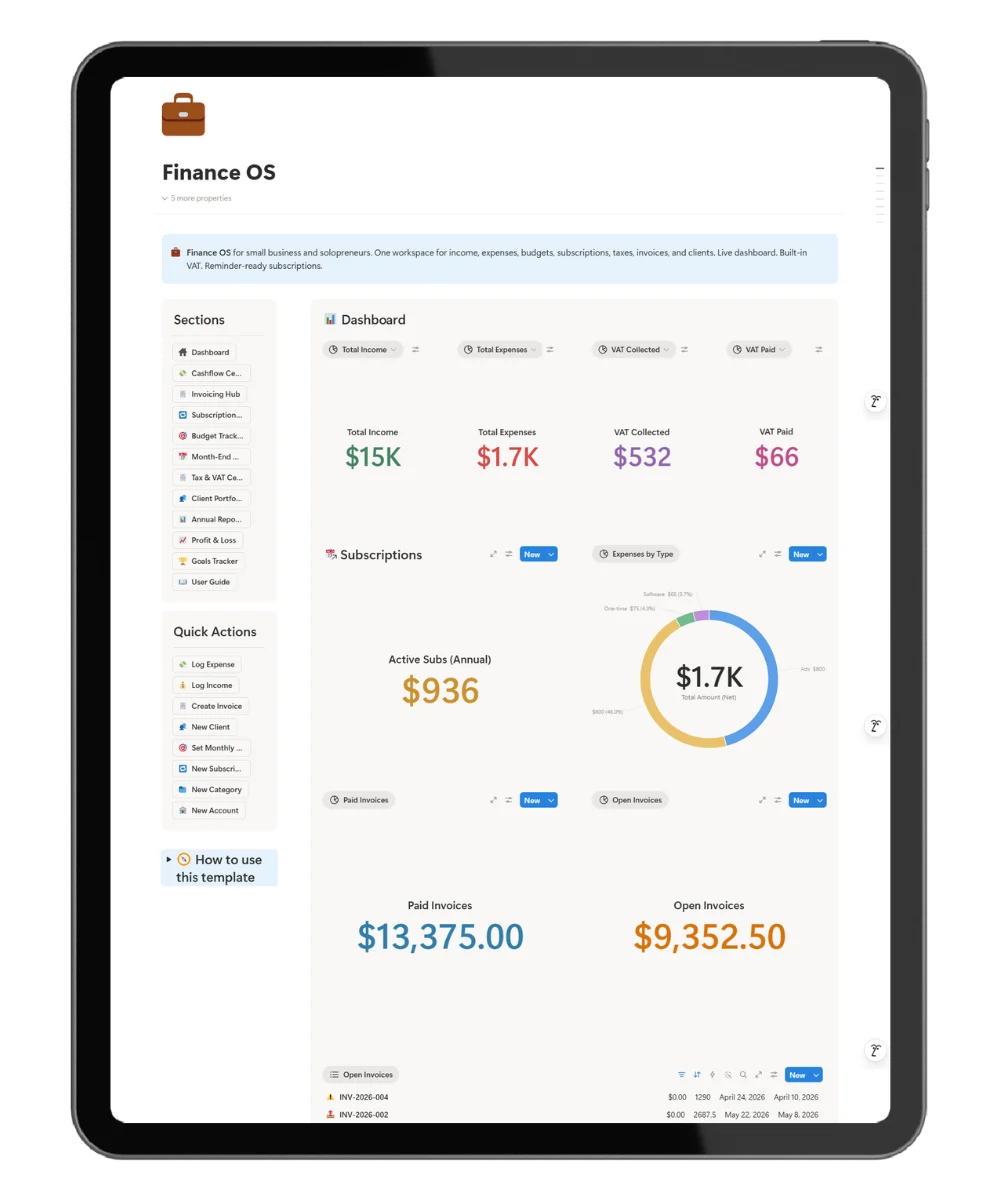
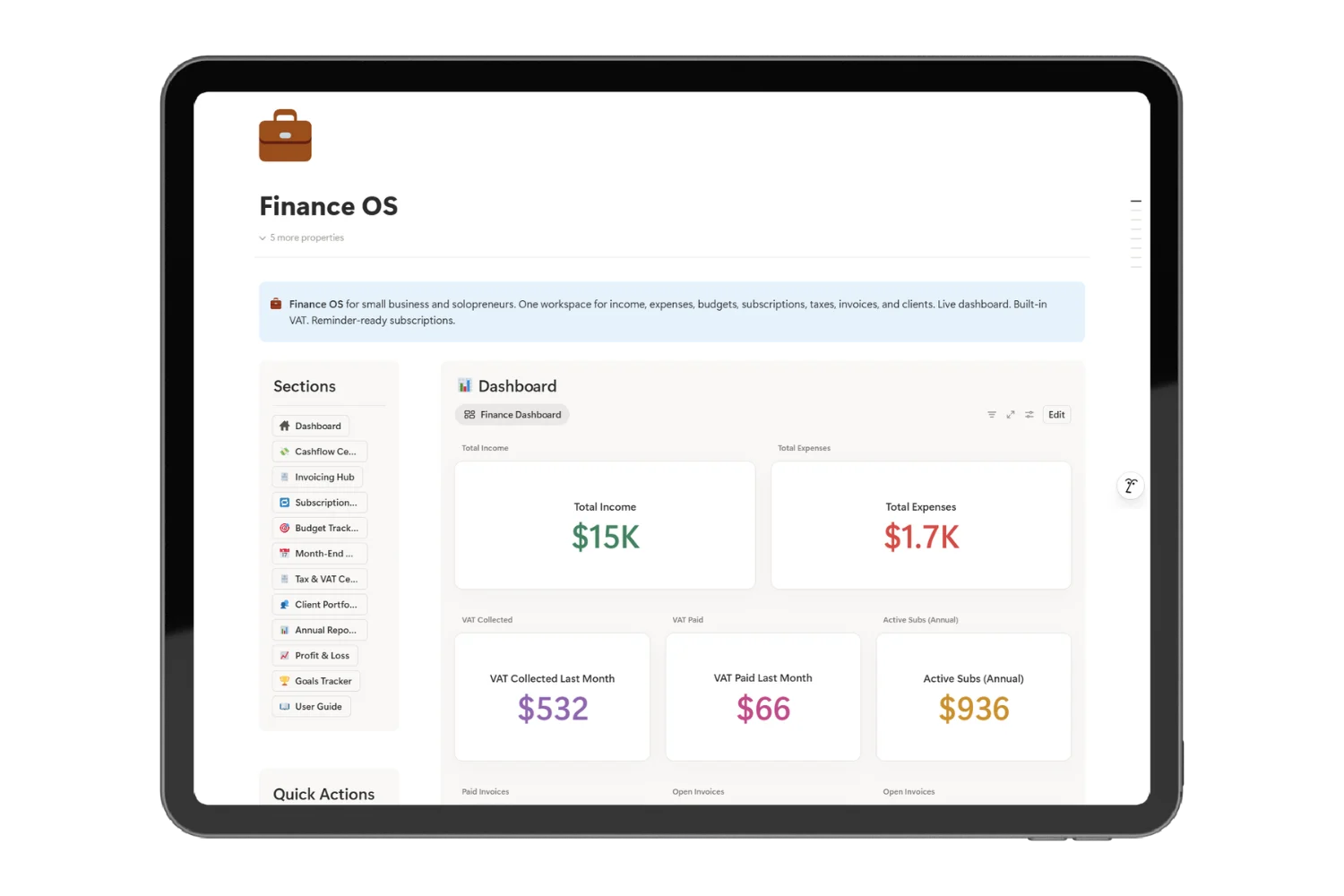
After setup, you read these without opening anything else:
- Cash on hand and runway in months, live, a real cash flow and runway tracker in Notion
- VAT collected and VAT owed for the quarter, a clean VAT tracker for small business filing
- Invoices sent, paid, and overdue
- Every client from lead to paid in one pipeline
- The month closed in an evening, not a lost weekend
One Workspace, Not One Stack for Small Business Finance
Most small business finance tools record money. Finance OS runs the business. As an all in one finance system for small business owners, the small business finance template links clients, invoices, VAT, expenses, and cash flow as one workflow. Your bookkeeper does the recording. Finance OS does the deciding. As a finance template for solopreneurs and a Notion accounting template for freelancers, it fits a one-person business as well as a small team.
How the Math Already Does Itself
Mark an invoice paid and three things move at the same time: cash flow, VAT collected, and the client pipeline. Log an expense and the tax category and the budget update with it. The numbers stay in sync because the records share one workspace, not five tabs.
Everything Inside the Notion Finance OS, for $39
- Live dashboard for income, expenses, VAT, and cash runway
- Invoice tracker with paid, unpaid, and overdue status
- Client pipeline from lead to paid
- VAT view for collected vs owed across the quarter, the VAT tracker for small business filing
- Subscription and renewal alerts before the bank charges
- Step-by-step user guide for your first month
- Free lifetime updates
FAQ
How does the Notion finance OS handle VAT collected versus VAT paid?
Each income entry tags VAT collected. Each expense entry tags VAT paid. A live view shows the running balance owed to the tax office at any point in the quarter, so VAT season stops being a guessing game. This is the VAT tracker for small business owners and freelancers who file quarterly.
How does the cash runway figure calculate?
Average monthly expenses divided into current cash on hand. The number updates every time you log income or an expense, so the cash flow and runway tracker in Notion reflects the present month, not the quarter behind you.
How does invoicing work without a payment processor inside Notion?
Finance OS tracks the invoice lifecycle: drafted, sent, paid, overdue. You send the invoice through your processor of choice (Stripe, Wise, PayPal, bank transfer). Finance OS holds the status, the date, the amount, the VAT, and the link, so the client invoicing and cash flow template stays your single source of truth.
Does Finance OS support more than one currency?
Yes. Each account holds its own currency. Income and expenses convert against a rate you set per entry, so a client paying in USD and a vendor billing in EUR sit on the same report.
How long does first-time setup take for a small business with a year of records?
A first-time setup runs two to three hours for a business with one bank account, a payment processor, and a year of past records. A new business with no history starts in under thirty minutes.
What does my accountant receive when they ask for the source data?
Every record exports to CSV. Send the income log, the expense log, and the VAT view to your accountant in three exports.
Is Finance OS the right finance template for solopreneurs and freelancers?
Yes. The same workspace serves a freelancer billing two clients and a small business owner billing fifteen. The income and expense tracker in Notion, the invoice pipeline, and the VAT view scale with the volume, not the headcount.
Will Finance OS replace QuickBooks or Xero for filing?
No. Keep your bookkeeping software for compliance filing. Finance OS gives you the daily view your accountant does not: cash on hand, runway, client pipeline, and which invoices are late. Think of it as a Notion accounting template for freelancers and small business owners who want the daily numbers, not the year-end ledger.
Do updates cost extra after I buy?
No. Updates are free for buyers.