You’re Losing Money on Every Project You Underprice
A client asks for a quote. You open a calculator, guess some numbers, factor in a vague idea of platform fees, and send a price that “feels right.”
Two weeks later, you finish the project and realize you earned $8/hour after Fiverr took its cut.
Most freelancers price based on what competitors charge or what sounds reasonable. They forget platform fees, business expenses, revision time, and client communication hours. The result: you work more and earn less.
Know Exactly What You’ll Earn Before You Hit Send
By using the freelance-pricing-calculator, you will:
- Know your exact take-home before you send any proposal
- Compare real earnings across Fiverr, Upwork, and direct clients side by side
- Build and send proposals in under 5 minutes
- Design packages that upsell themselves
- Never guess your break-even rate again
The Complete System. Not Just a Calculator.
Other freelance calculators are single-purpose tools. They tell you one number.
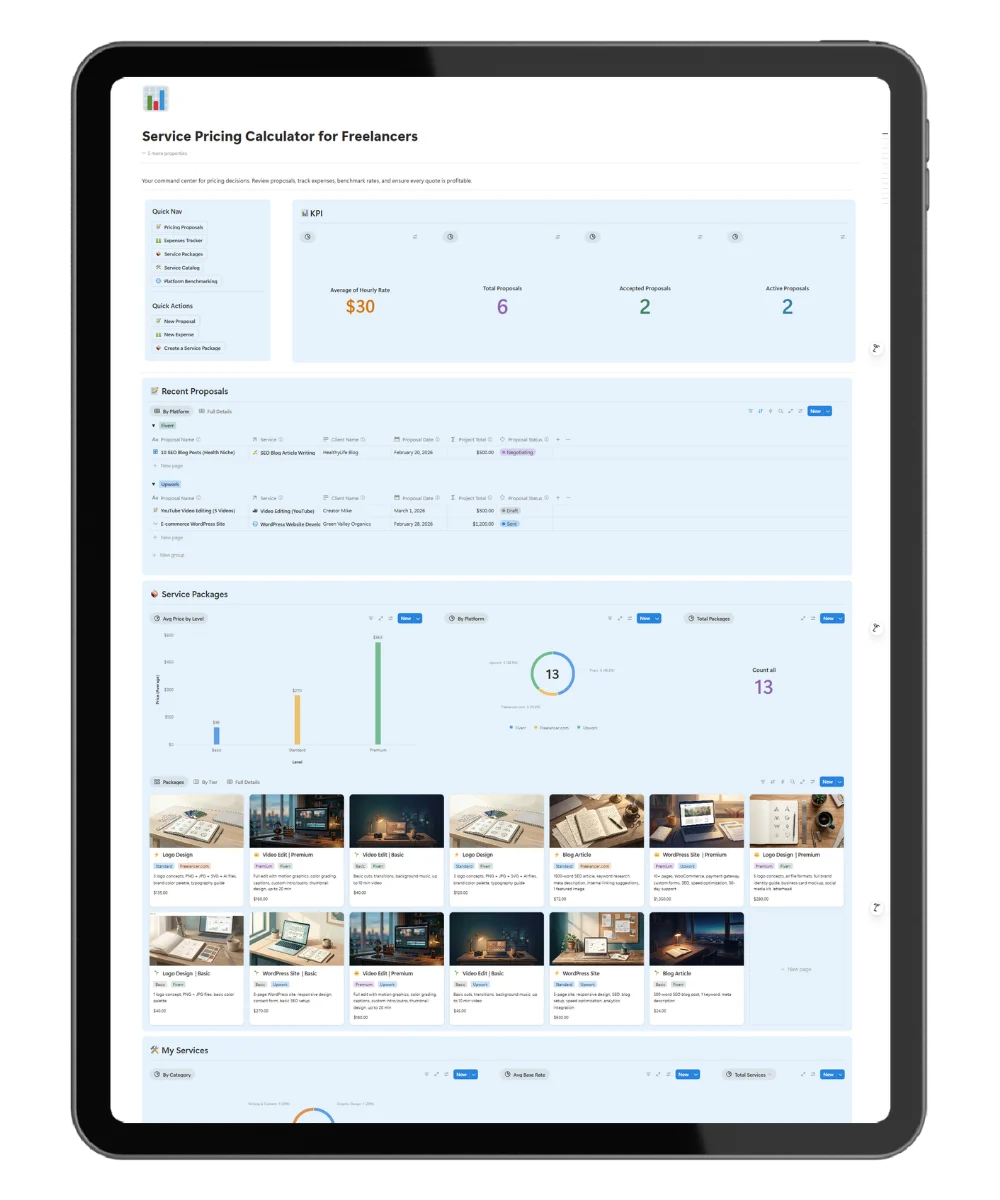
This freelance pricing calculator is the complete system: pricing, proposals, packages, market research, expense tracking, and a live dashboard — all in one Notion workspace.
Not just a calculator. A full pricing command center.
Four Layers That Run Your Entire Pricing Operation
The system runs on four interconnected layers:
- Rate Engine — Enter your hourly rate, hours, and platform. It auto-calculates Project Total, Platform Fee, Take-Home Pay, and Effective Hourly Rate.
- Expense Tracker — Log every business cost. The system calculates your monthly overhead and minimum profitable hourly rate.
- Market Research Table — Log competitor rates per platform. See low end, high end, and competition level. Price with data, not guesses.
- Package Builder — Build Basic / Standard / Premium tiers. Each tier shows price, platform fee, and actual earnings. Clients pick higher tiers when the value difference is clear.
Every new proposal opens with a structured template: scope of work, revision policy, pre-send checklist, and a final validation step. No blank pages.
What’s Included
- ✅ Proposal builder with auto-calculations
- ✅ Platform fee comparison (Fiverr, Upwork, Freelancer.com, direct clients)
- ✅ Monthly expense tracker with break-even calculator
- ✅ Market research database for competitor rate logging
- ✅ Service package designer (Basic / Standard / Premium)
- ✅ Proposal pipeline tracker (Draft → Sent → Negotiating → Accepted / Rejected)
- ✅ Quick-entry forms: New Proposal, Add Expense, New Package
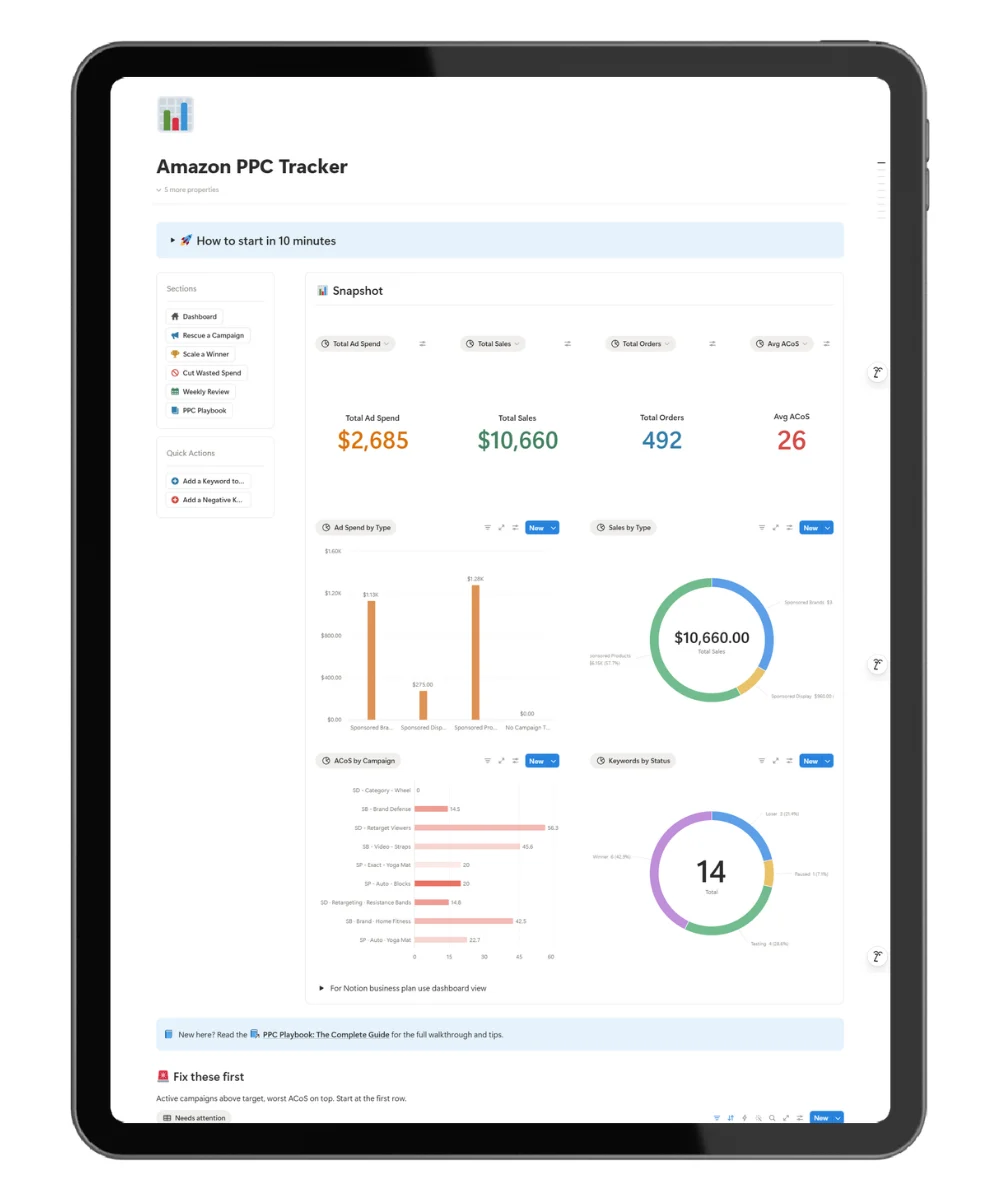
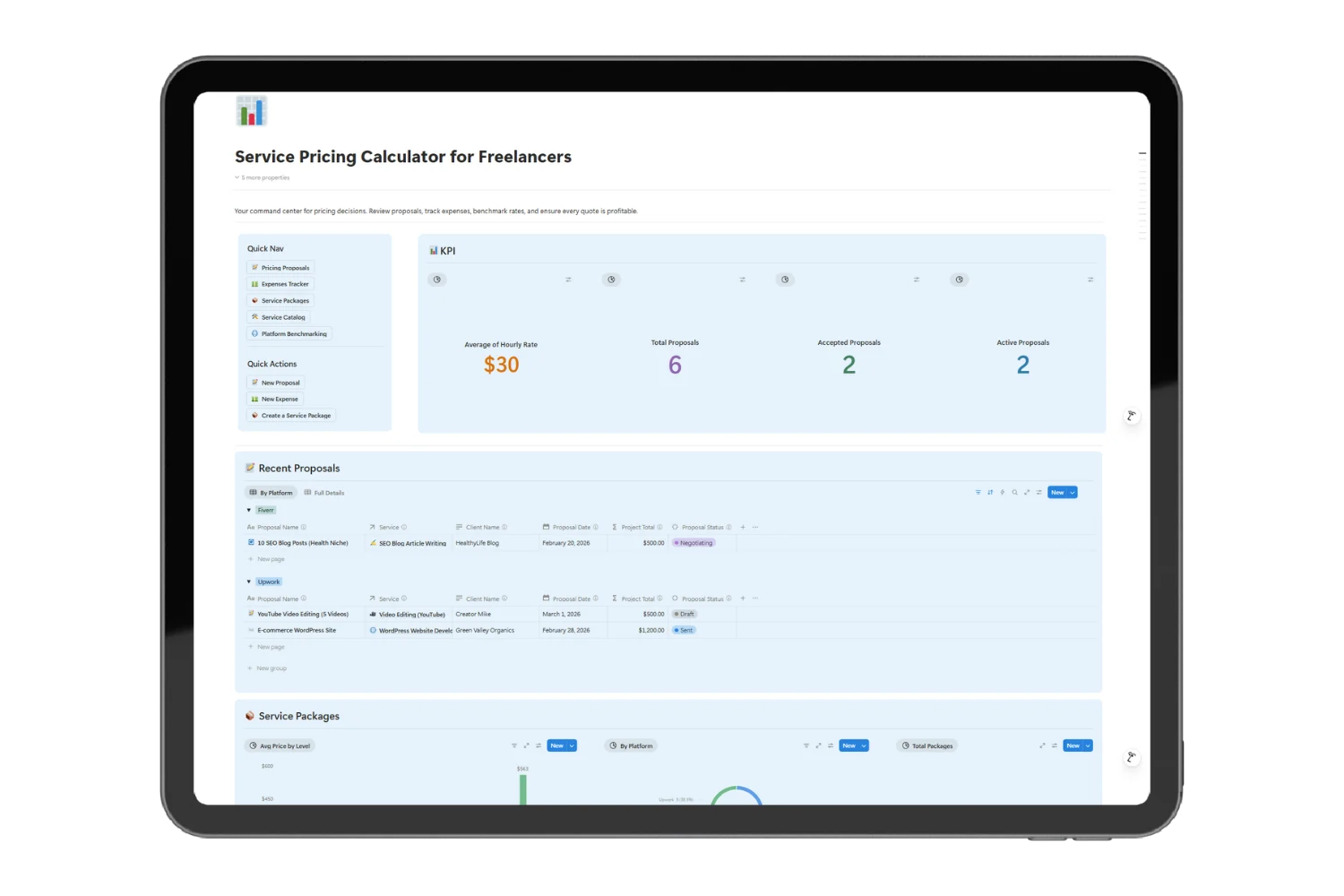
- ✅ Live dashboard with KPI cards and visual charts
- ✅ Guided page templates for proposals, services, and packages
- ✅ 10-point proposal checklist
freelance pricing calculator Built for Every Freelancer Who Sells a Service
- Freelancers on Fiverr, Upwork, or Freelancer.com who want to stop guessing rates
- Service providers: logo designers, web developers, writers, social media managers, video editors
- Beginners who have no idea what to charge and need a structured starting point
- Freelancers going direct who want to prove their rates are fair
Frequently Asked Questions
Do I need to know Notion to use this template?
No. The template is ready to use right after you duplicate it. Basic Notion knowledge helps, but there is nothing to build or configure.
Which freelance platforms does this freelance pricing calculator support?
Fiverr, Upwork, Freelancer.com, and direct clients. You can also add any custom platform with its fee percentage.
Does it calculate platform fees automatically?
Yes. Enter your price and select the platform. The system auto-calculates the platform fee, your take-home pay, and your effective hourly rate.
Can I track multiple services and packages?
Yes. Add as many services as you offer. Each service supports Basic, Standard, and Premium package tiers with separate pricing and deliverables.
Does it work if I charge per project, not per hour?
Yes. You can enter a flat project price. The system still calculates your take-home and effective rate based on your estimated hours.
Is this a one-time purchase or subscription?
One-time purchase. Duplicate it once to your Notion workspace and it is yours.
Do I need a paid Notion plan?
No. The template works on the free Notion plan.
One Template. Everything You Need to Price, Propose, and Get Paid.
One template. Everything you need to price, propose, and get paid.
Duplicate freelance pricing calculator to your Notion workspace in 30 seconds. Add your services, set your rates, log your expenses, and build your first proposal today.
No spreadsheets. No guessing. No more $8/hour surprises.