
Black Friday Price Tracker for Notion, Spot Real Deals Fast

Free Black Friday Price Tracker for Notion. Track real prices, set target prices, and stop wasting money on fake discounts. Free Notion template, instant access.

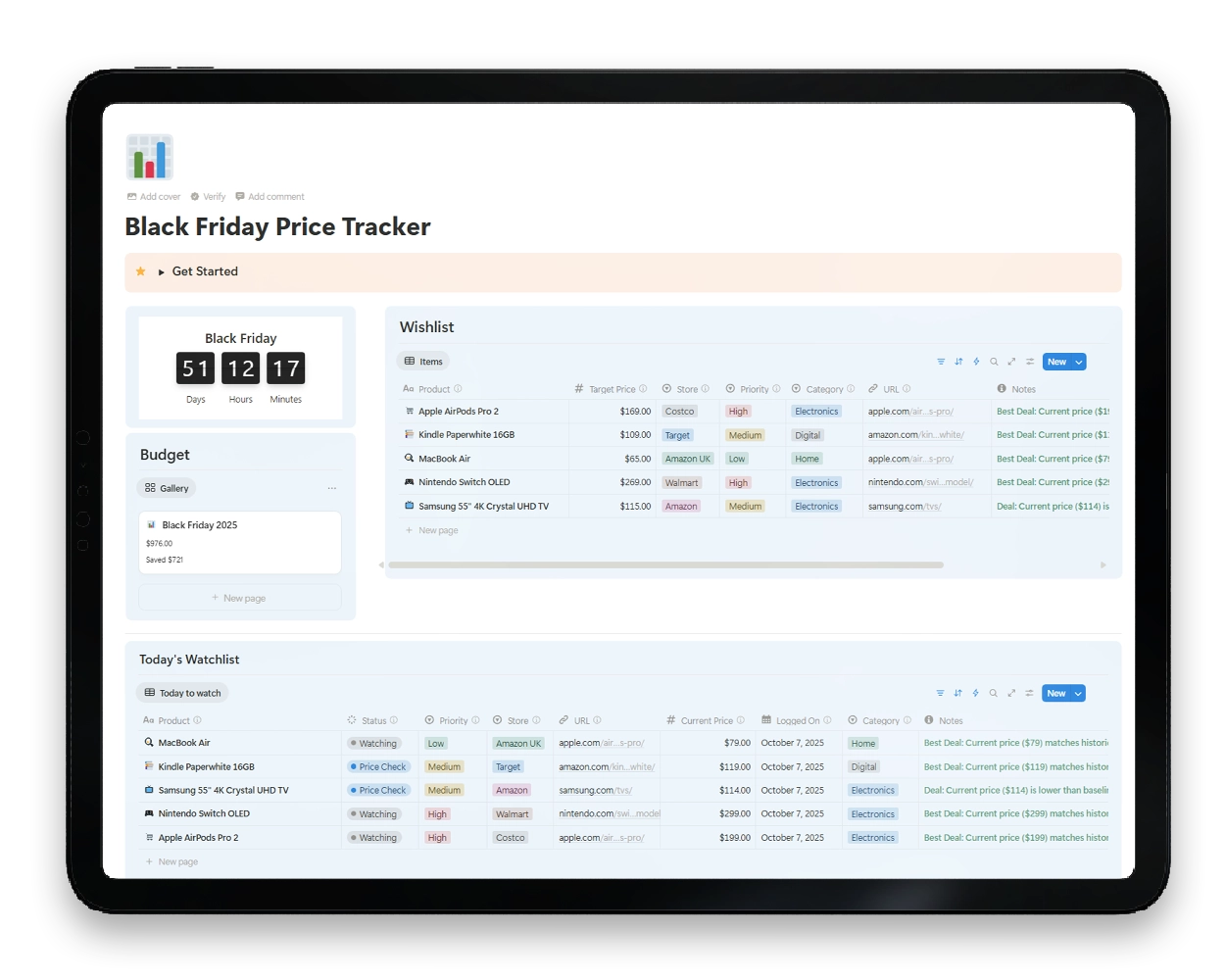
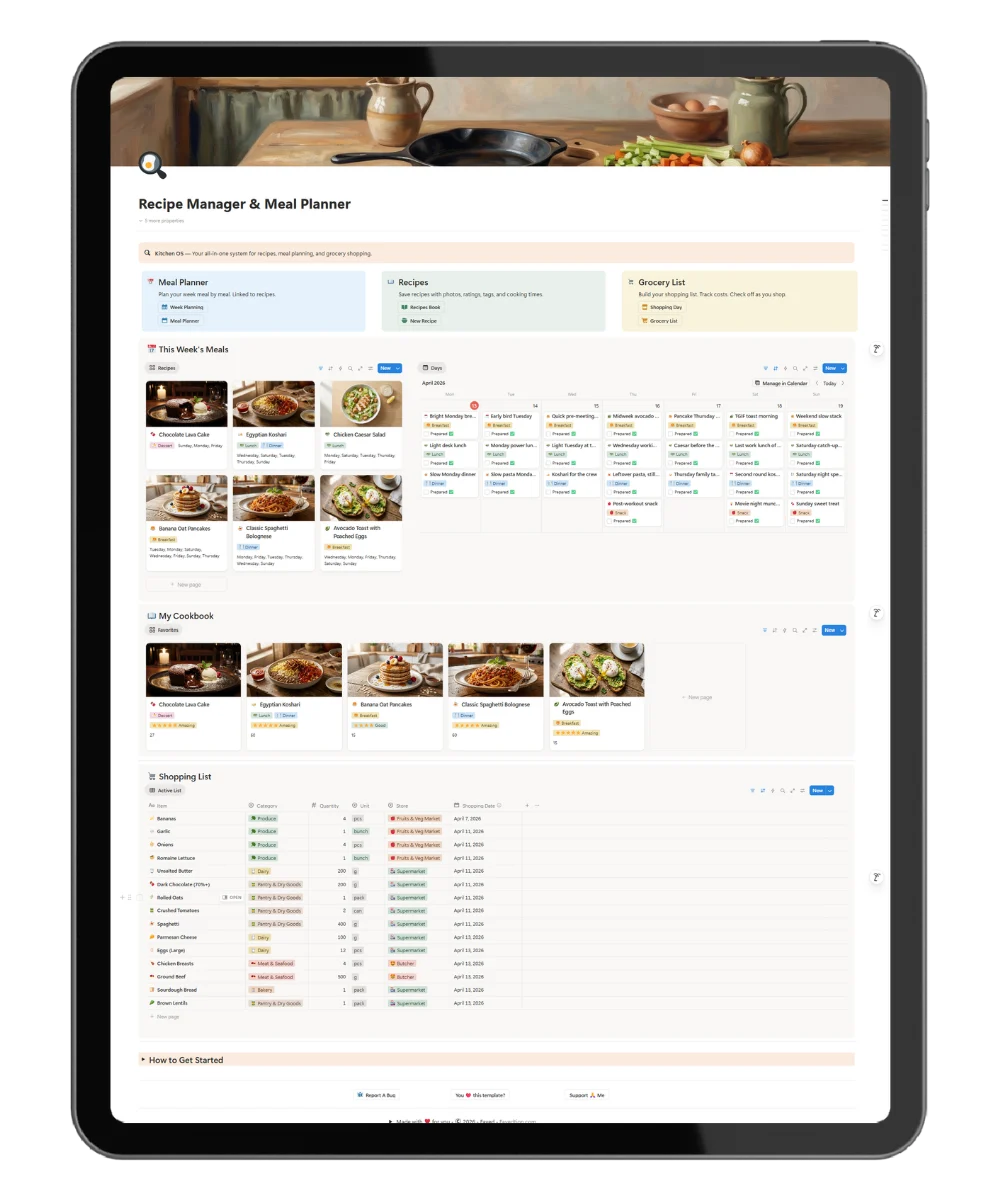
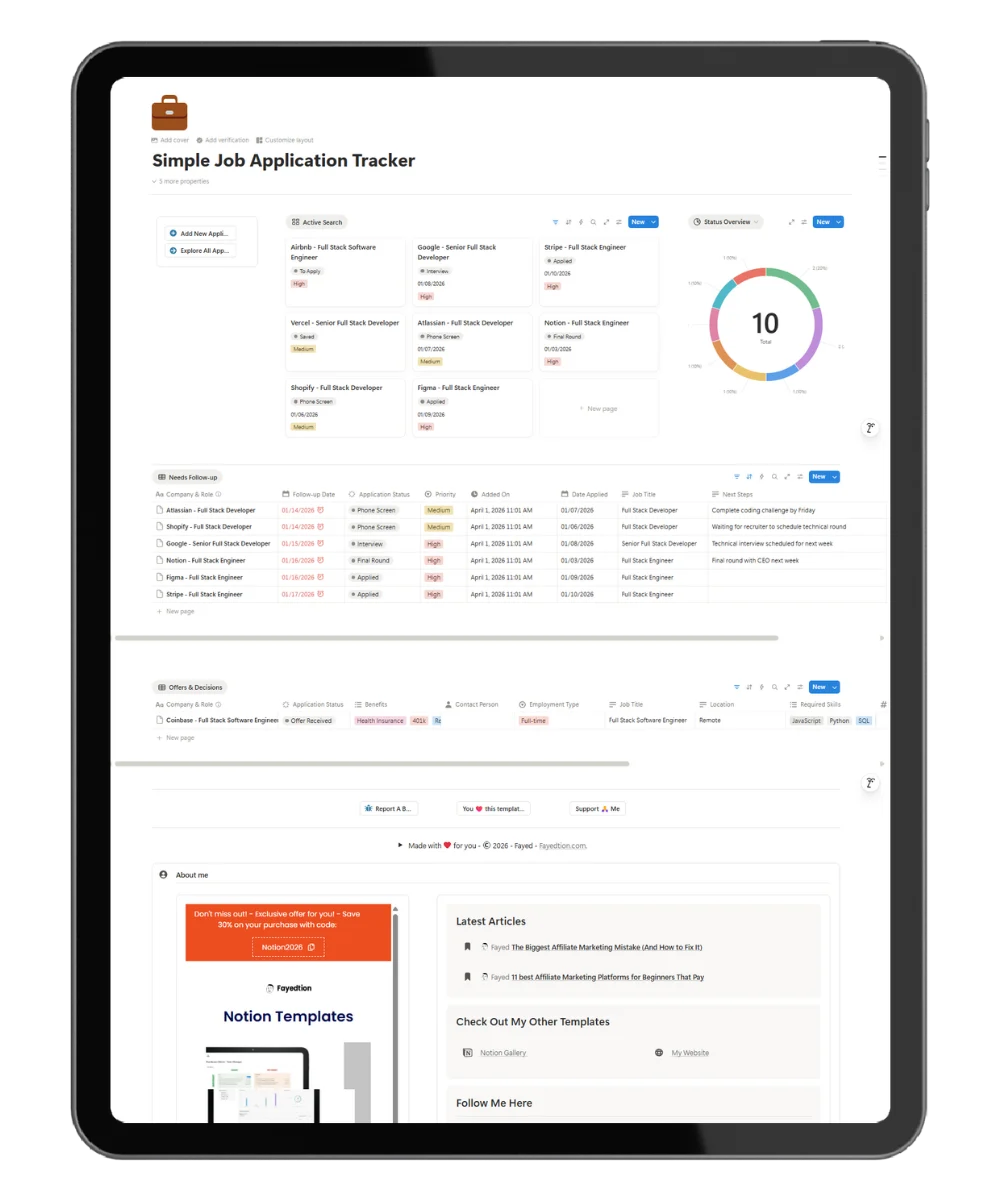
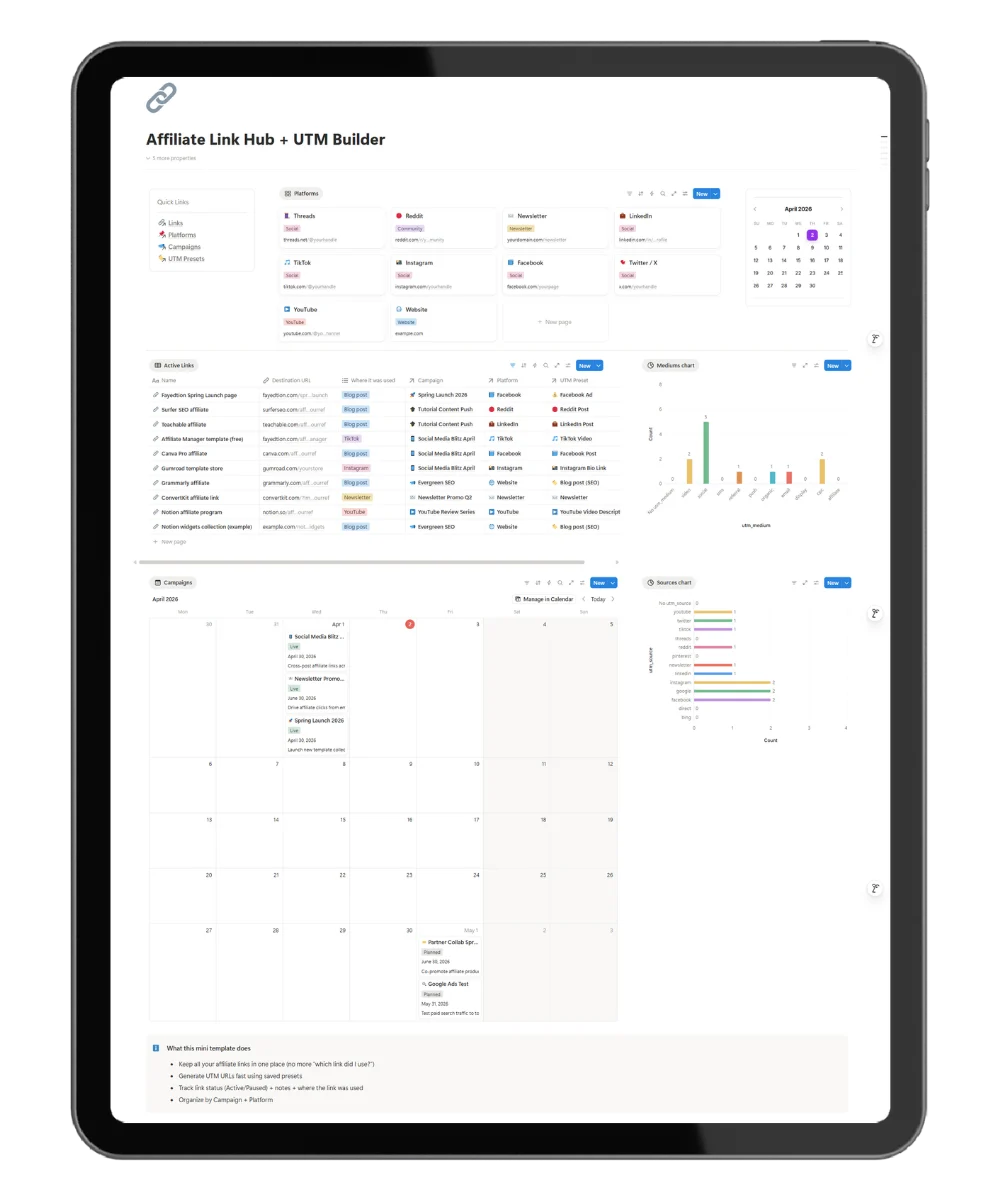
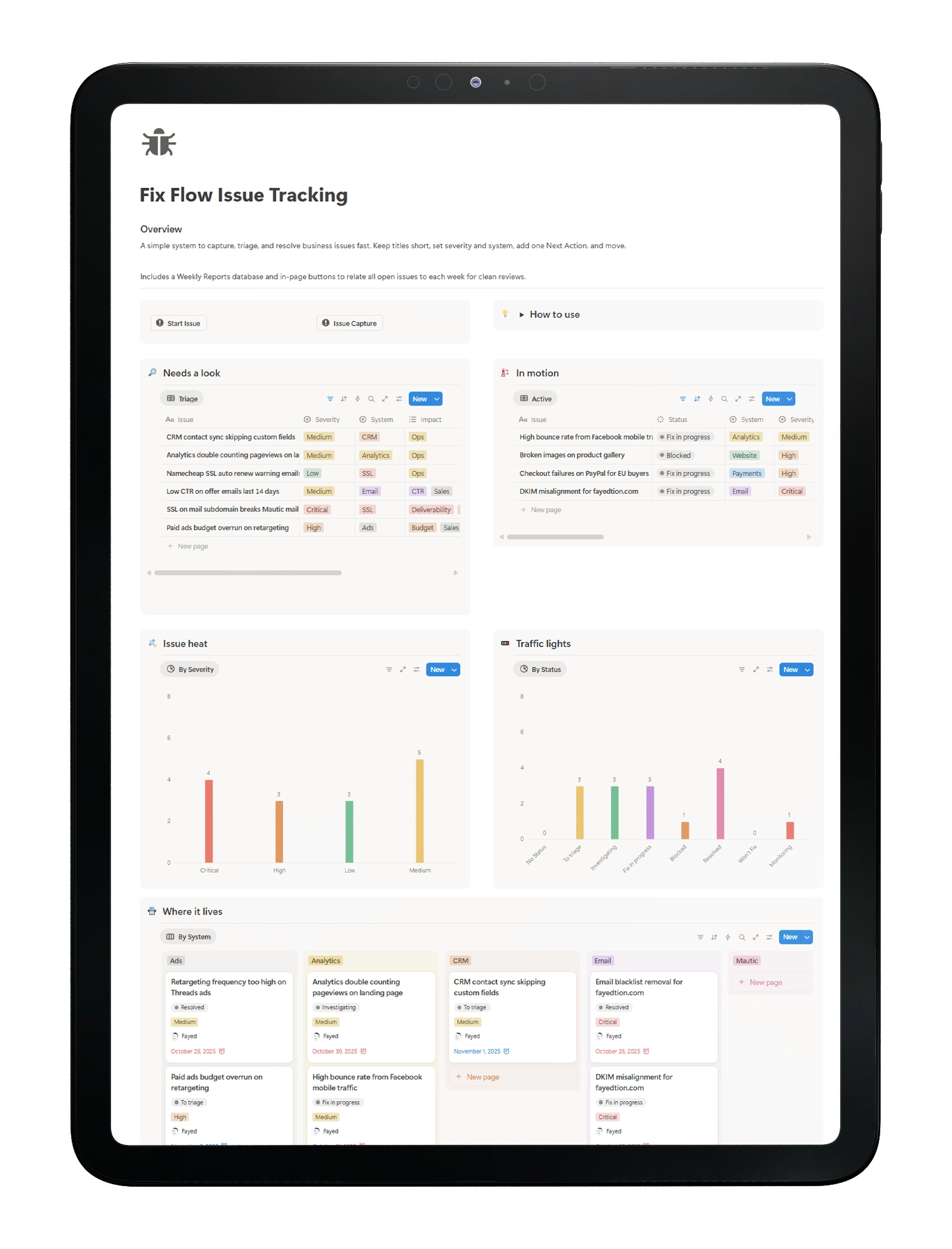
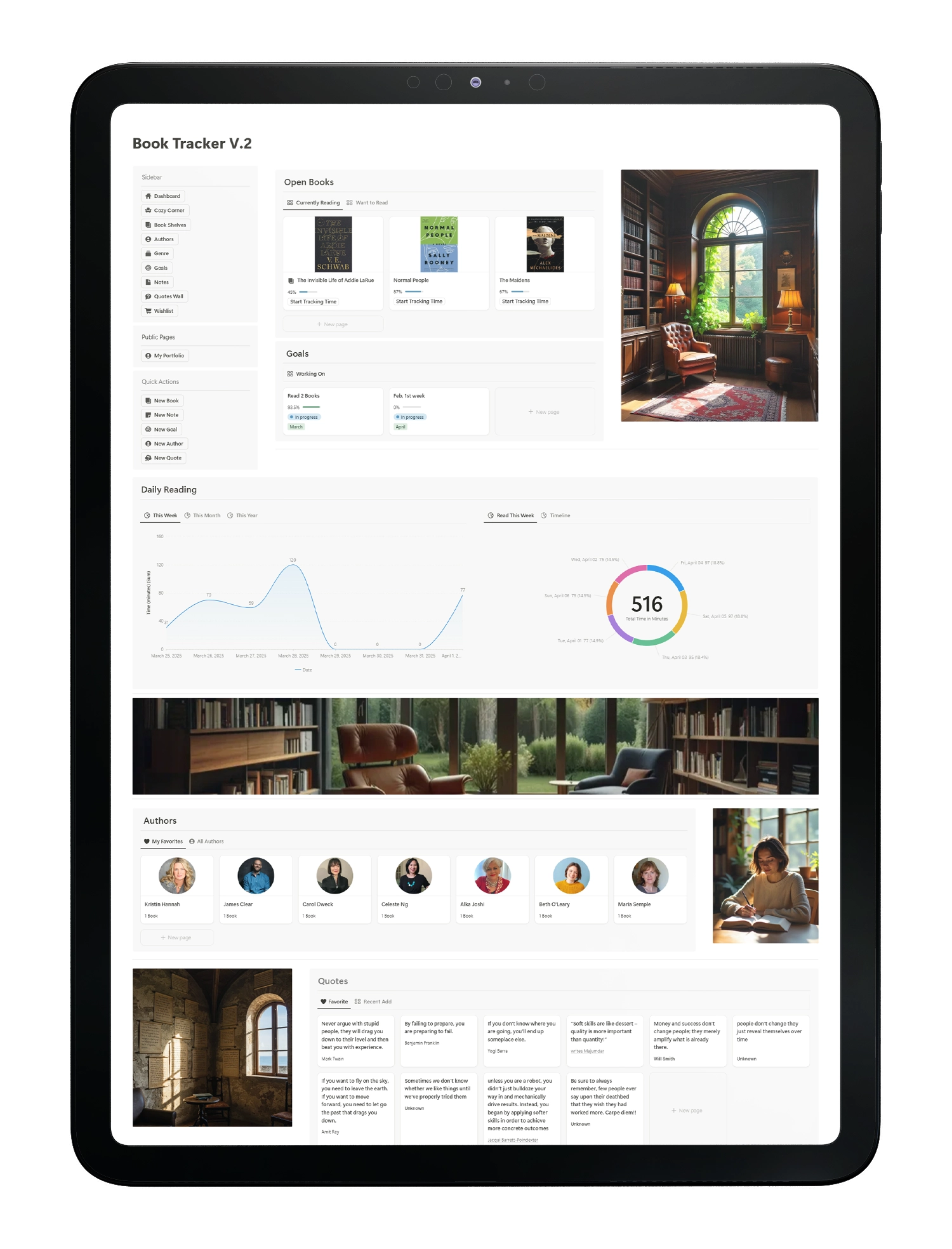
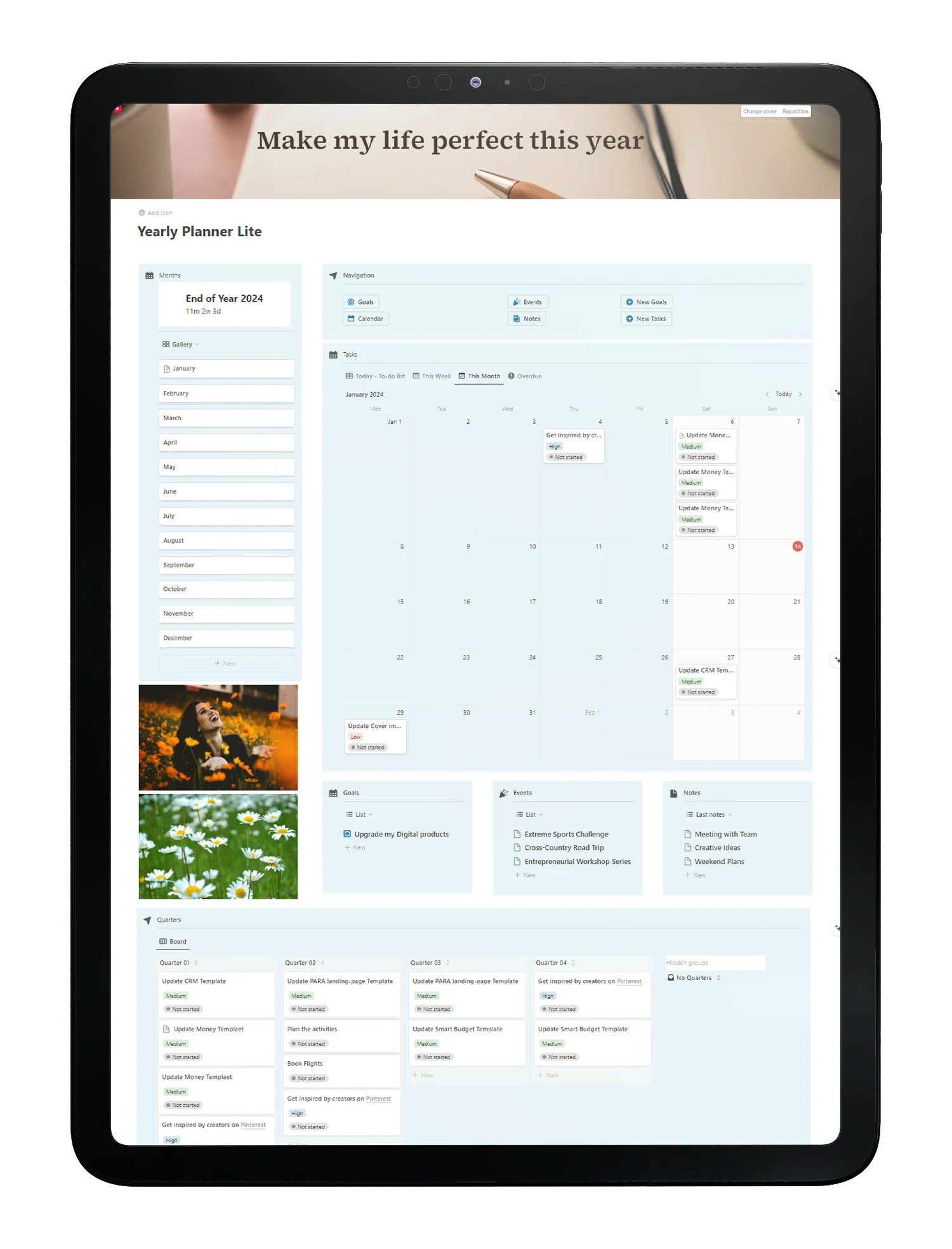
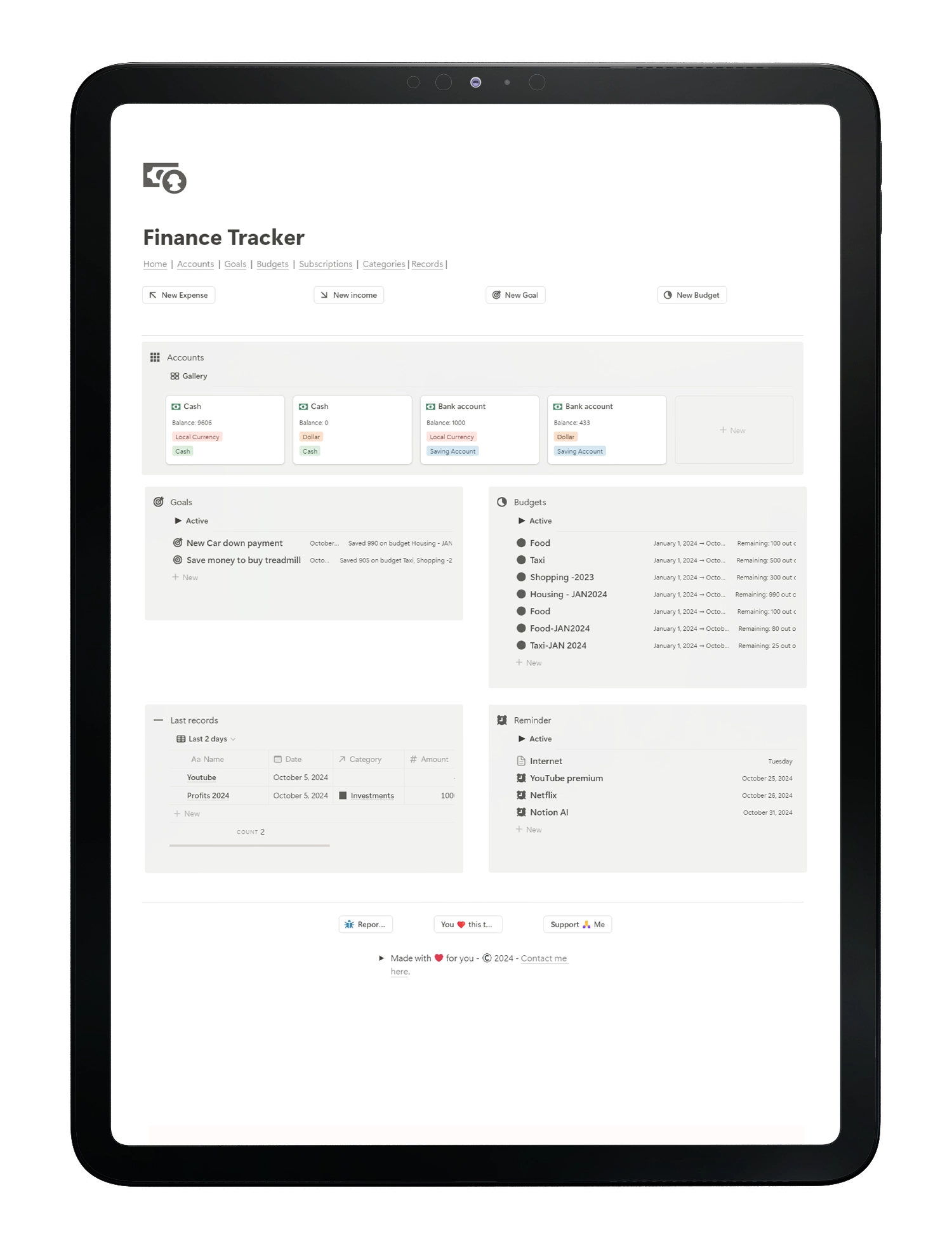
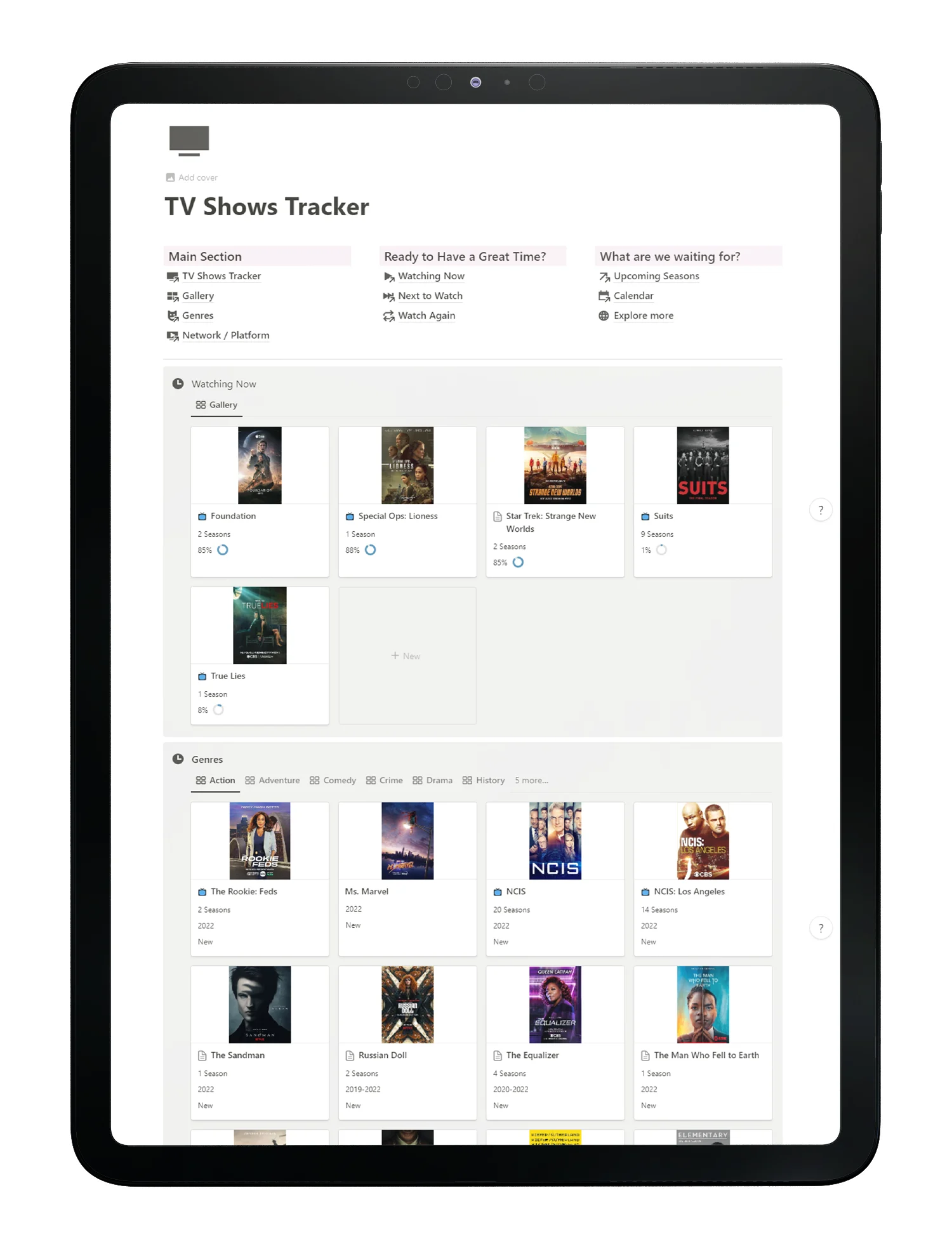
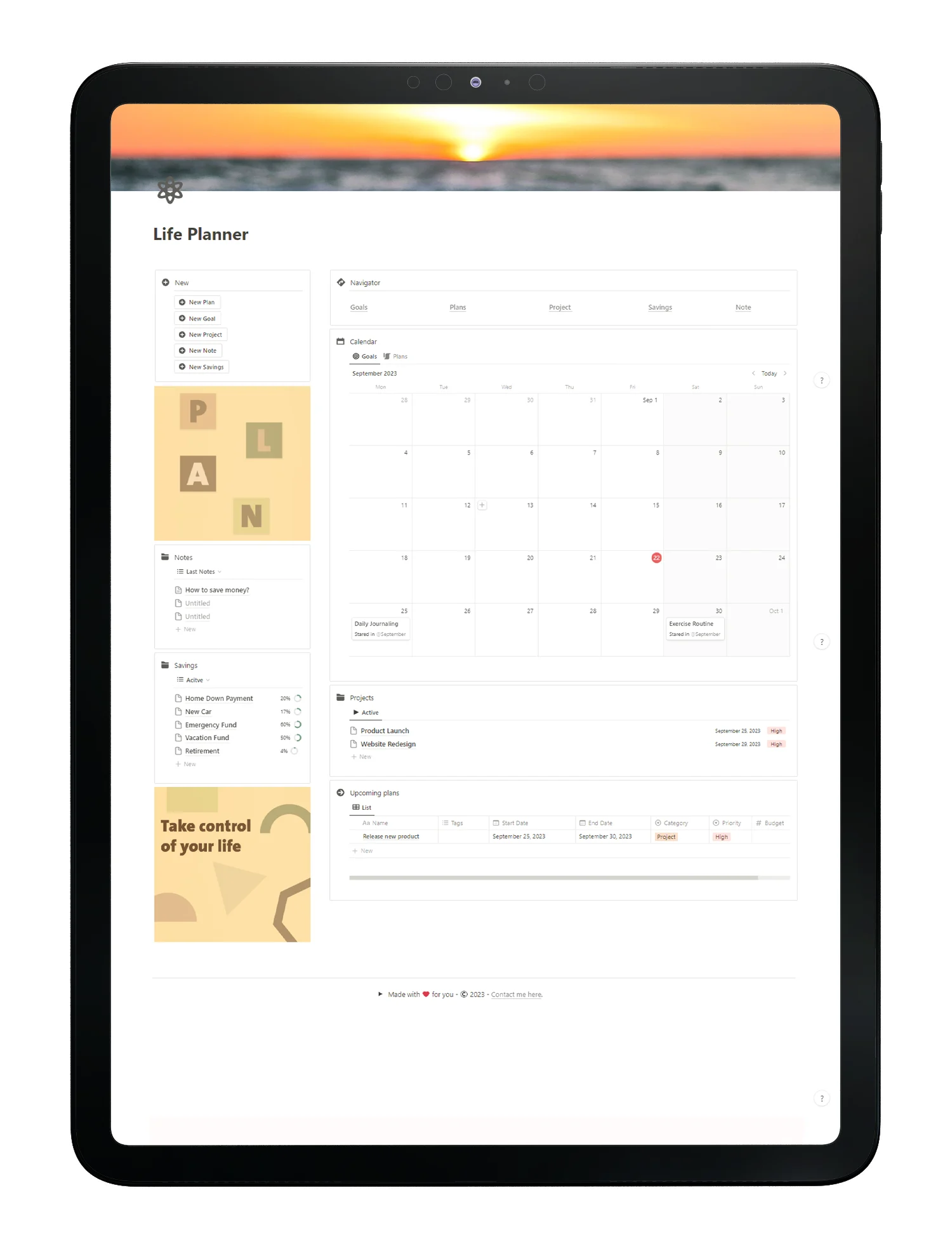
Price Tracker template Preview tablet - Fayed - Fayedtion

Everything You Need To Track Real Prices

Holiday sales get noisy, prices jump, and fake markdowns are everywhere. You need a clean way to log real prices and buy only when the deal is real.

Price history that tells the truth

Log every change with date and source. Compare baseline, listed, and final prices.

Target price for clear decisions

Set a number and wait. Buy only when the live price meets your target.

Ready‑to‑use triage views

Work from purpose‑built views, Triage, Active, By System, and Calendar. You get instant filters that fit how small teams actually review and act, saving setup time and decision fatigue.

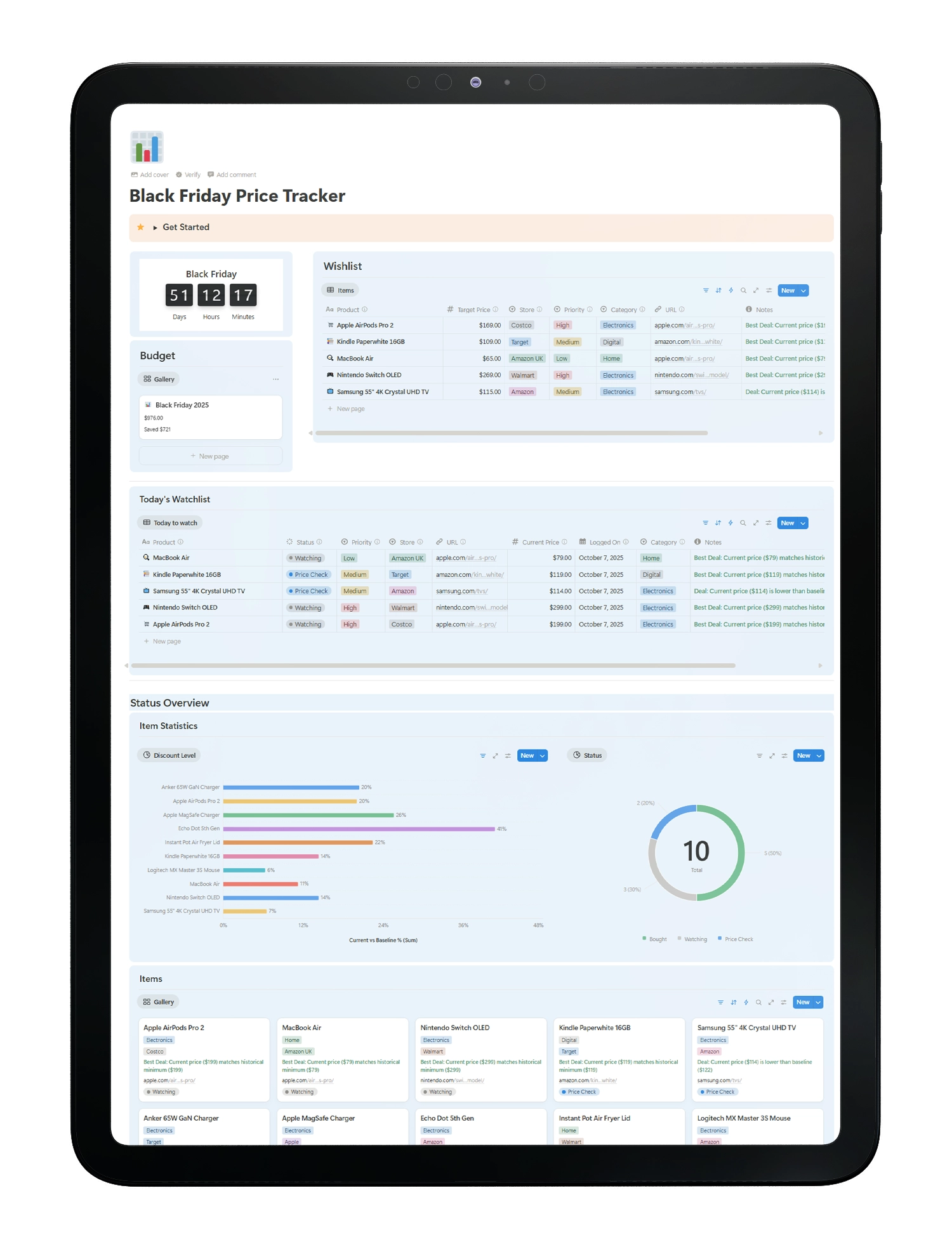
Price tracker - notion template - fayed - fayedtion

One hub for wishlist and stores

Keep products, links, stores, and notes in one place. Fast and tidy.

Budget plan and actuals

Assign an Owner and Due Date so nothing drifts. This turns vague problems into scheduled work, improves accountability, and makes follow‑ups straightforward.

Lightweight charts

Plan your spend, track purchases, and avoid regret buys.

Focused smart views

Today’s Watchlist, Status Overview, and Budget views keep attention on what matters.

Why Choose This Black Friday Tracker

  • Built in Notion flexible, fast, and easy to customize for your workflow
  • Evidence driven compare real price history to spot fake discounts instantly
  • All-in-one hub manage your wishlist, track prices, and monitor your budget in a single organized space

Who This Template Is For

  • Savvy shoppers who want real savings
  • Gift planners preparing early
  • Builders and power users who want an auditable record

Trusted by 15,000+ Creators & Entrepreneurs

Here what our satisfied customers have to say

Really loved your PARA template.
I thank you on day 1. 3 months down the road, I am still using it every single day. It keeps me focused and goal-oriented

Mona

Head of Education
Managerhacks.io

Thanks for sending this over. I downloaded your template and have been using it since yesterday. The categories are great ! Love the drop down media options (book/ article/ academic/ journal etc) and the columns. I’ve never used notion before but I dig it so far. I could see myself using this primarily instead of goodreads

Quentin taran

Writer

This CRM system template is simply amazing! It’s helped me to save so much time and effort. I used to spend hours manually entering data into my CRM system, but now I can do it all with a few clicks of a button. I’m so glad I found this template.

Mary Parker

Co-Founder of Berey

Frequently Asked Questions

Notion is a notetaking app and all-in-one workspace where you can write notes, manage projects, and collaborate with others. Its flexibility lets you customize pages with free Notion templates, build databases, or even design a template notion aesthetic for visual appeal—perfect for organizing work, life, or creative goals!

You compare the listed Black Friday price to your logged baseline and recent lows. If the discount does not beat your baseline or recent lows, skip it.

Any store and any product. You log the prices manually to keep the history accurate.

Ready To Track Real Deals?

Shop with evidence, not hype. Build your watchlist now.

Enter your valid email to receive the template instantly.

Explore More Templates

Explore More Helpful Resources

Explore these blog posts to get to know more about the template and other cool stuff!

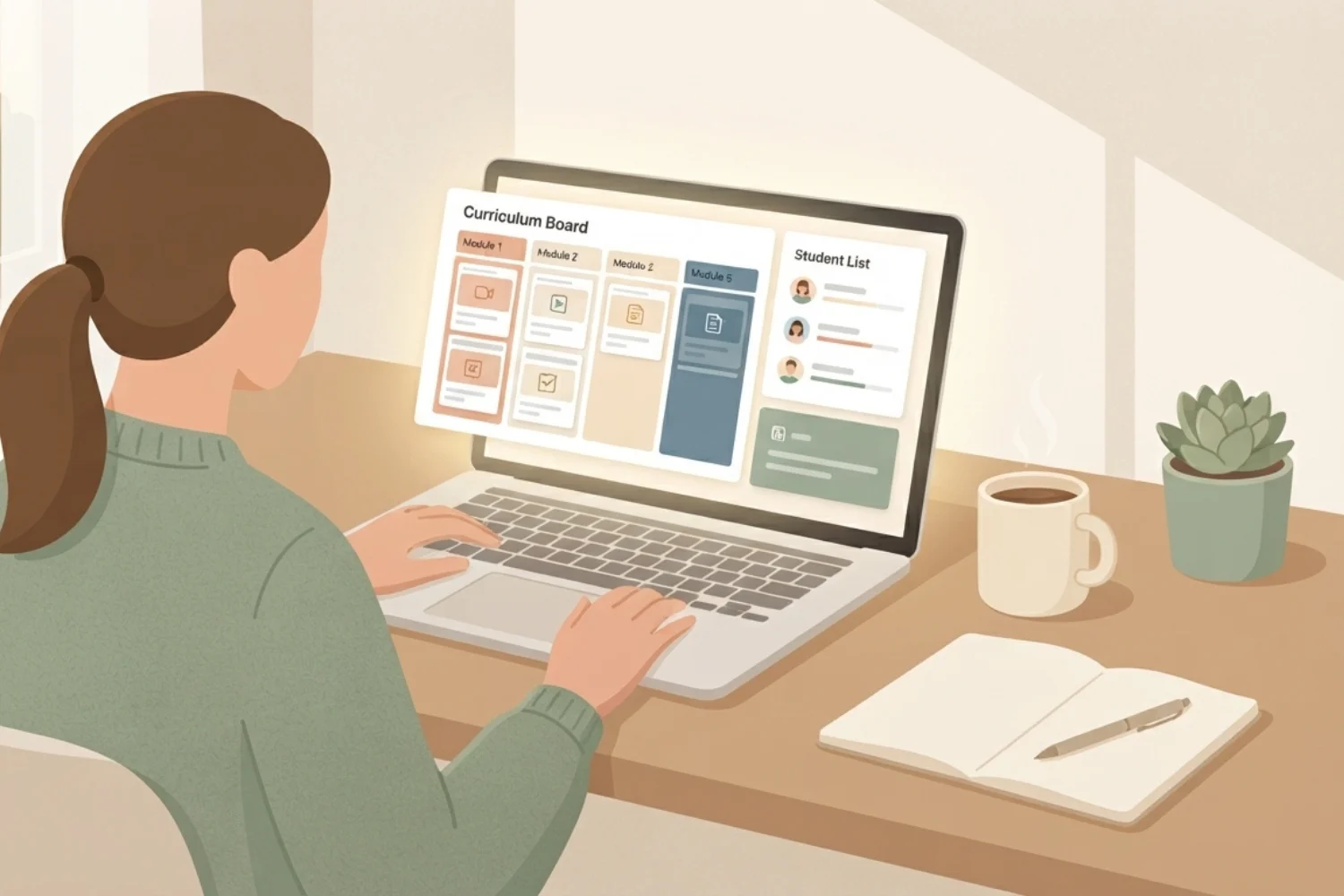
Notion for course creators workspace showing curriculum planner and cohort dashboard Explains

Notion for Course Creators 2026: Curriculum, Cohorts, and Community in One Workspace

Notion unifies curriculum, CRM, cohort delivery, and launch tracking for creators. Discover three routes, a 7‑step foundation, templates, and 2026 best practices.
Read More →
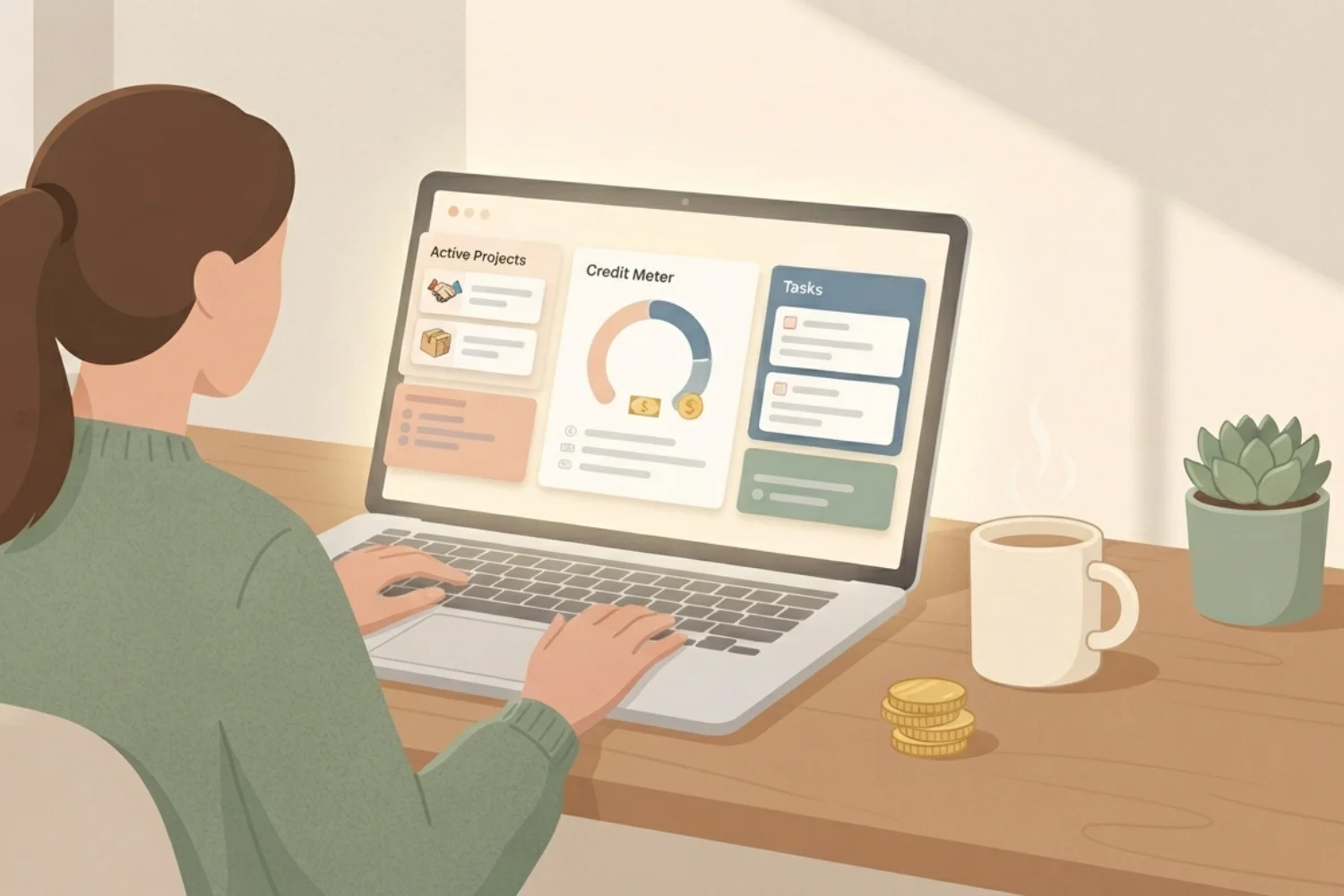
Notion AI credits dashboard showing 300 free monthly credit balance, per-agent usage, and $10 credit pack purchase option Explains

Notion AI Credits Explained 2026: 300 Free, $10 per 1,000, When to Buy

Notion AI credits demystified: what 300 free credits cover, when to buy more at $10 per 1,000, and how to shrink your Custom Agent spend.
Read More →
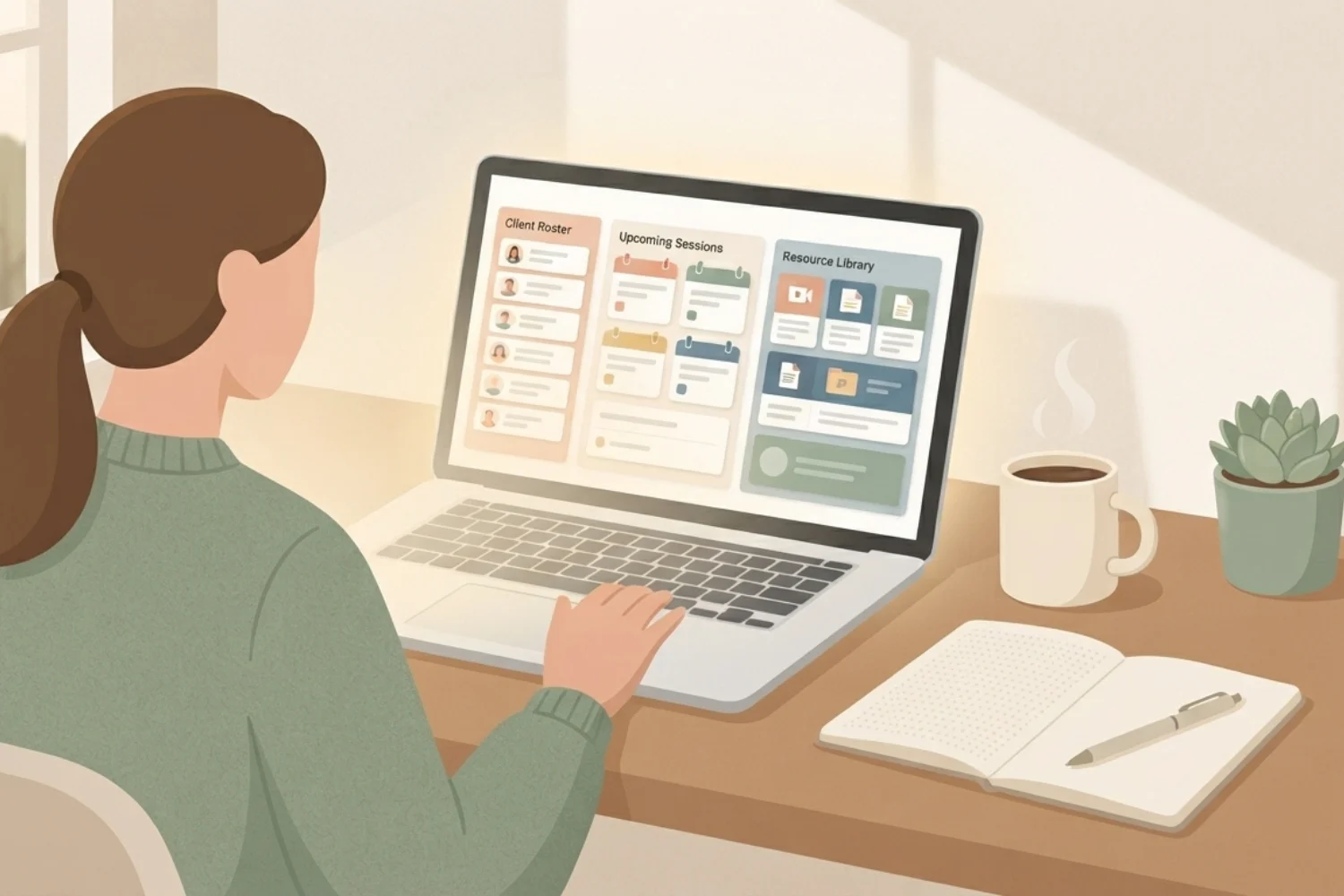
Notion for coaches workspace showing Clients database, Sessions notes template, and renewal window dashboard on a laptop Explains

Notion for Coaches 2026: Sessions, Delivery, and Renewals in One Workspace

Set up Notion for coaches in 90 minutes: client database, session workflow, renewal windows, and 6 templates skipping the 3-hour build.

Read More →
Indie creator building a notion launch page in Notion with hero, headline, and call to action visible on screen. Tutorials

Notion Launch Page: Turn One Page Into a Product Storefront That Sells

Learn to build a Notion launch page that replaces scattered assets, centralizes your sales copy, and drives conversions in one SEO-optimized URL.
Read More →
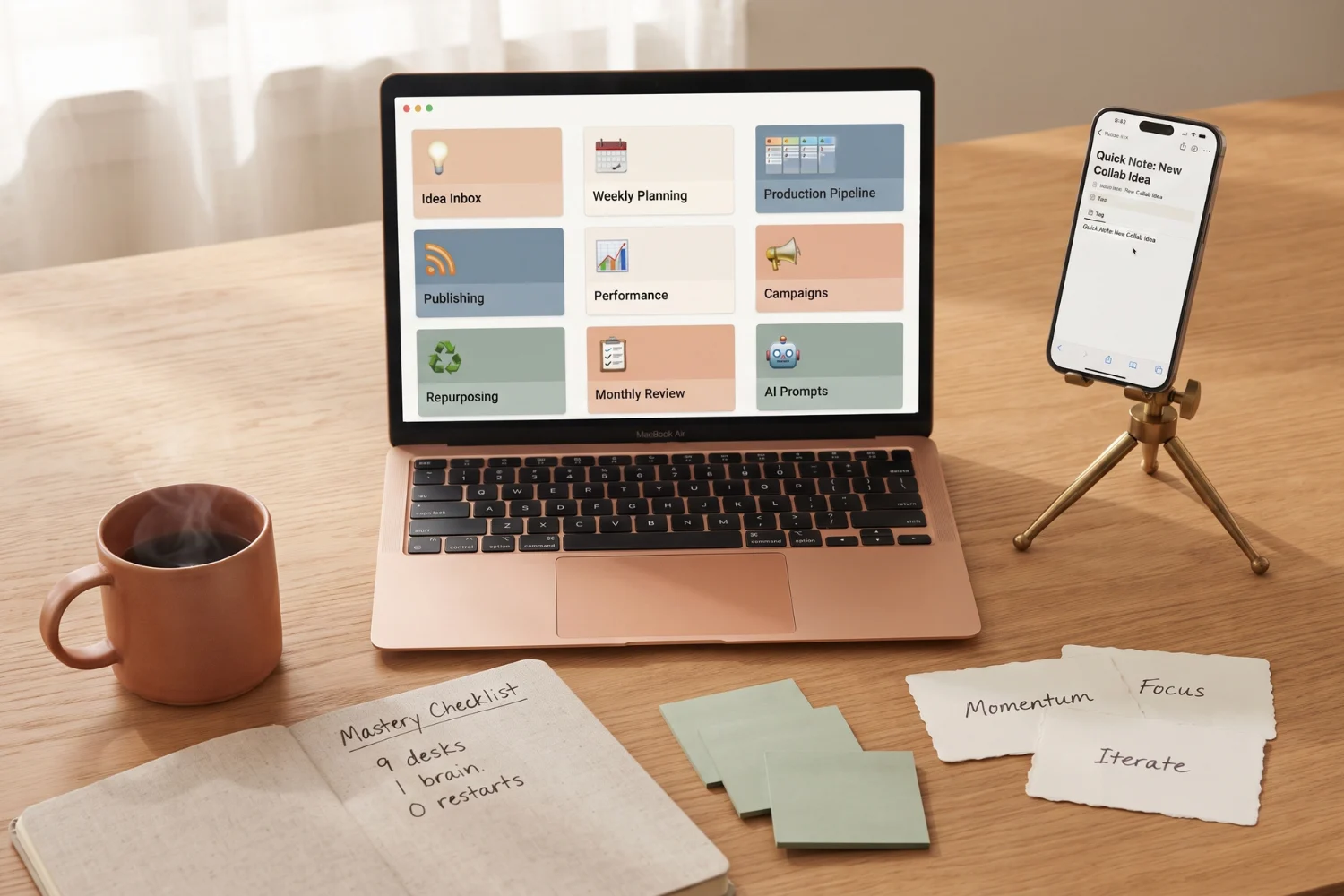
Notion social media planner dashboard open on a laptop with 9 desks visible, quick-capture form on a phone, sticky notes on the wall, natural window light on an oak desk Explains

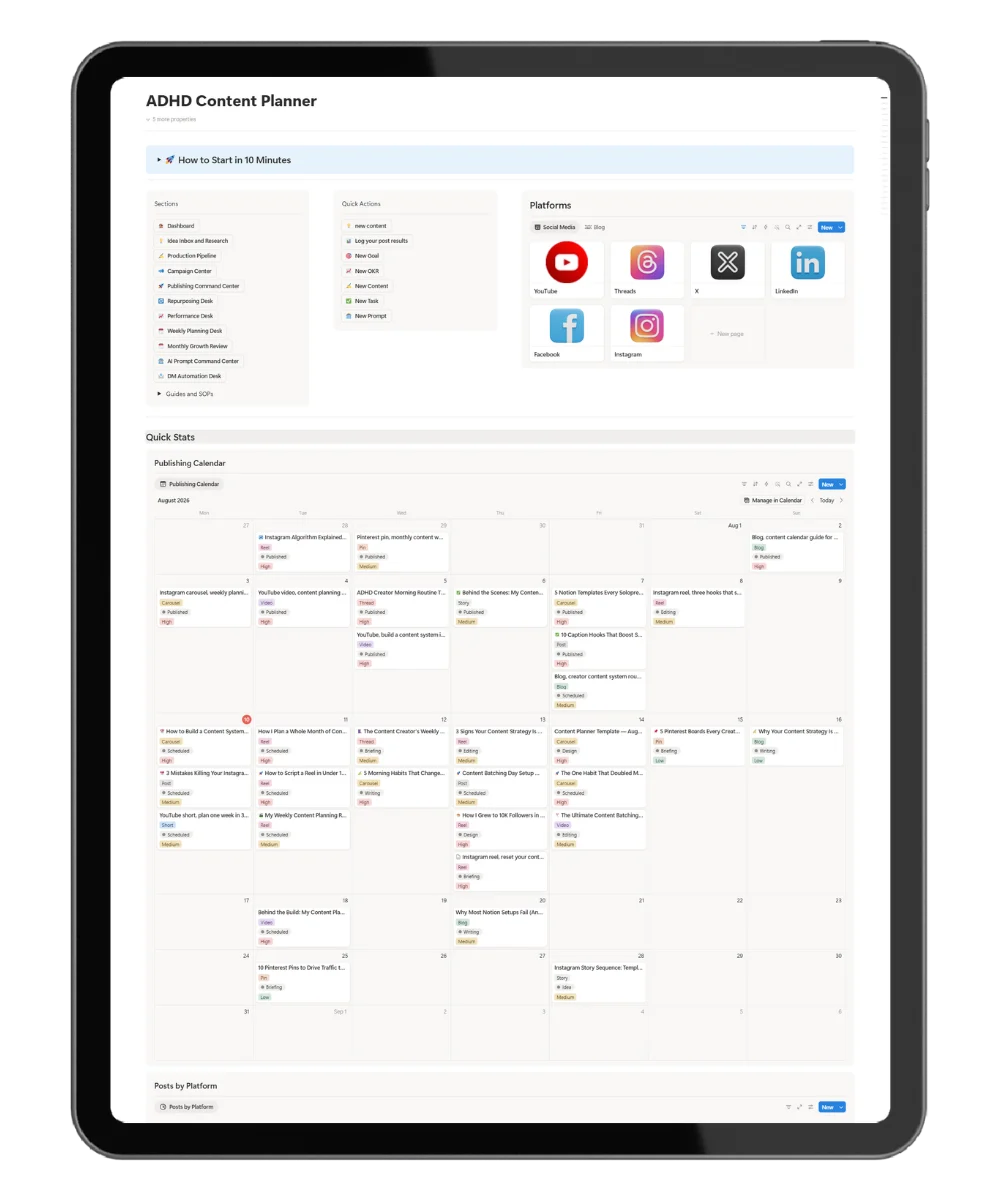
Best Notion Social Media Planner Built for ADHD Creators and Solopreneurs

Discover the ADHD Content Planner: a Notion social media planner that separates planning, creating, and reviewing for creators who need fast capture and zero blank ...
Read More →
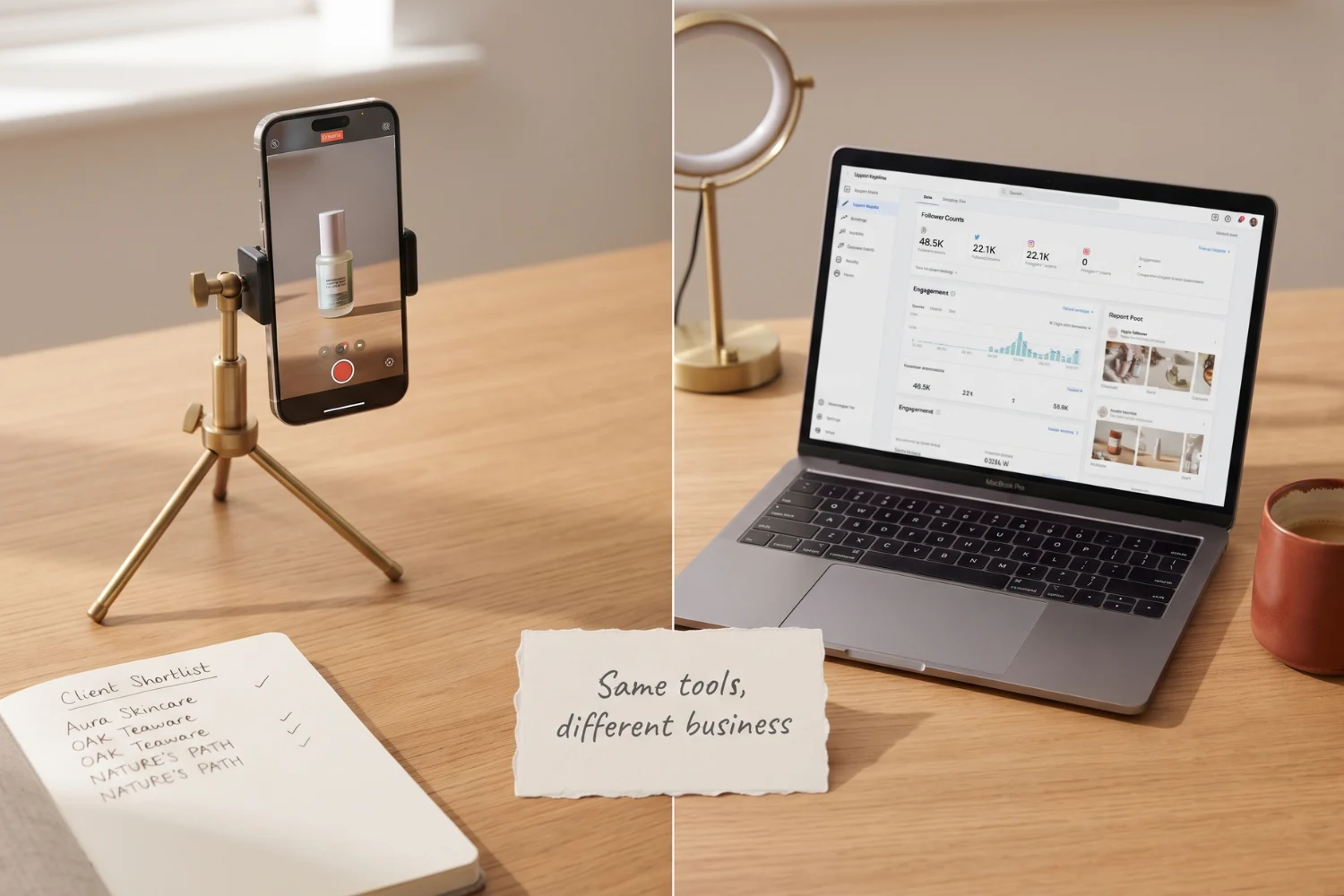
Split-screen comparison of a UGC creator filming a product on a phone tripod on one side and an influencer posting to social media from a coffee shop on the other, natural window light UGC creator vs influencer Explains

UGC Creator vs Influencer: The Real Difference (And Which One Pays Faster)

UGC creator vs influencer in 2026: what each one does, how each gets paid, and which path fits your goals if you have zero followers ...
Read More →

Why a Notion Price Tracker Works for Black Friday

Track Real Prices, Not Hype

Black Friday is noisy. Prices move, banners shout, and “40% off” often hides a pre‑sale markup. A Notion price tracker cuts through the noise. You keep one table for products and a simple log of price events. Baseline, listed, and final prices sit side by side. You see the truth in seconds and protect your budget.

Build a Clean, Auditable Price History

Start with a shortlist of items you actually want to buy. Add product name, direct URL, store, category, and your target price. For each price check, log the date, source link, and price type. Use clear labels, Baseline, Current, Black Friday listed, or Final. Over time, your history reveals patterns. If a merchant inflates a price before discounting, your baseline exposes the trick.

Make Faster Decisions With Target Prices

A target price removes guesswork. Set the number based on your baseline and realistic expectations. During the sale, compare the live price to your target. If the price meets or beats it, buy. If not, wait. This rule turns shopping into a simple yes or no decision backed by data.

Focus Your Attention With Smart Views

Views keep you on track. Today’s Watchlist highlights items near your target. Status Overview shows what needs attention and what is done. A Budget view compares planned spend against actual purchases. You reduce tab‑hopping and impulse clicks. You move from browsing to executing a plan.

Fit Any Category or Store

This workflow works for tech, appliances, fashion, and gifts. Add any store and product URL. The manual log stays reliable because you control the inputs. The result is a price history you can trust, not a marketing narrative you need to decode.

Start Early to Strengthen Your Baseline

Begin in October. Record a baseline and a few weekly checks before the sale period. Your pre‑sale history becomes the reference for every “deal” you see. You avoid anchors set by inflated list prices. When Black Friday and Cyber Week arrive, you already know what a good price looks like.

Keep Maintenance Light and Repeatable

Logging a price takes seconds. Add the number, the date, the source, and the type. The process is quick enough to repeat. As entries grow, so does your confidence. You will learn which stores run early teasers, which ones drop prices late, and which ones offer short windows. Your timing improves with each season.

Optimize for Search and User Intent

This section targets queries like black friday price tracker, price history tracker template, and notion template for deals. It explains how to track price history, how to set a target price, and how to manage a Black Friday wishlist in one hub. It answers the core intent, avoid fake discounts and buy at the right time, with clear steps, headings, and keywords that help search engines understand structure and value.

Practical Setup Checklist

  • Add products with URL, store, category, and target price
  • Capture a baseline before November
  • Log every price check with date and source link
  • Label entries as Baseline, Current, Black Friday listed, or Final
  • Use Watchlist and Budget views to guide actions
  • Buy only when price meets your target

Buy With Proof, Not Pressure

A Notion price tracker replaces hype with evidence. You build a shortlist, set targets, and purchase when the data says yes. Use this system through October and Cyber Week to make confident, regret‑free buys. When you are ready to expand your setup, explore more Notion templates and free resources to keep your workflows clear and your spending aligned with your goals.

Unlock 5 Free Notion Templates + Weekly Productivity Hacks

Our Notion templates are built to solve the real problems that slow people down — and to give you systems that actually work in daily life

Boost Your Productivity with Free Notion Resources

Join 15,000+ creators and entrepreneurs who get:

🎁 Exclusive free Notion templates

🛠 Weekly tips to organize life & work

🚀 Insider strategies to save time and stay focused

No spam. Just one powerful email per week.

Get weekly Notion hacks & free templates
→ straight to your inbox.

Don't miss out! - Exclusive offer for you! - Save 30% on your purchase with code: