

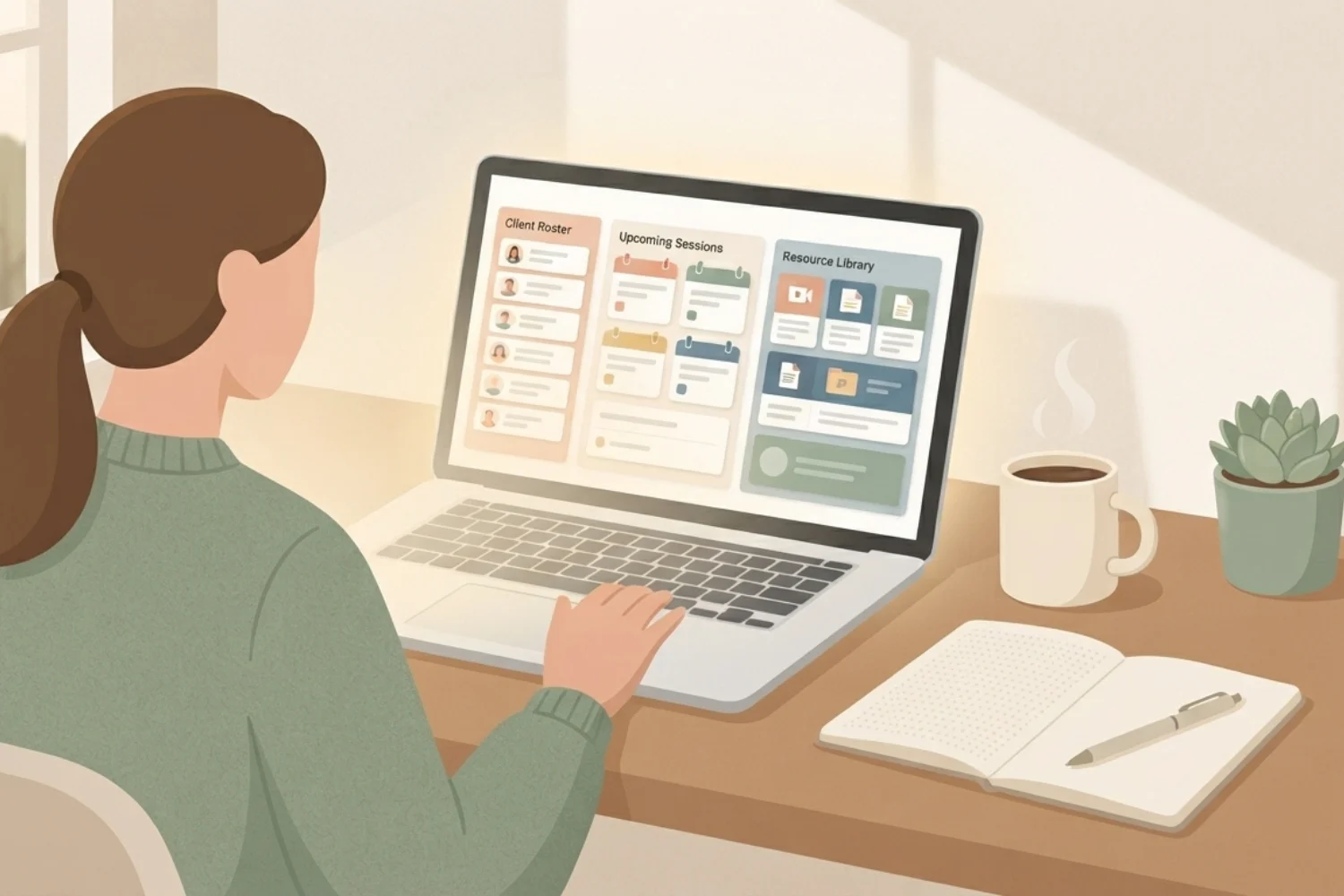
Notion for coaches works when it stops being a note dump and starts running the actual business: sessions, deliverables, and renewal windows. Most coaches open Notion for the first time, build a beautiful client page, and six weeks later slide back to a Google Doc mess plus three abandoned apps. This walkthrough sets up Notion for coaches into one workspace holding every client, every session note, every deliverable, and every renewal date on a single control surface. Whether you run 1:1 sessions, a group program, or a hybrid, the Notion for coaches setup below fits inside 90 minutes on a Sunday.
Table of Contents
What You’ll Learn
Why Coaches Outgrow Generic Business Tools
The average solo coach runs on five apps by month six: Calendly for booking, Zoom for sessions, Google Docs for notes, Stripe for payments, and a spreadsheet for tracking. Each app holds a fragment of one client relationship. When a client asks “what did we cover in April,” you spend eight minutes hunting.
The Airtable + Trello + Docs stack breaks the same way. Every relationship has three homes, none of them full. Notion collapses the five apps into two: Notion itself for records and delivery, plus Stripe or a payment processor for the money leg.
The second collapse matters more. Session notes, next actions, homework, renewal date, and program milestones all sit on one client page. Search finds them in under two seconds. A morning brief runs off the same data.
What Notion for Coaches Actually Solves
Six workflows sit at the center of a coaching practice. Notion for coaches, done well, holds all six on one surface:
- Discovery and enrollment, leads, discovery calls, proposal
- Session prep and delivery, scheduling, notes, action items
- Between-session support, client questions, homework, resources
- Program tracking, milestones, deliverables, cohort progress
- Renewal and retention, renewal windows, upsells, referrals
- Business back office, money, taxes, admin recurring work
Coaches with under 25 active clients rarely need a separate CRM tool. Coaches with over 25 clients need one database driving five views: Active, Discovery, Onboarding, Renewal Window, and Alumni. Same database, five surfaces, one truth.
Three Coaching Business Layouts
Before you build, pick one of these three layouts. Blending them costs a weekend and stalls the launch.
Way 1: 1:1 Life & Executive Coaching
Best if you run high-touch 1:1 engagements with 8 to 20 concurrent clients. Every client owns a full page with the engagement contract, session index, running notes, and homework checklist. Session notes use a template with three sections: Present State, Key Insights, Next Actions. Renewal window opens 30 days before contract end.
Way 2: Group Program & Cohort Coaching
Best if you run 6-week or 12-week cohorts of 10 to 40 people. Cohort database holds each cohort as a row. Client database rows relate to their cohort. A shared portal page shows recorded sessions, homework, and cohort chat. Program tracking runs off milestone completion rollups.
Way 3: Hybrid, 1:1 Anchor + Group Container
Best if you sell a high-ticket 1:1 relationship anchored inside a group experience. Every client sits in a 1:1 track plus a cohort. Sessions include 1:1 and group calls, both flowing into the same client page. Renewal negotiates against both value streams.
Pick the layout matching your current book, not your dream book. A group program with 6 people masquerading as 1:1 wastes structure.
The Setup, Step by Step
1. Trim the Sidebar to Coaching-Only Space
Right-click the sidebar and remove every teamspace you don’t open weekly. Keep three: Coaching, Business, and Personal. Fewer than three and search suffers, more than three and mornings stall.
2. Build the Client Database as a Single Source of Truth
Create a database called Clients with these properties: Name, Status, Program, Enrollment Date, Contract End Date, Renewal Score, Session Count, Home Timezone, Preferred Session Time, Payment Status, Referral Source, Notes.
3. Wire Sessions as a Child Database
Create a Sessions database with: Session Date, Client, Type, Duration Minutes, Present State, Key Insights, Next Actions, Action Items Complete, Recording Link, Homework Assigned.
4. Add Deliverables and Homework
Create a Homework database and a Deliverables database. Homework rows relate to a Client and a Session. Deliverables rows relate to a Program and a Cohort if applicable. Both surface as filtered views inside each client page.
5. Wire Money to Renewals
Create a Payments database or embed your Stripe dashboard. Add a Contract Value property to Clients. Roll up Contract Value by Status to see how much revenue sits in Renewal Window this month.
6. Build the Client Portal Page
Every client gets a single shared page inside their client row. Contents: welcome section, current program milestones, upcoming session date, homework checklist, resources library, session recordings. Share via public link with password or workspace-level access.
7. Set the Morning Coach Brief
Create a dashboard page titled Coach Command. Add widgets showing: today’s sessions, sessions with missing notes from yesterday, clients entering the renewal window this week, homework overdue from the last two weeks, one revenue-at-risk metric.
Session Workflow, Start to Finish
Coaching sessions live and die on the first two minutes and the last two. The Notion for coaches setup shortens both.
- T-24 hours: A recurrence-triggered agent opens tomorrow’s Sessions page, reads the client’s last three sessions and their open homework, and drops a prep note into the Session row.
- T-5 minutes: Open the session row from Coach Command. Skim last session’s Next Actions before joining Zoom.
- During the call: Type into Present State live. Voice-to-text on the Notion mobile app if you prefer to keep eye contact.
- T+2 minutes: Move Present State bullets into Key Insights and Next Actions. Add new Homework rows if needed.
- T+24 hours: Send a session summary to the client. Notion’s page share includes a client-friendly view of Key Insights and Next Actions.
Program Delivery Without the Chaos
Group and hybrid coaches lose the most time in program delivery. Six patterns hold everything in place: Program spine, Module database, Cohort database, Client-side module tracker, Shared assets library, and Weekly cohort digest.
Renewals: Where 40 Percent of Solo Coach Revenue Leaks
Renewals fail on timing, not on value. If you talk renewal in the last session, the client feels sold to. If you talk renewal in session two of the last month, the client owns the decision.
The Renewal Window property on Clients flips to Open 30 days before Contract End Date. A morning brief shows every client with Renewal Window = Open. Two conversations happen inside those 30 days.
The Coaching Business Workflow

Skip the 90-Minute Build with These Templates
Building the full Notion for coaches setup from scratch runs about 90 minutes if you know Notion, closer to three hours if you don’t. These six published templates collapse it into 20 to 30 minutes. Pick based on which layout you chose.
- Notion Starter Pack: Ships the sidebar structure, Command page skeleton, and starter databases.
- CRM V.2: The client-tracking core, wired with Status stages, session count rollups, and Renewal Window formulas.
- Daily Command: The Coach Command dashboard scaffolding.
- Focus Sprint Desk: The program spine, module database, and cohort tracker.
- Finance OS: The revenue side of cohort work.
- Email Marketing Toolkit: Nurture and renewal sequences for the group container plus 1:1 renewal proposal templates.
FAQs
Is Notion for coaches free?
Notion Free supports unlimited pages and databases for individuals. Coaches with under 25 active clients rarely need a paid plan. Coaches with team collaborators, sub-coaches, or a virtual assistant benefit from Plus.
How do I keep client notes private in Notion?
Every client row lives in your private Coaching teamspace by default. Nothing is shared unless you explicitly share a page. The client portal page is a separate shared page inside the client row, so private session notes stay private while the portal shows only the sections you selected.
Do I need a separate CRM tool alongside Notion for coaches?
No. The Clients database with Status stages replaces a standalone CRM for solo coaches. Coaches over 100 active clients or running paid ads with lead attribution often add HubSpot or a lightweight CRM in parallel, but the client relationship still lives in Notion.
How do I handle recurring sessions and payments?
Sessions is a database, not a calendar block. Create a Recurring Session button on the client page using Notion Buttons. Payments run in Stripe or your processor of choice, with a subscription set at the session cadence.
How do multiple coaches share this setup?
Move the Coaching teamspace from Private to a shared teamspace. Add a Coach relation to the Clients database. Filter each coach’s Coach Command dashboard by the current user. Session notes stay visible to the assigned coach and the client.
Start Your Coaching Workspace This Weekend
Ninety minutes with the Notion Starter Pack and CRM V.2, thirty more with Daily Command, and by Sunday afternoon you have a Notion for coaches setup answering three questions before every session: who am I sitting with, what did we cover last time, what happens at renewal. Your five-app mess collapses into one workspace and the money leg lives in Stripe. Ship the client portal Monday morning.
