

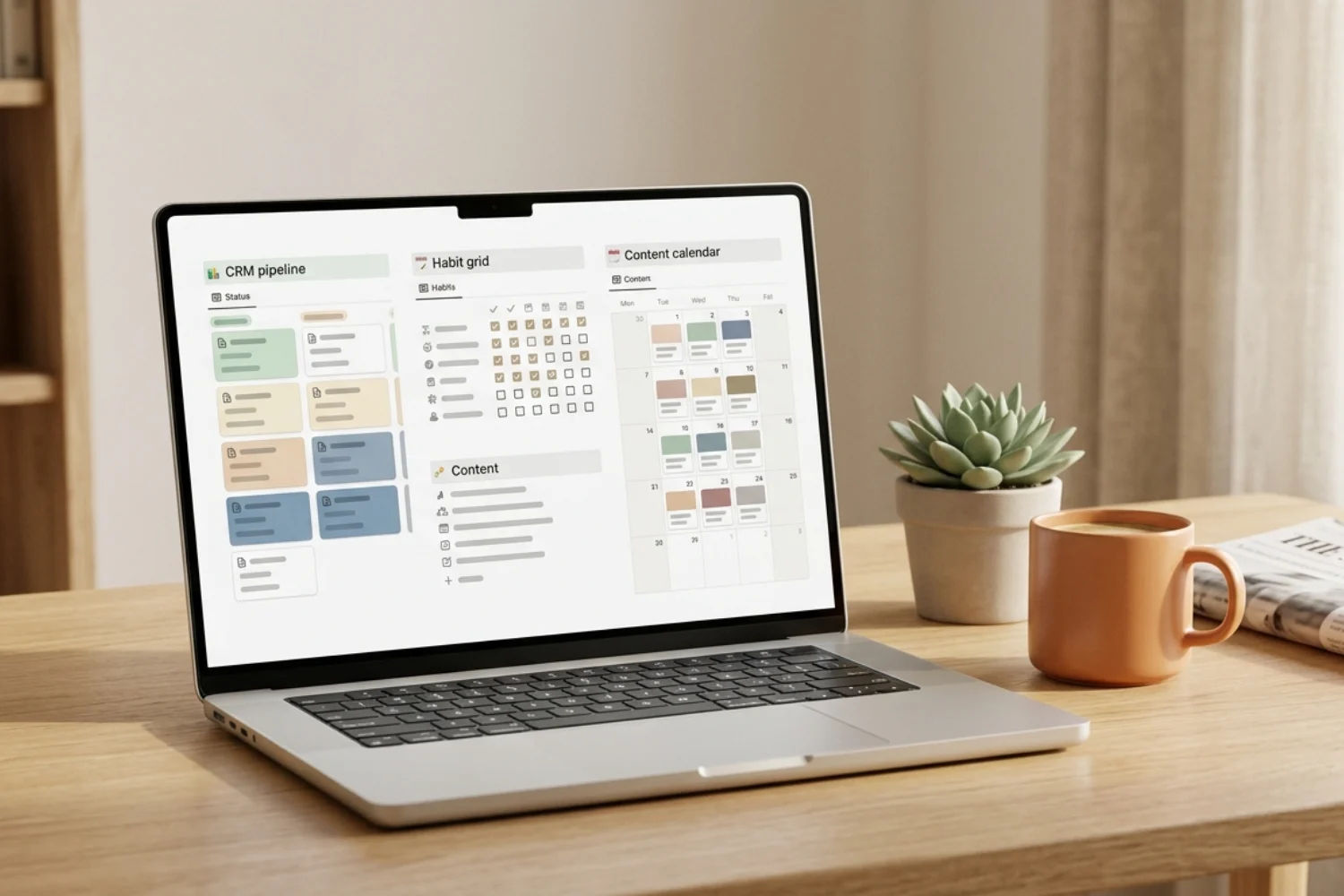
Picking the right free Notion template feels harder than picking a paid one. There are thousands of options on Gumroad and Notion Marketplace, and half of them look identical. So which free Notion templates work well enough to run a business, a side project, or a personal system on?
I tested dozens of free templates in 2026 across every category a solopreneur or small team needs. The list below is short on purpose. Eight picks, one per category, each with a verified download link and a clear reason to use it.
If you want the best free Notion templates for productivity without wading through hype, this is the shortlist I keep coming back to. This roundup of free Notion templates 2026 focuses on eight tested picks across the categories most solopreneurs need.
Table of Contents
What You’ll Learn
1. Solo CRM: CRM V.2 by Fayedtion (FREE)
If you sell services, freelance, or run a one-person business, CRM V.2 is where I start people. It tracks leads, deals, and follow-ups in one clean pipeline without asking you to learn a new mental model.
Best for: Freelancers and solo consultants tracking under 100 active leads.
Pain removed: Losing follow-ups to scattered notes and inboxes.
CRM V.2 also plays well with the CRM Team Version and CRM V.1 if you outgrow the free tier later. That path matters, because most free Notion templates hit a wall the moment you add a second person or cross 200 contacts.
2. Business Starter Pack: Free Business Pack by Fayedtion (FREE)
The Free Business Pack bundles the core pieces a new solopreneur needs: a CRM starter, a lightweight tasks database, a content log, and a finance snapshot. Nothing fancy, but the four pieces talk to each other, which is what you want when you are still figuring out your workflow.
Best for: New solopreneurs who want one starter Notion setup instead of six separate templates.
Pain removed: The “I don’t know where to start with Notion” freeze.
3. Second Brain: Notion Second Brain by Chris (FREE)
Chris’s Second Brain has 1,335 five-star ratings on Gumroad, and it earns them. Instead of copying Tiago Forte’s PARA method word for word, Chris built a Notion-native version with proper databases, tags, and a simple capture flow.
Best for: Anyone who takes notes across topics and forgets 80 percent of what they save.
Pain removed: Bookmarks and highlights that never get revisited.
If you already tried a fancy Second Brain and quit because it felt like a job, this one is the minimal version worth restarting with.
4. Content Calendar: Content Planner & Calendar by Notion Everything (FREE)
420 five-star ratings and still the cleanest content planner I have found on Gumroad. Ten preconfigured channels (blog, YouTube, Instagram, LinkedIn, X, TikTok, newsletter, podcast, Pinterest, and a custom slot), a Kanban pipeline, and calendar views out of the box.
Best for: Creators, marketers, and small teams planning 5+ posts a week across channels.
Pain removed: The “what am I posting Tuesday” question at 11pm Monday.
5. Finance & Budget: Notion Paycheck Budget Planner by DCODED STUDIO (FREE)
The paycheck approach is what makes this one useful. Instead of forcing you to categorize every past expense, it works from the top down: paycheck in, allocations out, then track the actuals. It matches how most solopreneurs and freelancers already think about money.
Best for: Freelancers and salaried creators who get paid on a rhythm and want a simple income-to-expenses view.
Pain removed: Guessing whether you can afford this month’s software subscriptions.
6. Habit Tracker: Notion Habit Tracker by Ramesquinerie (FREE, 5.0 stars)
56 five-star ratings and no filler. A daily grid, weekly review, and a reflection prompt built in. The reflection prompt is the part most habit trackers skip, and it is the reason streaks stick.
Best for: People rebuilding a habit routine after quitting an app-based tracker.
Pain removed: Streak apps that feel like a chore.
7. Task & Project Management: Notion Free Template by TieQiao (FREE)
TieQiao’s project template earned its rating by staying focused: a project board, task board, quick-add buttons, and a progress view. No bloat, no dashboards begging for a paid upgrade. For best free Notion templates for productivity, this one keeps setup under 30 minutes.
Best for: Solopreneurs and small teams running under 20 active projects.
Pain removed: Complex project templates that require a weekend to set up.
8. Freelancer CRM Alt: Notion CRM System for Freelancers by notioncy (FREE)
If CRM V.2 does not fit your workflow, notioncy’s freelancer CRM is the strongest free alternative on Gumroad in 2026. Client-first structure, project logs attached to each client, and a lightweight invoicing tracker.
Best for: Freelancers who bill per project rather than per hour, and want clients as the primary entity.
Pain removed: Deal-focused CRMs that feel wrong for project-based work.
Build a full free Notion stack in one afternoon (6 steps)
The 8 templates above cover 90 percent of what a solopreneur needs. Here is the order I install them:
- Start with the CRM (Fayedtion CRM V.2 or notioncy Freelancer CRM). This is your revenue engine, so it comes first.
- Add the task and project layer (TieQiao). Link projects to CRM clients through a simple relation.
- Drop in Second Brain (Chris). Everything you learn, save, or reference lives here.
- Install the content calendar (Notion Everything). Link content items to CRM clients if you do client content work.
- Add the finance tracker (DCODED STUDIO). Match income entries to CRM deals so you see which deals paid out.
- Layer the habit tracker on top (Ramesquinerie). This is the personal glue for the system.
Total setup time: 3 to 4 focused hours. Total cost: zero.
FAQ
What is the best free Notion template in 2026?
There is no single winner because the best free Notion template depends on what you are solving. For CRM, Fayedtion CRM V.2. For notes, Chris’s Second Brain. For content, Notion Everything’s Content Planner. The 8-pick shortlist above covers every core category a solopreneur needs.
Are free Notion templates worth using vs paid ones?
Yes, if you pick correctly. The 8 templates on this list cover 90 percent of what most solopreneurs need. Paid templates earn their price when you scale past a team of one, when you need advanced automations, or when you want a fully integrated business OS. Start free, upgrade when a specific bottleneck appears.
Will free Notion templates run a solo business end to end?
For a solo business under six figures, yes. The 8 templates above give you CRM, tasks, finance, notes, habits, and content in one stack. You will hit limits when you add a second teammate or cross 200 active clients. That is the point where paid templates and the Notion team plan start earning their keep.
Where do people find the best free Notion templates for download?
Gumroad and the Notion Marketplace are the two safe sources. Gumroad gives you creator profiles, ratings, and refund policies. The Notion Marketplace surfaces templates directly from the app. Avoid random blog roundups without live download links.
Do free Notion templates work with the Notion free plan?
Yes. Every template on this list runs on the Notion free plan for personal use. You share pages with up to 10 guests before Notion asks you to upgrade to a paid plan.
Key takeaways
- The best free Notion templates in 2026 solve one problem well, not everything at once.
- Fayedtion CRM V.2 covers solo CRM. notioncy’s freelancer CRM is the alt for project-first freelancers.
- Chris’s Second Brain and Notion Everything’s Content Planner are the two most-downloaded free templates on Gumroad for a reason. Both earn their ratings.
- Free Notion templates work on the free Notion plan for personal use and small teams.
- The 8-template stack takes 3 to 4 hours to install and covers CRM, tasks, finance, notes, habits, and content.
- Every download link in this article was verified live on Gumroad or Notion Marketplace at the time of publishing.
- If you want to try the paid tier later, start with the category where free templates hit a wall for you first.
