

Last updated on May 6th, 2026 at 07:34 am
If your dashboard looks good but still feels slow to use, you do not need a new system. You need a few small widgets that reduce friction.
This post gives you the best widget ideas to add to any dashboard, focused on real daily use cases. You will also get keyword angles you can target to pull search traffic.
Table of Contents
What You’ll Learn
1) World clock widget (multiple time zones)
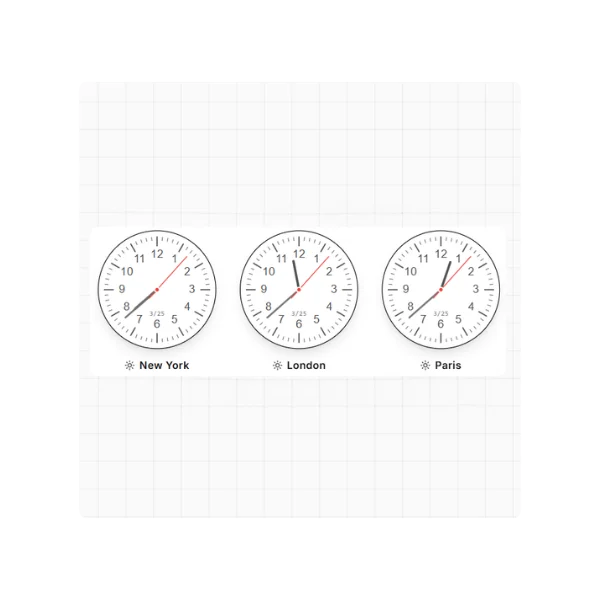
If you work with clients, a remote team, or friends in other countries, this is the highest leverage widget.
Use cases
- Track your time and the client’s time at the same moment
- Avoid sending messages at 3 AM
- Schedule meetings faster
What to include in the widget
- 2 to 6 time zones
- City name and GMT offset
- A clear “working hours” highlight (for example 9 AM to 5 PM)
Keywords to target
- world clock widget
- multiple time zones widget
- time zone widget
- time zone converter widget
Get a customizable World clock widget.
2) Time zone converter widget (meeting friendly)
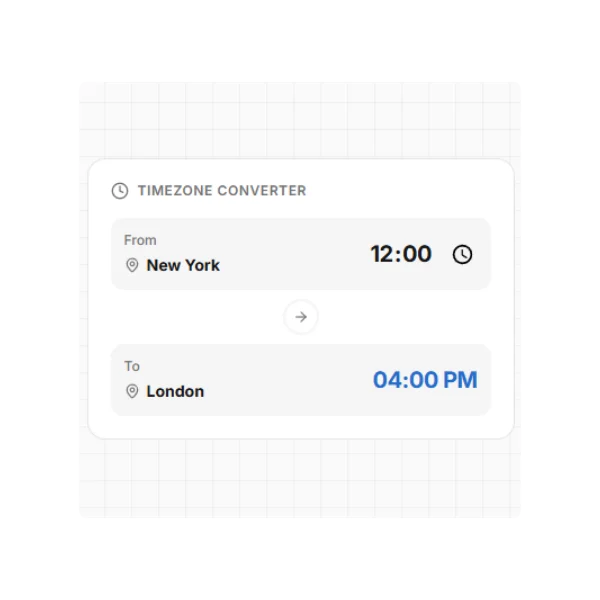
A world clock shows time. A converter helps you act.
Use cases
- Convert 3 PM in New York to your local time
- Compare two time zones quickly
- Plan meeting times across regions
What to include
- Two time zone selectors
- A time slider
- A “copy time” action
Keywords to target
- time zone converter widget
- time zone conversion tool
- meeting time zone converter
Get a customizable Timezone Converter widget.
3) Measurement converter widget (food, recipes, and daily life)
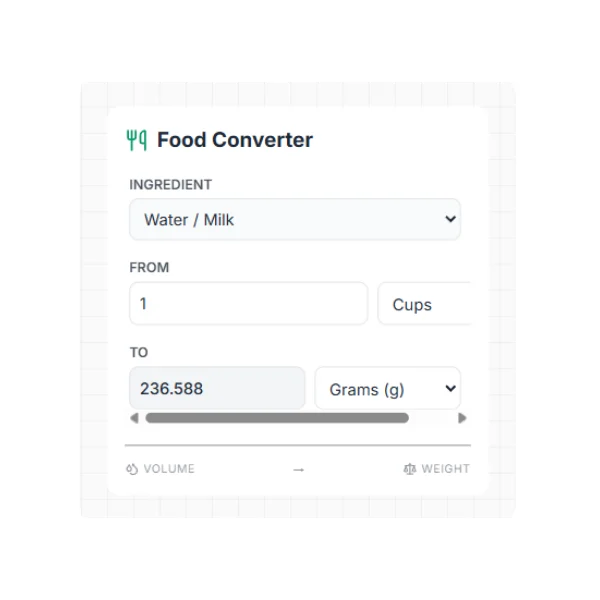
This widget is a sleeper hit because it solves a small but repeated annoyance.
Use cases
- Convert cups to grams
- Convert tablespoons to milliliters
- Convert ounces to grams
What to include
- Common kitchen units
- A short list of common ingredients (flour, sugar, butter) if you want to go deeper
Keywords to target
- measurement converter widget
- kitchen conversion widget
- cups to grams converter
Get a customizable Measurement converter widget.
4) Random wheel widget (decisions, content, and fun)
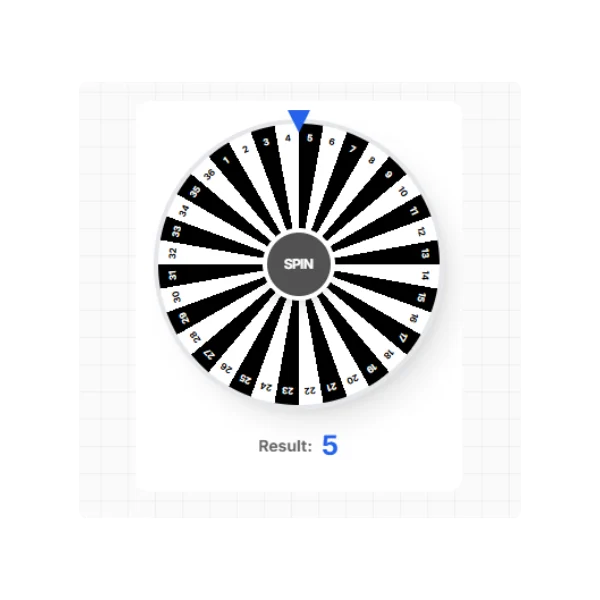
A random wheel looks playful, but it is useful for decision fatigue.
Use cases
- Pick a task from your backlog
- Choose a content topic
- Run giveaways or classroom activities
What to include
- 6 to 20 entries
- A “remove picked item” option
- A history of the last 5 results
Keywords to target
- random wheel widget
- spin the wheel widget
- random picker wheel
Get a customizable Lucky Wheel widget.
5) Vigenère cipher widget (extra privacy, team signals, and fun)
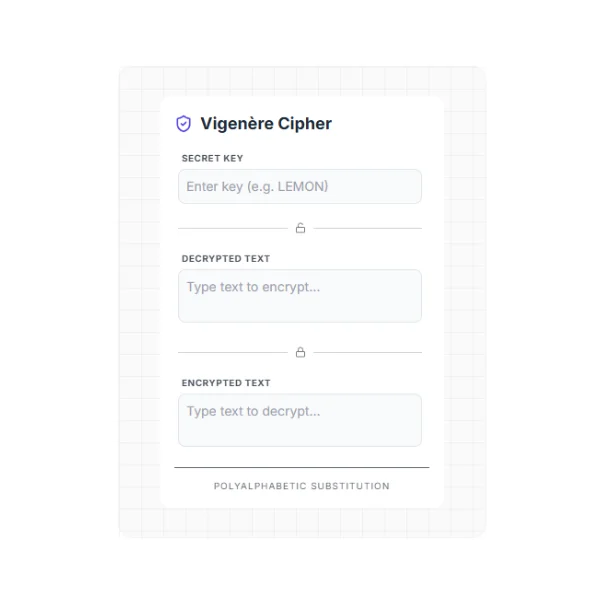
Think of this as a “secret note” widget. It turns normal text into a coded message, perfect for playful privacy and little surprises in your workspace.
Use cases
- Add a second layer for notes you do not want to read at a glance, such as small personal notes, names, or labels
- Share short messages with a teammate without the entire team reading them, if you also share the key separately
- Build puzzles, Easter eggs, or community games on a page
How it works (simple)
- You write a message
- You pick a key, for example
Notion - The widget outputs the encrypted text, and anyone with the key can decrypt it
Example encrypted message
- Plaintext: You’re an awesome person. Be happy
- Key:
Notion - Ciphertext: Lcn’zs na opmgbzs imffbb. Um vncdr
Keywords to target
- vigenere cipher tool
- vigenere cipher encoder
- encrypt text online
- cipher generator
Get a customizable Vigenère Cipher widget.
The best widget to start with
Start with the world clock widget.
It has the strongest search intent, it solves a clear pain, and it fits many audiences. A time zone widget also earns clicks because people feel the problem fast.
Simple checklist, pick the right widget for your audience
- Remote work and clients: world clock, time zone converter
- Home and life dashboards: measurement converter
- Creators and communities: random wheel, cipher widget
How to build a “widget stack” that feels clean
- Keep it to 3 widgets per dashboard section
- Put the highest frequency widget at the top
- Use one visual style so the page feels calm
Conclusion
Widgets do not need to be complex. They need to reduce one annoying step.
If you add one widget this week, make it the world clock. Then add the converter. Everything else is optional.
