

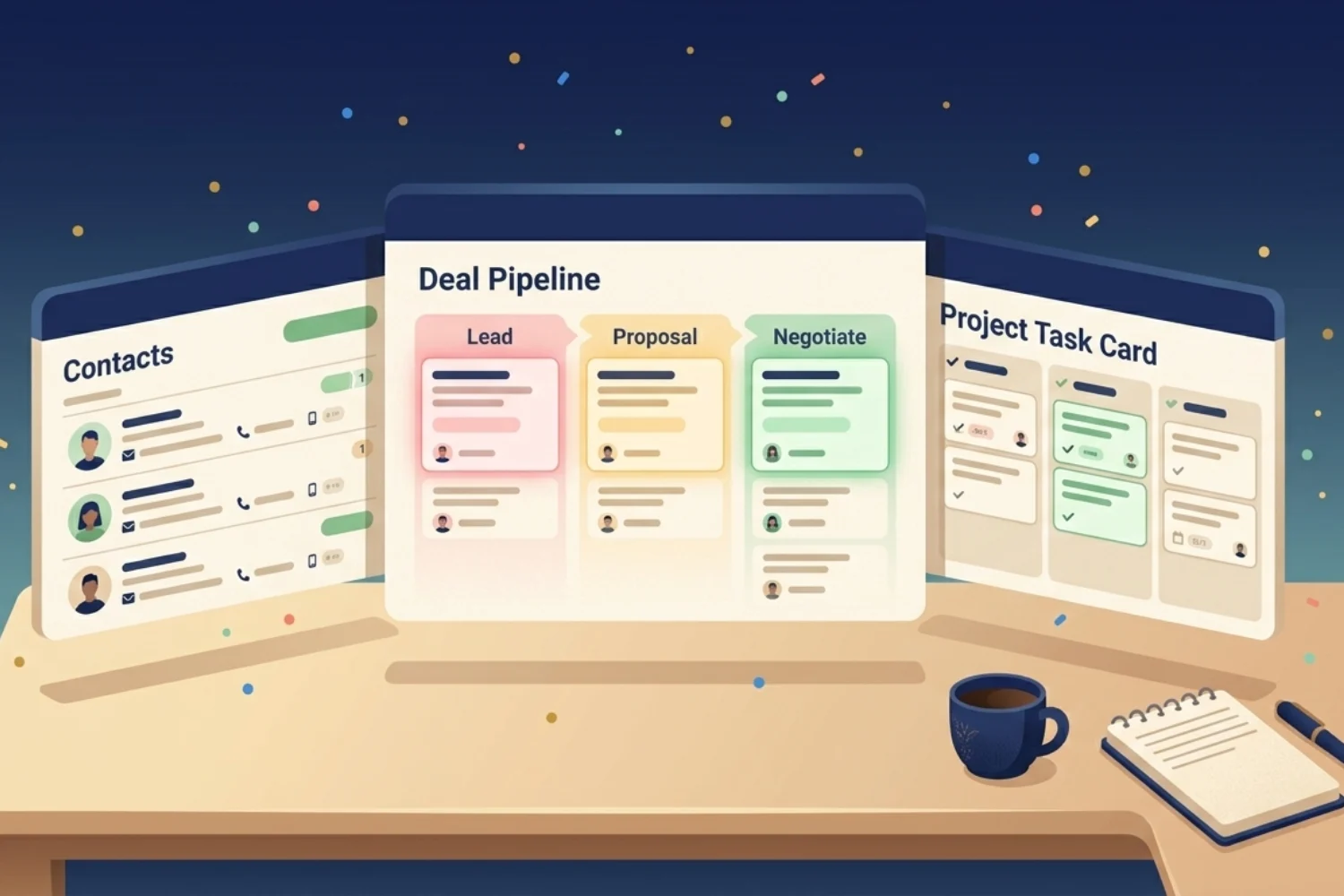
You opened five tabs, two spreadsheets, and a notes app this morning, looking for one client number. This is the friction. The best Notion CRM system for solopreneur work removes the search and puts every contact, follow-up, deal stage, and delivery step in one calm workspace. This guide walks you through what a solo CRM needs, the trade-offs against paid tools, the exact pieces of a working Notion setup, and a free starter you duplicate in under five minutes.
Cool right? Let’s get into it.
Table of Contents
What You’ll Learn
Why solopreneurs lose deals without a CRM
Here is the honest math for a one-person business. You meet a lead on Tuesday. You exchange three messages. You send a proposal Friday. Then a wedding, a sick day, a new client launch, and two weeks slip by. The lead has gone cold. You blame the calendar. The real cause is missing infrastructure.
Solopreneurs lose deals because:
- Lead notes live in WhatsApp screenshots and inbox replies
- Follow-up reminders sit in your head, not a system
- Past clients vanish from active memory after three months
- Proposals get rewritten from scratch every time
- Project work and sales pipeline live in different tools
A CRM in Notion fixes one specific problem: it gives every client a single record with every conversation, every deal stage, every project, and every next step attached to it. One person opens it. One person updates it. Nothing slips.
What makes Notion the right CRM for one-person businesses
Most CRM software targets sales teams of five to fifty. The pricing reflects it. HubSpot Starter is around 20 dollars per user per month. Pipedrive starts at 14 dollars. Folk starts at 25 dollars. None of these were designed for one person who wears six hats.
Notion as a CRM works for solopreneurs because of four traits:
- One workspace, not one stack. Your client database, your project tracker, your notes, your invoices, and your content calendar live together. No switching tabs to rebuild context.
- Free for personal use. Until you invite teammates, the Notion Personal plan covers a full CRM build with unlimited pages and rows.
- Editable forever. No 14-day trial pressure. You shape the property fields to match your service, your stages, your language.
- Connected, not siloed. A client record links to their projects, their invoices, their tasks, and their meeting notes. One click moves between context.
The trade-off is honest. A Notion setup needs you to configure the first version. A finished Notion CRM template removes the build step. We will get to a free one in a minute.
Notion CRM vs paid tools: the real cost comparison
Take a working solopreneur with 40 active contacts and 8 deals in the pipeline.
| Tool | Year 1 cost | Stack involved |
|---|---|---|
| HubSpot Starter | $240 | CRM only, plus separate tools for projects, notes, invoicing |
| Pipedrive Essentials | $168 | CRM only, plus separate tools |
| Folk Standard | $300 | CRM and outreach, plus separate tools |
| Notion Personal plan | $0 | Everything in one workspace |
| Notion Plus + paid CRM template | ~$130 | Everything in one workspace, one-time template fee |
A solopreneur is not paying for sales-team analytics, role permissions, or call-center routing. A paid CRM is built to sell those features. Notion is built to be the workspace you already think in.
What the best Notion CRM system for solopreneur work includes
A Notion CRM template earns the title when it covers four parts. If a template you find online skips any of these, keep looking.
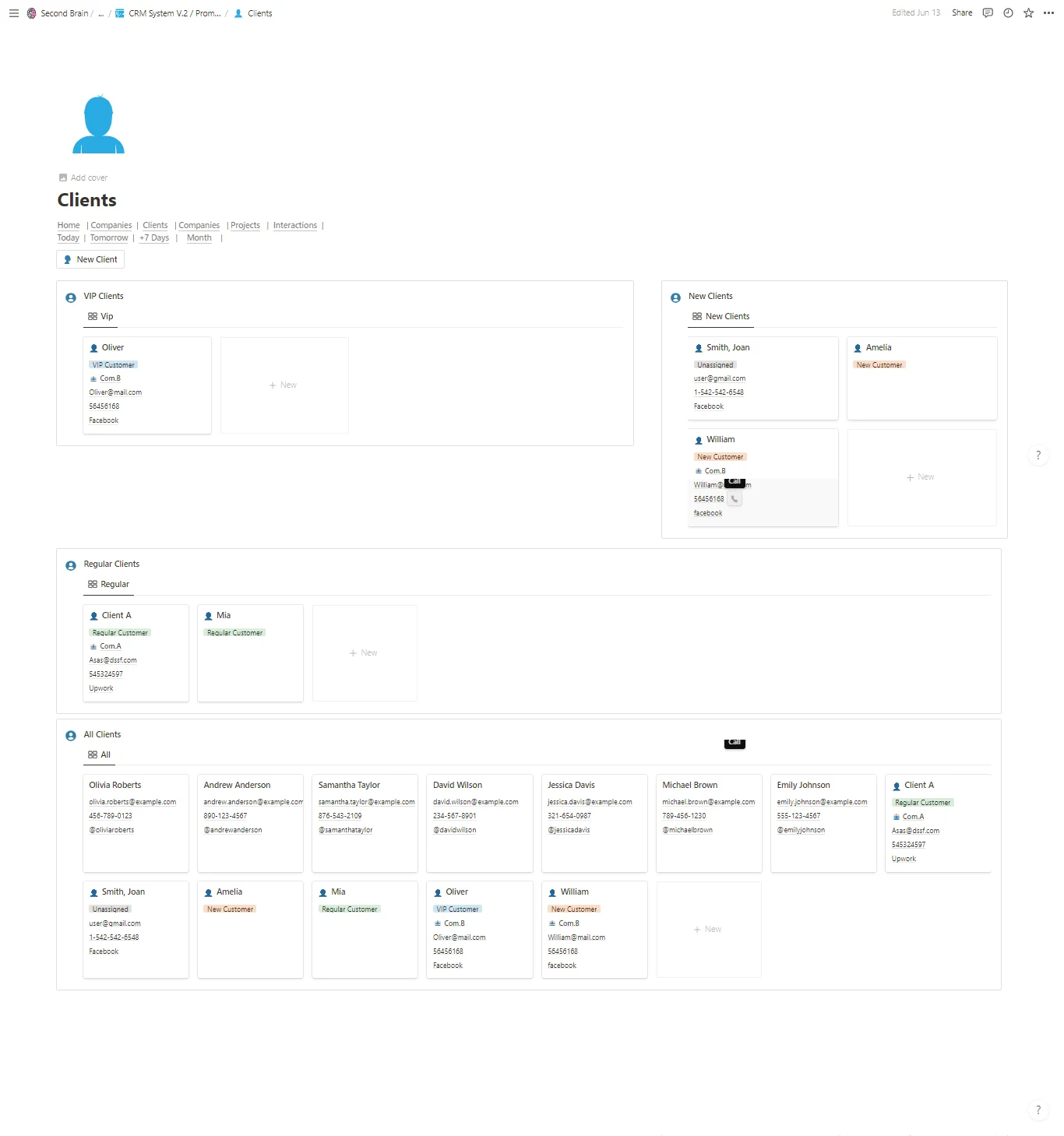
Contacts and companies in one connected view
Every person belongs to a company, or to themselves as a freelancer. A clean record holds:
- Name, role, contact channels
- Source (where they came from)
- Lifecycle stage (lead, prospect, client, alumni)
- Last touch date
- All linked deals, projects, and notes
The connection between contact and company is the difference between a list and a CRM.
A pipeline showing the next step
A deal record needs five fields at minimum: stage, value, expected close date, owner (you), and next action. The next-action field is the one most templates miss. Without it, your pipeline view becomes a graveyard of forgotten leads.
Projects and tasks tied to the client
When a deal closes, the project starts. A solid Notion CRM for freelancers carries the same client record into delivery. The project page shows scope, milestones, deliverables, and the same activity log. Nothing gets re-typed.
Activity log for calls, emails, meetings
A short entry after every conversation. Date, channel, summary, next step. This is the second-brain layer. Three months later when the lead replies, you read four lines and know exactly where you left off.
Set up your Notion CRM in under 10 minutes
Building from scratch takes a weekend. Duplicating a pre-built Notion CRM template takes minutes. Here is the path.
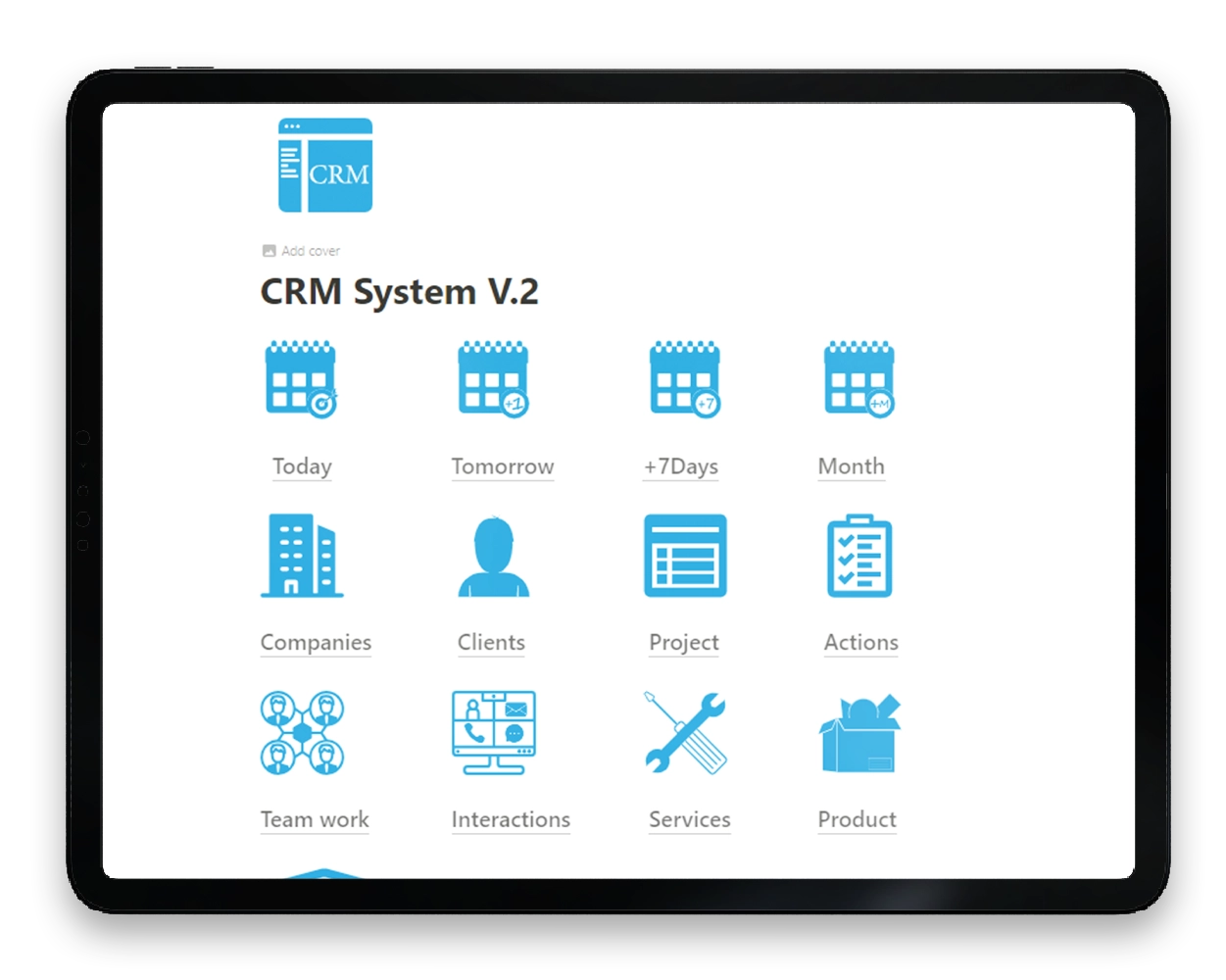
- Open the CRM System (Freelance Version) page in your browser.
- Click Duplicate in the top right.
- Pick your workspace. The template lands at your root.
- Open the Contacts table. Add your first five active clients.
- Open the Pipeline. Drag any open deal into the right stage.
- Set a Next Action date on every active record. This single habit changes everything.
- Open Settings inside the template. Rename stages to match your service language.
You are running a working CRM in Notion before your coffee gets cold.
When to graduate from solo to team setup
Three signals tell you the solo version has hit its ceiling:
- You have a second person logging activity. Property limits and view permissions matter now.
- You handle more than 80 active deals. The single-table pipeline gets noisy. Filtered views per stage and per owner become necessary.
- You sell different services with different sales cycles. A multi-pipeline structure beats a single-stage list.
When two of three apply, switch to a team-grade build. The CRM System (Team Version) handles roles, permissions, multi-pipelines, and cross-team reporting.
Frequently Asked Questions
Is Notion good as a CRM for solopreneurs?
Yes, with the right structure. A plain database of contacts is not a CRM. A connected system of contacts, pipeline, projects, and activity is. The best Notion CRM system for solopreneur work is the one matching your service model, your stages, and your follow-up rhythm.
Is there a free Notion CRM template?
Yes. The CRM System (Basic Version) on Fayedtion includes contacts, pipeline, projects, and an activity log at no cost. You duplicate it into your workspace and edit it freely.
Notion vs HubSpot for one person, which is better?
Notion if you also need projects, notes, content, or invoices in one place. HubSpot if you live in sales meetings all day and need a dialer, calling tools, and team analytics. For a solopreneur running services or digital products, Notion wins on price, flexibility, and context.
How long does it take to set up a Notion CRM template?
A pre-built template takes 10 minutes to duplicate and 30 to 60 minutes to fill with current clients. A build-from-scratch effort takes a full weekend before it stabilizes.
Will my CRM in Notion break when my business grows?
No, if the template is connected and not flat. A connected CRM scales by adding new views, new stages, and new linked databases. A flat list breaks at around 50 contacts. Pick a Notion CRM for freelancers built with relations and rollups from day one.
Where to go from here
You have two options. Build your own from a blank page. Or skip the build week and duplicate a working system.
The CRM System (Basic Version) is free. Duplicate it, run your next week from it, and decide if it fits. If it does, the Team Version expands the same structure when you hire your first contractor.
A CRM is the difference between busy and profitable. The best Notion CRM system for solopreneur work is the one you open every morning.
