

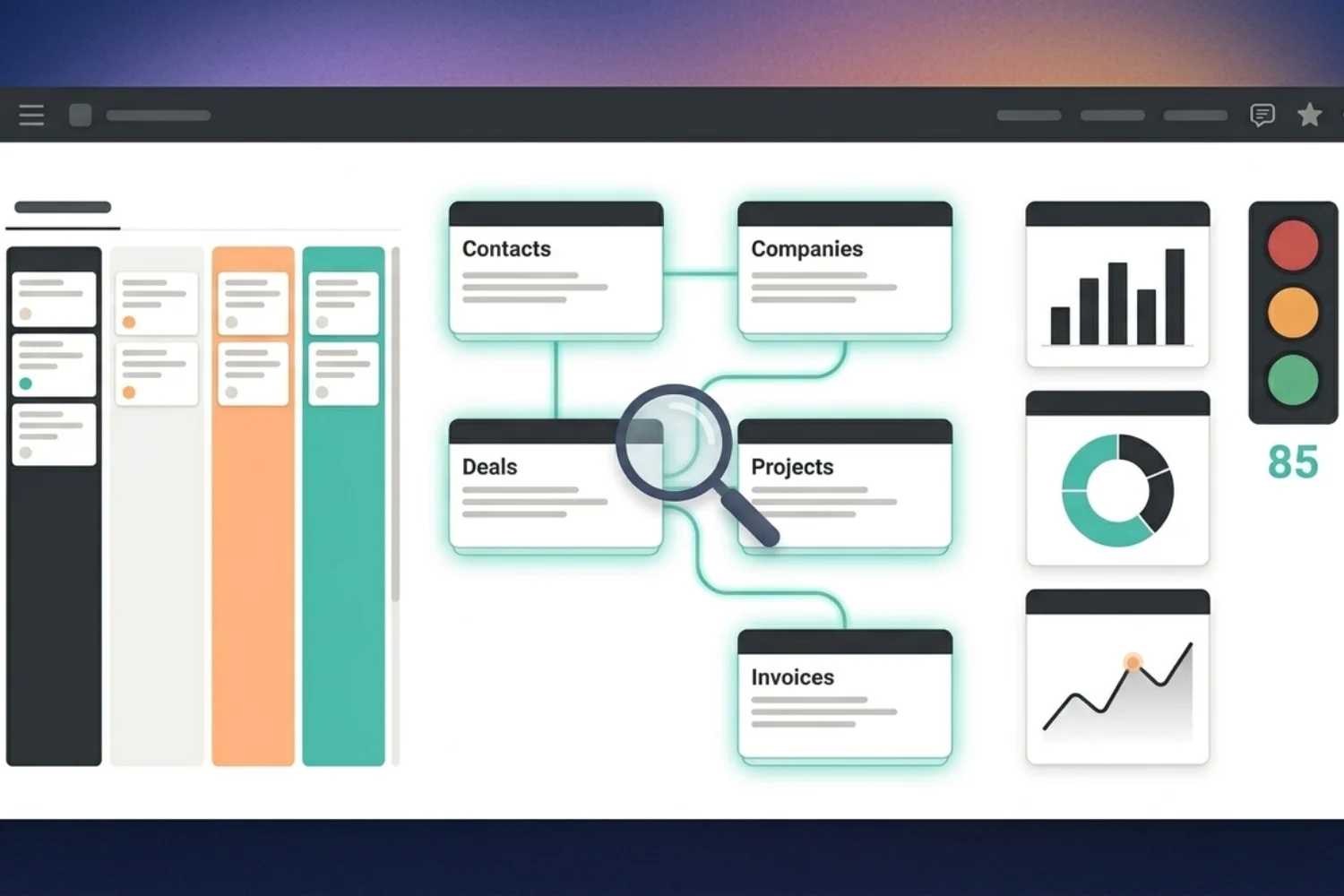
Most CRM tutorials stop at the basics: contacts, deals, status fields. If you sell, run a team, or run a service business at scale, the basics break fast. You need an advanced Notion CRM template with custom views, deep relations, automations, and reporting across projects, finance, and content.
This guide is for power users. Folks who already know how to duplicate a database and now want to push it. I’ll show 8 power moves on top of a free Notion CRM, then rank the best customizable CRM template Notion options for solo, freelance, and team setups. You’ll see where the free CRM Basic stops, where the paid Freelance and Team versions take over, and how to wire a CRM template with automation Notion uses through buttons, formulas, and external triggers.
By the end, your Notion CRM customization plan will be ready to roll out in a weekend, not a quarter.
Why an Advanced Notion CRM Template Matters Now
The default CRM databases in any Notion workspace give you a list of contacts and deals. Useful for the first 10 clients. Then things fall apart:
- Contacts pile up with no segmentation
- Deals close but follow-ups slip
- Projects, invoices, and emails live in separate tools
- Reporting takes 30 minutes of manual filtering every Monday
A pre-built template takes 10 minutes to duplicate and 30 to 60 minutes to fill with current clients. A build-from-scratch effort takes a full weekend before it stabilizes. Advanced CRM templates skip the weekend and give you the wiring upfront: relations, rollups, filtered views, and automation buttons.
4 Markers of an Advanced CRM Setup
Before you call your CRM advanced, check these markers:
- Connected, not isolated. Your CRM links to Projects, Tasks, Finance, and Content in one workspace. No duplicate data entry.
- Role-based views. Sales sees the pipeline. Operations sees client health. Finance sees revenue per client.
- Automation layer. Buttons trigger status changes, send emails, and create follow-up tasks. Webhooks fire externally through n8n or Zapier.
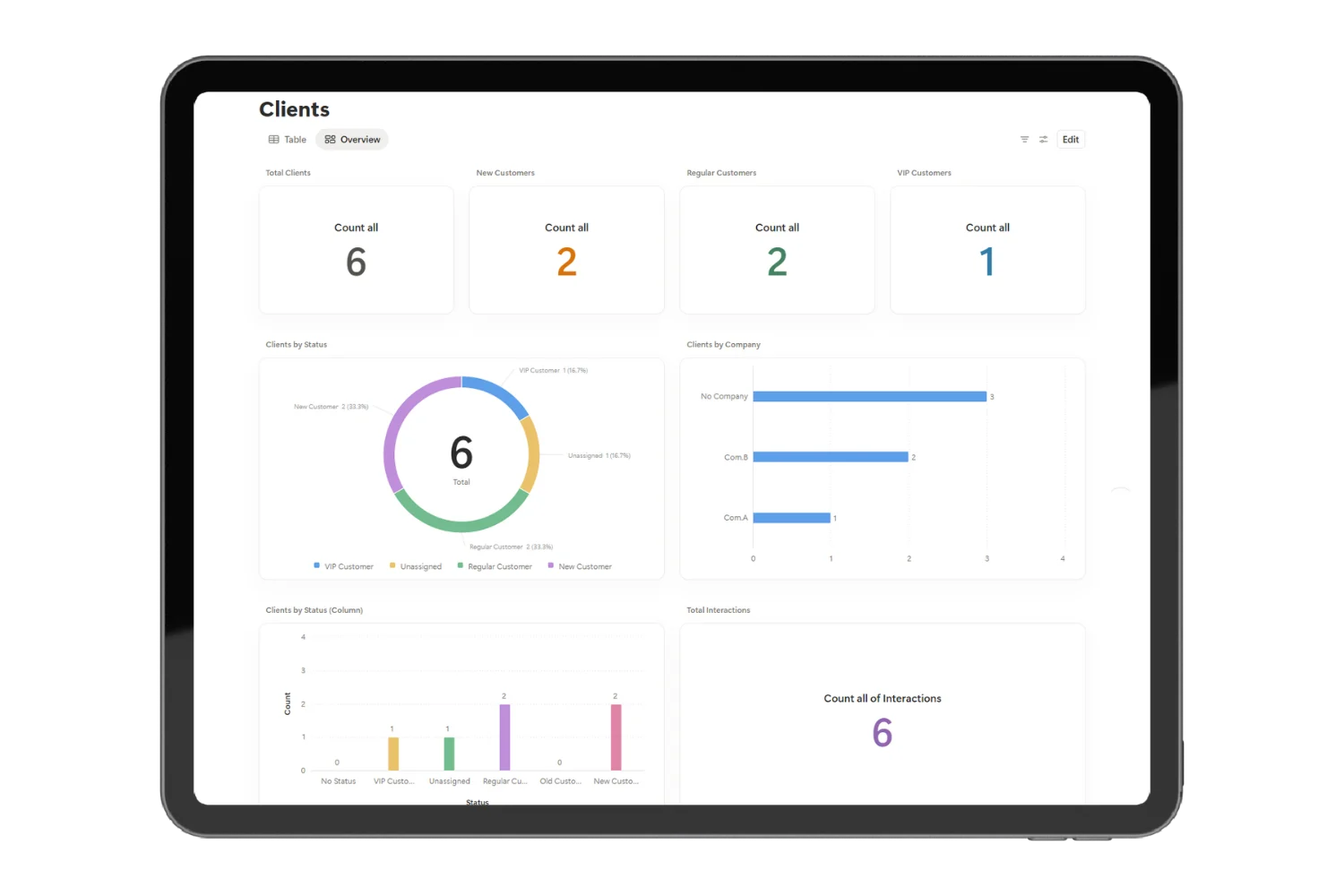
- Reporting at a glance. Live dashboard with revenue, conversion rate, lost reasons, and pipeline value, no spreadsheet exports.
If your CRM misses 3 of these, you’re still on basic.
8 Power-User Moves to Customize Your Notion CRM
Here’s the real work behind serious Notion CRM customization. Pick what fits your stage.
1. Build the relation graph
Connect Contacts to Companies to Deals to Projects to Tasks to Invoices. Five relations, one source of truth. When a Deal closes, the Project, Tasks, and first Invoice spawn from one button press. The relation graph turns your CRM into a small operations system.
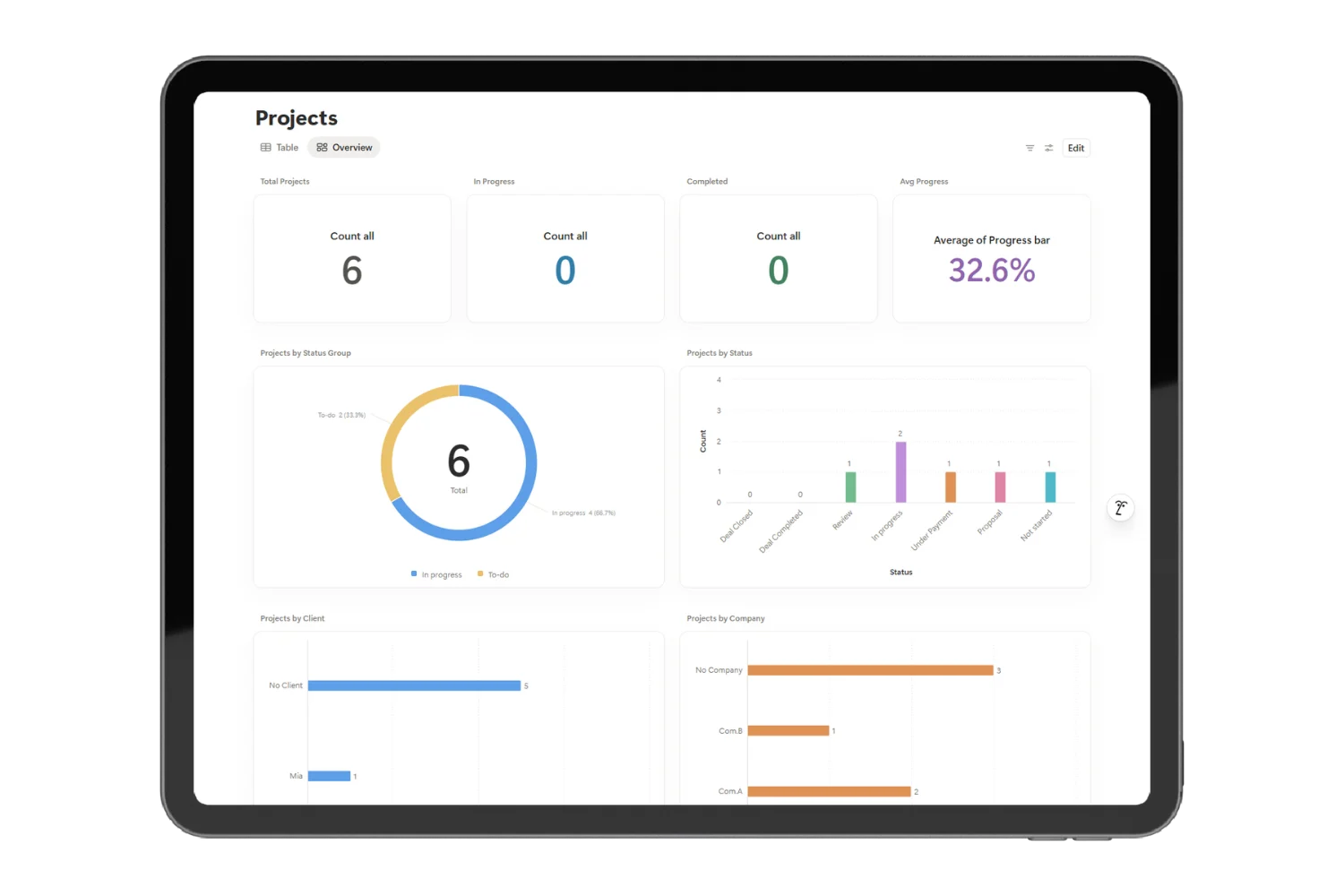
2. Run multi-pipeline tracking
One deals database, four pipelines: New Business, Renewals, Upsells, Reactivation. Filtered Board views per pipeline. Each pipeline has its own stages, exit criteria, and average cycle. This is the move separating a power user CRM template Notion buyers respect from a generic deals list.
3. Add rollup-based health scoring
For each client, roll up:
- Days since last contact
- Open invoices
- Active projects
- Tickets in the last 30 days
Combine through a formula into a health score (Green, Yellow, Red). Sort the dashboard by Red first. You’ll catch churn risk weeks before the cancel email lands.
4. Create role-based views
Build 3 saved views: Sales (pipeline + activity), Account Manager (client health + projects), Founder (revenue + forecast). Filter, sort, and color-code per view. Stop sharing one view with 4 hats.
5. Layer in the Automation OS
The Automation OS plug-in extends the CRM with webhooks, n8n templates, and AI agents. Use it to auto-create tasks from emails, sync deals to Google Sheets, post Slack alerts on stage changes, and tag stale contacts. The CRM stays clean, the busywork lives in the automation layer.
6. Pipe in inbound leads
Connect a Notion form (or a Tally form sending data through n8n) to the Contacts database. Every form submission spawns a contact with source, intent, and assigned owner. Add a formula to auto-prioritize high-intent leads. Now your CRM template with automation Notion supports runs as a real lead funnel.
7. Cross-project reporting
Build a Dashboard page with chart blocks (Plus plan required) showing:
- Deals closed per month
- Revenue by source
- Average days to close
- Lost reasons breakdown
This turns your CRM from a list into a living report.
8. Two-way relations to Finance and Tasks
Wire a two-way relation between Deals and Invoices, Deals and Projects, Projects and Tasks. The Deal page shows its open invoice. The Invoice page shows the source deal. Tasks roll back to the project owner. No more lost context.
Eight customization layers on top of a basic Notion CRM. Pick the 3 you need this month.
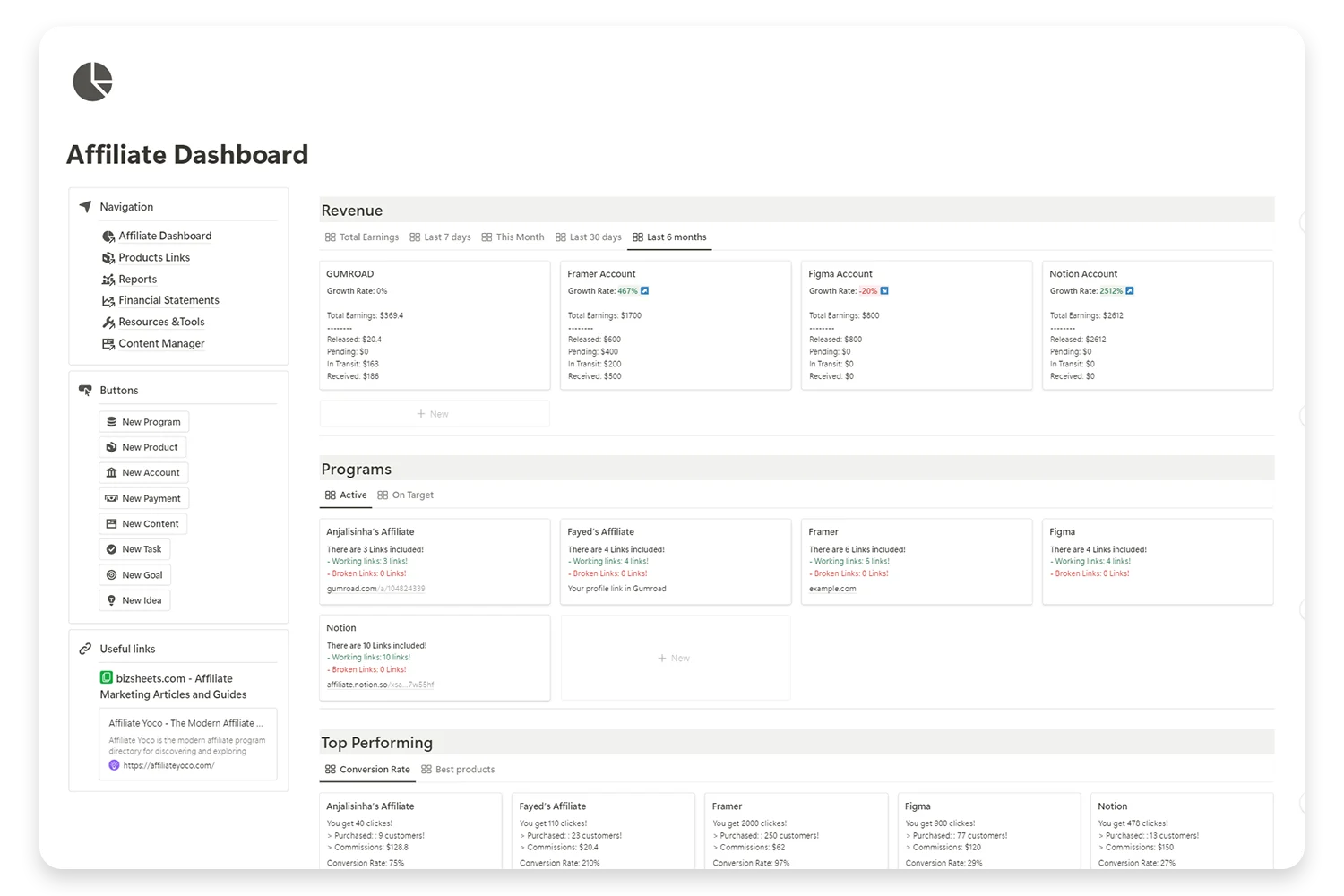
Elevate Your Affiliate Business with Expert Insight Management
Take control of your affiliate marketing with our comprehensive Notion template. Designed for efficiency and clarity, this template helps you manage your affiliate programs, track earnings, and optimize your strategies.
The Best Advanced CRM Templates, Ranked (Free vs Paid)
Three tiers, three buyer profiles. Each one is an advanced CRM template the user picks based on team size, not feature count.
Free: CRM V.2 Basic
- Price: Free on Gumroad
- Best for: Solopreneurs and freelancers running fewer than 20 active clients
- What you get: Contacts, Companies, Deals, Projects, Tasks, Finance light, ready filtered views, and a dashboard
- Why start here: Zero risk. Test the relation model and the daily workflow before paying. Most users stay on Basic for the first year.
Paid: CRM Freelance Version
- Price: Paid template
- Best for: Service freelancers running 20 to 50 clients, juggling proposals, contracts, and recurring invoices
- What’s added on top of Basic: Proposal templates, contract builder, recurring invoice tracker, time logging linked to deals, and a client portal layout. Geared for the solo operator who bills by the hour or by the project.
Paid: CRM Team Version
- Price: Paid template
- Best for: Teams of 2 to 30 sharing a single CRM with role-based access, financial controls, and team workload tracking
- What’s added on top of Basic: Team workload board, role-based dashboards, salary and commission tracking, budget management, multi-pipeline support, admin permissions setup, and a built-in client onboarding flow.
Heads up on Notion plans. CRM V.2 Basic runs on the free Notion plan. The Plus plan unlocks chart blocks for the live dashboard. The Team plan adds collaboration features the CRM Team Version assumes you have.
Bonus add-ons
- Automation OS layered on any CRM tier for advanced workflow automation
- Business Pack Pro bundles the CRM Team Version with Finance OS, Content OS, and a Goals system. Built for solopreneurs already running 3 or more business workflows.
Free alternative bundle
The Free Business Pack covers a CRM, projects, and notes at zero cost. Use it when your budget is zero and you want to validate the Notion-as-a-business-OS idea before paying.
Solo to Team: When to Upgrade Your CRM Tier
Stay on the free CRM V.2 Basic when:
- You’re under 20 active clients
- You work alone
- Cash flow is the priority
Upgrade to the paid Freelance Version when:
- You manage 20+ active clients
- Proposals and contracts eat 5+ hours a week
- You bill recurring or hourly clients
Upgrade to the paid Team Version when:
- You have 2+ teammates in the CRM
- You need role-based access
- Finance, salary, and budget controls matter
Skip ahead to Business Pack Pro when CRM, Finance, and Content all run together and the manual stitching steals 10+ hours a week.
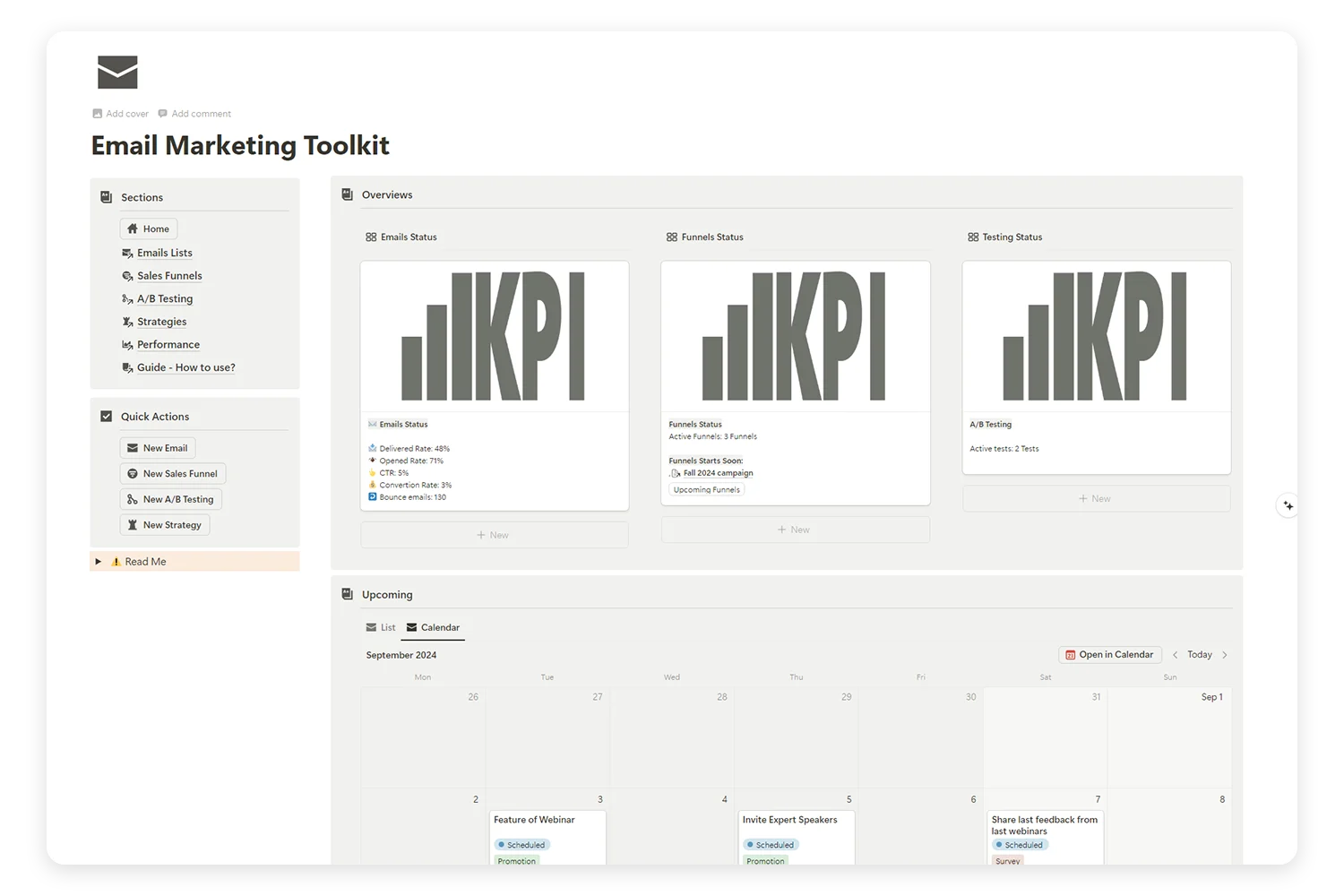
Supercharge Your Email Marketing with the Ultimate Toolkit!
Tired of juggling multiple platforms to manage your email campaigns, sales funnels, and A/B tests? Our Email Marketing Toolkit is here to organize, analyze, and optimize your email strategies—all in one place.
Your 1-Weekend Migration Playbook
A weekend is enough to move from a basic CRM to an advanced setup. Here’s the path:
Saturday morning (2 hours)
- Pick your tier (Basic, Freelance, or Team)
- Duplicate the template
- Import current contacts through CSV
Saturday afternoon (3 hours)
- Wire the relation graph
- Set up role-based views
- Build the dashboard with chart blocks
Sunday morning (2 hours)
- Layer the Automation OS, or skip to the next step if not using it
- Connect inbound lead source (form or webhook)
Sunday afternoon (1 hour)
- Train the team on the 3 saved views
- Set a Monday morning review habit
By Monday, your advanced Notion CRM template runs the business, not the other way around.
FAQs
What makes a CRM template advanced versus basic?
An advanced CRM template covers relations across Contacts, Deals, Projects, Tasks, Finance, and Content, ships with role-based views, includes a live dashboard, and runs at least one automation layer. A basic template stops at contacts and deals.
Should I start with CRM V.2 Basic or jump to the Team Version?
Start with the free CRM V.2 Basic if you’re solo or under 20 active clients. It’s free, low risk, and uses the same data model as the paid tiers. Jump to the paid Team Version when 2+ teammates need shared access plus role controls.
Do I need to know Notion formulas to run an advanced CRM template?
No. The paid versions ship with pre-built formulas for health scoring, deal age, revenue rollups, and reporting. You read the dashboard, you don’t write the math.
How does a Notion CRM compare to HubSpot or Salesforce for power users?
HubSpot Starter sits around $20 per seat per month, Salesforce Essentials starts near $25 per seat per month. A paid Notion CRM is one-time pricing under $100 with no per-seat cost. Power users pick Notion when they want one workspace for CRM, projects, finance, and content. HubSpot and Salesforce win on enterprise reporting and outbound sales engines.
What’s the learning curve for a customizable CRM template Notion power users adopt?
Plan a weekend for a clean migration and a follow-up week for habit reinforcement. The Freelance and Team Versions ship with a step-by-step user guide so the setup isn’t blind.
Take Your CRM to Pro Mode
If you’ve been running a basic Notion setup and you keep hitting the same walls, your CRM isn’t broken, it’s underbuilt. Start with the free CRM V.2 Basic to test the model. Move to the paid Freelance Version when proposals and contracts eat your week. Move to the paid Team Version when role access matters. Layer the Automation OS the moment your busywork hits 5 hours a week.
Your next step: pick a tier, block a Saturday, and run the migration playbook. Your Monday self will thank you.
