

Last updated on August 5th, 2026 at 03:00 pm
Email automation triggers are the specific rules and events inside your email service provider deciding when a message goes out to a subscriber automatically. Set the trigger once, and the tool sends the right email at the right moment without you pressing send.
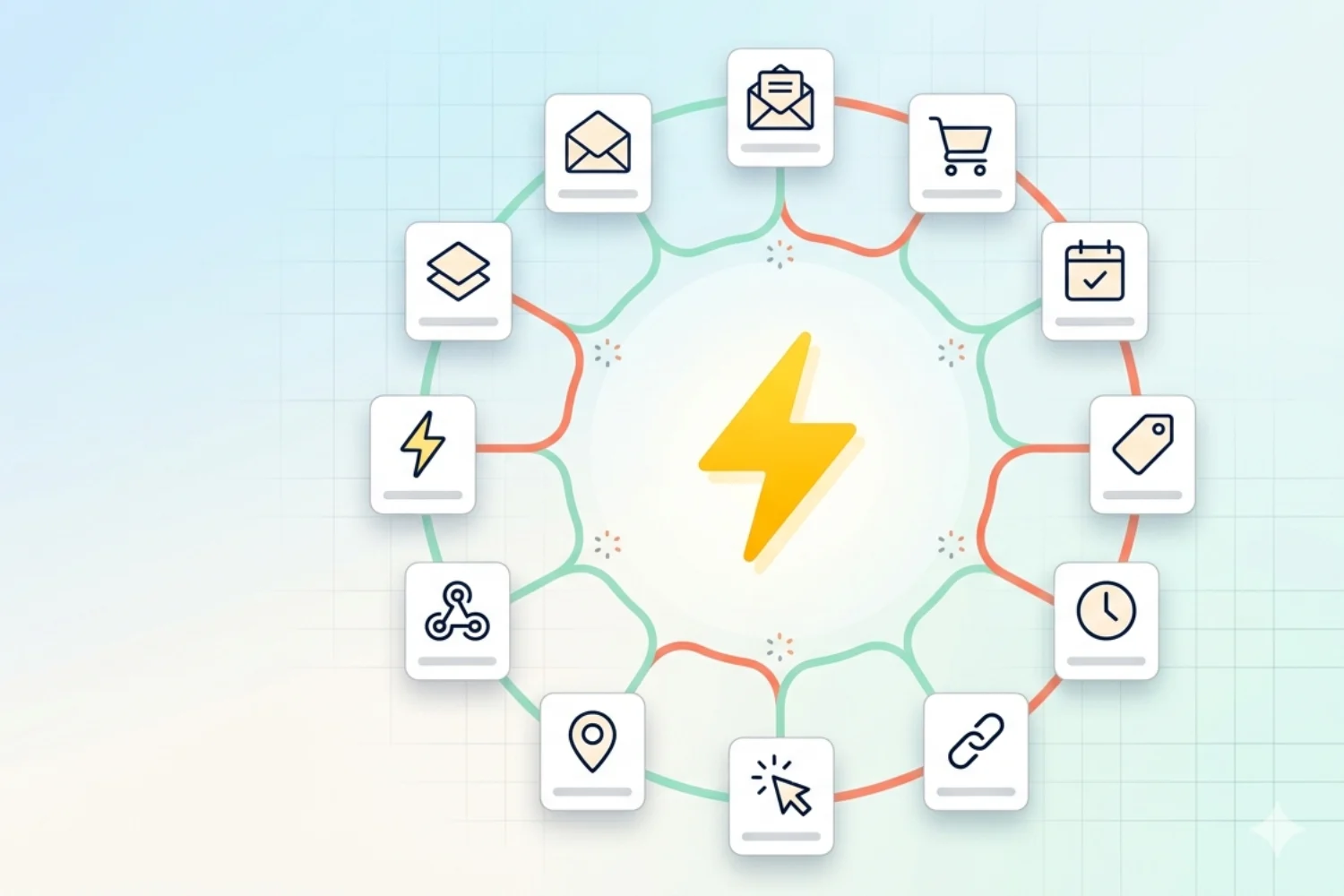
This guide walks through the 12 email automation triggers powering every automated sequence you have ever seen, from welcome flows to cart recovery. You get a plain-language definition for each trigger, a real-world use case, the exact tools supporting it, and a decision matrix mapping each business goal to the right email automation triggers to pick first.
By the end, you will know which email automation triggers fit your list size, your stack, and your revenue goal, plus a concrete walkthrough of configuring the trigger inside the three most common platforms (Mailchimp, ActiveCampaign, and HubSpot).
Table of Contents
What You’ll Learn
What Are Email Automation Triggers? A Plain-Language Definition
Email automation triggers are the conditions you set inside your email service provider to start an automated email or sequence. When the condition is met, the email goes out on its own. In some tools the same concept is labeled trigger emails, and in your reports the fired condition shows up as an email automation event.
Think of email automation triggers as the green light at a crossing. The light controls the flow. The driver sets the rules. Same idea in your email tool: the subscriber’s behavior or details flip the switch, and your sequence rolls forward.
A trigger is one of three things:
- An action the subscriber takes (signs up, buys, clicks)
- A point in time (a date, a delay, an inactivity window)
- A condition becoming true (a tag added, a field updated)
The trigger fires once and then your sequence runs based on the steps you laid out.
The 4 Trigger Categories
Every trigger fits one of four buckets. Once you know the bucket, you know the use case.
| Category | Fires when… | Common goal |
|---|---|---|
| Action triggers | Subscriber does something | Welcome, confirm, follow up |
| Time triggers | A date or delay arrives | Birthdays, renewals, reminders |
| Condition triggers | A field or tag changes state | Segmentation, lifecycle moves |
| Manual triggers | You press send on a one-off | Announcements, campaign blasts |
Most sequences mix two or three. A welcome flow uses an action trigger for the signup, then a time delay between each follow-up email.
1. Form Submission Trigger
Fires when someone fills out a form on your site and lands on your list.
Example: A reader downloads your free ebook. The form submission adds them to the list, and the welcome sequence starts within a minute.
Use it for: Lead magnets, newsletter signups, contact forms, demo requests.
ESP support: Every email tool worth using supports this. Mailchimp, MailerLite, Brevo, ConvertKit, and HubSpot all wire form submissions to automations out of the box.
2. Purchase Trigger
Fires when a subscriber completes a checkout in your store.
Example: A customer buys a candle. The trigger pulls the order details and starts a post-purchase sequence with a thank-you note, a care guide, and a review request seven days later.
Use it for: Order confirmations, shipping updates, cross-sell sequences, review requests.
ESP support: Tools with native Shopify, WooCommerce, or BigCommerce integrations support this directly. Look for “purchased product” or “order placed” inside the automation builder.
3. Cart Abandonment Trigger
Fires when a shopper adds items to the cart but leaves before paying.
Example: A visitor adds a $90 jacket to the cart and closes the tab. One hour later, an email lands with the cart contents, a friendly reminder, and a link straight back to checkout.
Use it for: Recovering lost sales. Baymard Institute reports an average cart abandonment rate near 70%, so the upside is real.
ESP support: Available in Klaviyo, ActiveCampaign, Mailchimp (with the Shopify integration), Brevo, and Drip.
4. Link Click Trigger
Fires when a subscriber clicks a specific link inside any email you sent.
Example: Your newsletter has three links: pricing, case studies, and a podcast. Anyone who clicks the pricing link gets a follow-up email two days later with a comparison table.
Use it for: Interest-based segmentation, deep-funnel nudges, sales handoffs.
ESP support: MailerLite, ActiveCampaign, ConvertKit, and Brevo all expose “link clicked” as a standalone trigger.
5. Tag Added or Removed Trigger
Fires when a tag gets attached to a subscriber or stripped from one.
Example: A subscriber finishes your free course. Your platform adds the tag “Course Complete.” The tag fires an upsell sequence pitching the paid version.
Use it for: Lifecycle moves, course or membership flows, internal status changes.
ESP support: Tag-based tools shine here. ConvertKit, ActiveCampaign, and Drip treat tags as first-class triggers. Mailchimp supports it through Customer Journeys.
6. Date-Based Trigger
Fires on a calendar date or a recurring anniversary.
Example: A subscriber’s birthday is March 14. On March 7, a “Happy Birthday Week” email goes out with a 15% off code valid until March 21.
Use it for: Birthdays, signup anniversaries, subscription renewal warnings, holiday campaigns scheduled to one segment.
ESP support: Mailchimp, MailerLite, ActiveCampaign, and Klaviyo all support date-based triggers. Look for the field holding the birthday or signup date, then pick the offset (days before or after).
7. Inactivity Trigger
Fires when a subscriber goes quiet for a defined window.
Example: A subscriber opens nothing for 90 days. The trigger drops them into a re-engagement sequence asking “Still interested?” with a clear unsubscribe link.
Use it for: Win-back campaigns, list hygiene, sunset flows.
ESP support: ActiveCampaign, Klaviyo, and ConvertKit handle this with “no opens in X days” or “no clicks in X days” conditions. Mailchimp surfaces it through engagement segments.
8. Page Visit or Pixel Trigger
Fires when a subscriber visits a tracked page on your site.
Example: A subscriber visits your pricing page twice in 48 hours. A sales rep gets an internal alert, and the subscriber receives a short email with a calendar booking link.
Use it for: Sales handoffs, behavior-triggered email, abandoned browse sequences.
Note: You need site tracking installed (a pixel or script). ActiveCampaign, HubSpot, and Klaviyo support page-visit triggers natively. Lighter tools do not.
9. Custom Field Updated Trigger
Fires when a value in a subscriber’s profile changes.
Example: A subscriber updates their plan from Free to Pro inside your app. Your CRM pushes the update to your email tool. The change flips a custom field, and an onboarding sequence for paid users starts.
Use it for: Lifecycle stage changes, upgrade flows, internal CRM events.
ESP support: ActiveCampaign, HubSpot, and Customer.io are strongest here. MailerLite and Brevo support it on higher-tier plans.
10. Manual or One-Time Send Trigger
Fires when you press send on a campaign or push a single contact into a sequence yourself.
Example: You launch a webinar invite to your whole list on a Tuesday at 10 a.m. The trigger is you, picking the time and the audience.
Use it for: Announcements, product launches, newsletters, broadcasts.
ESP support: Every tool. This is the default “send a campaign” feature in any platform.
11. Webhook Trigger
Fires when an outside app sends a signal to your email tool.
Example: A new lead lands in your CRM. The CRM fires a webhook to your email platform, which starts a sales-nurture sequence with no manual export.
Use it for: Cross-tool flows, custom apps, event-based behavior-triggered email outside the store or site.
ESP support: ActiveCampaign, Customer.io, and HubSpot expose webhooks directly. Most others reach the same outcome through Zapier or Make.
12. Compound Trigger
Fires when two or more conditions are true at the same time.
Example: “Subscriber tagged as Pro AND visited pricing page in last 7 days AND has not booked a demo.” All three true? Send the demo nudge.
Use it for: High-intent sales flows, account-based sequences, sharp re-engagement.
ESP support: ActiveCampaign and HubSpot are strongest. Klaviyo handles it with “Flow Filters.” Lighter tools either limit you to two conditions or skip the feature entirely.
How to Configure Email Automation Triggers Inside Mailchimp, ActiveCampaign, and HubSpot
Naming the platforms is one thing. Setting up the trigger inside them is another. Here is exactly how three of the most-used tools handle the setup so you know what to click.
Mailchimp: Purchase Trigger for a Post-Buy Sequence
- Connect your Shopify or WooCommerce store under Integrations. Mailchimp pulls the product catalog automatically.
- Open Automations > Customer Journeys > Build from scratch.
- Set the starting point to “Purchases a product” and pick either “any product” or a specific SKU.
- Add three journey points: an immediate thank-you email, a 3-day care-tips email, and a 7-day review request. Mailchimp holds subscribers between points with built-in wait steps.
- Toggle “Only include contacts who match on the trigger date” so old buyers do not get pulled into the flow.
ActiveCampaign: Tag-Based Trigger for a Course Upsell
- Under Automations > Create an Automation > Start from Scratch, pick “Tag is added” as the trigger.
- Set the tag name (e.g., “Free Course Complete”) and the run limit (“Runs once” for a one-time upsell).
- Drop in a Wait step of 24 hours, then a Send Email action carrying the upsell pitch.
- Add a Conditional Split on “Has opened the last email” branching openers to a nudge email and non-openers to a case-study email.
- Attach a Goal step at the end labeled “Purchased Paid Course” so the flow exits automatically when the upsell converts.
HubSpot: Custom Field Trigger for a Lifecycle Upgrade
- Open Automation > Workflows > Contact-based workflow.
- Set the enrollment trigger to “Contact property > Lifecycle stage > has changed to Customer” or to any custom property your CRM pushes.
- Enable “Re-enrollment” if you want the same contact to re-enter when the field toggles again.
- Add an internal Slack notification, then a client-facing welcome email, then a 3-day wait step, then an NPS survey action.
- Use HubSpot’s “If/Then branches” to fork engaged users (product usage above your threshold) into a case-study invite while quieter users get onboarding nudges.
Every ESP names these steps differently, but the pattern is identical across email automation triggers: pick the entry condition, add wait steps between messages, set an exit rule, and tag a goal for reporting.
How to Pick the Right Trigger for Your Goal
Use this decision matrix as a shortcut.
| If your goal is… | Use this trigger |
|---|---|
| Welcome new subscribers | Form submission |
| Recover lost sales | Cart abandonment |
| Confirm and follow up on orders | Purchase |
| Wish customers happy birthday | Date-based |
| Segment by interest | Link click or Tag added |
| Move users up a lifecycle stage | Custom field updated |
| Re-engage quiet subscribers | Inactivity |
| Convert hot leads | Page visit or Compound |
| Sync events from another app | Webhook |
| Send a one-off announcement | Manual |
Pick the simplest trigger first. Add compound logic later, only when a single trigger pulls in the wrong people.
Trigger Versus Event: The Difference Your Reports Care About
The terms get mixed up online. Here is the clean line:
- An email trigger is the rule you set inside the automation builder. It is the “if” part.
- An email automation event is the moment the rule fires for one subscriber. It is the “when it happened” record in your reports.
You set triggers. The tool records events. Both words point at the same flow from different angles, so when a beginner asks what is an email trigger versus an event, the answer lands the same: one flow, two vantage points.
Quick Trigger Setup Checklist
Before you save any automation, walk through this list:
- Trigger condition is specific (one tag, one form, one product, not “any”)
- Entry rule is set (“only once per subscriber” for most flows)
- Exit rule is set (purchase exits the cart sequence, for example)
- Test contact runs through the whole flow without errors
- Goal metric is named (signup, click, purchase, reply)
Triggers fail in silence. A flow with the wrong entry rule sends to the wrong people for weeks before anyone notices. The checklist catches it before launch.
FAQ
Do I need a paid plan to use email automation triggers?
The basic action triggers (form submission, manual send) work on free plans in Mailchimp, MailerLite, and Brevo. Advanced triggers like cart abandonment, page visit, and webhook usually sit on paid tiers.
How many triggers should one automation have?
Start with one. A single clean trigger is easier to debug. Add compound logic after you see real data from the first version.
What is a behavior-triggered email?
It is an email sent in response to something a subscriber did, like a click, a purchase, or a page visit. Behavior-triggered email is the action category from the chart above.
Will triggers fire for old subscribers?
Only if you allow it. Most tools let you pick: apply this automation to existing contacts who match the trigger, or only to people who match it from now on.
What happens when a subscriber matches two triggers at once?
They enter both automations unless you set an exit rule or a flow filter to stop one. Plan your sequences so the same person does not land in two welcome flows on the same day.
Your Next Move With Email Automation Triggers
Email automation triggers are the spine of every automated sequence on your roadmap. Pick one goal from the matrix above, choose the matching trigger, and configure it inside your ESP using the platform walkthrough above. Ship a two-email test sequence before the week ends and measure the first fired event within seven days.
The compound gain comes from stacking flows. Start with one trigger. Add a second next month. By quarter three, six or seven live email automation triggers carry the bulk of your revenue on autopilot.
If you came here from the pillar guide Email Marketing Automation for Beginners: Sequences, Triggers, and Workflows Explained and want the full playbook for your first flow, the welcome sequence article is next on the roadmap.
