

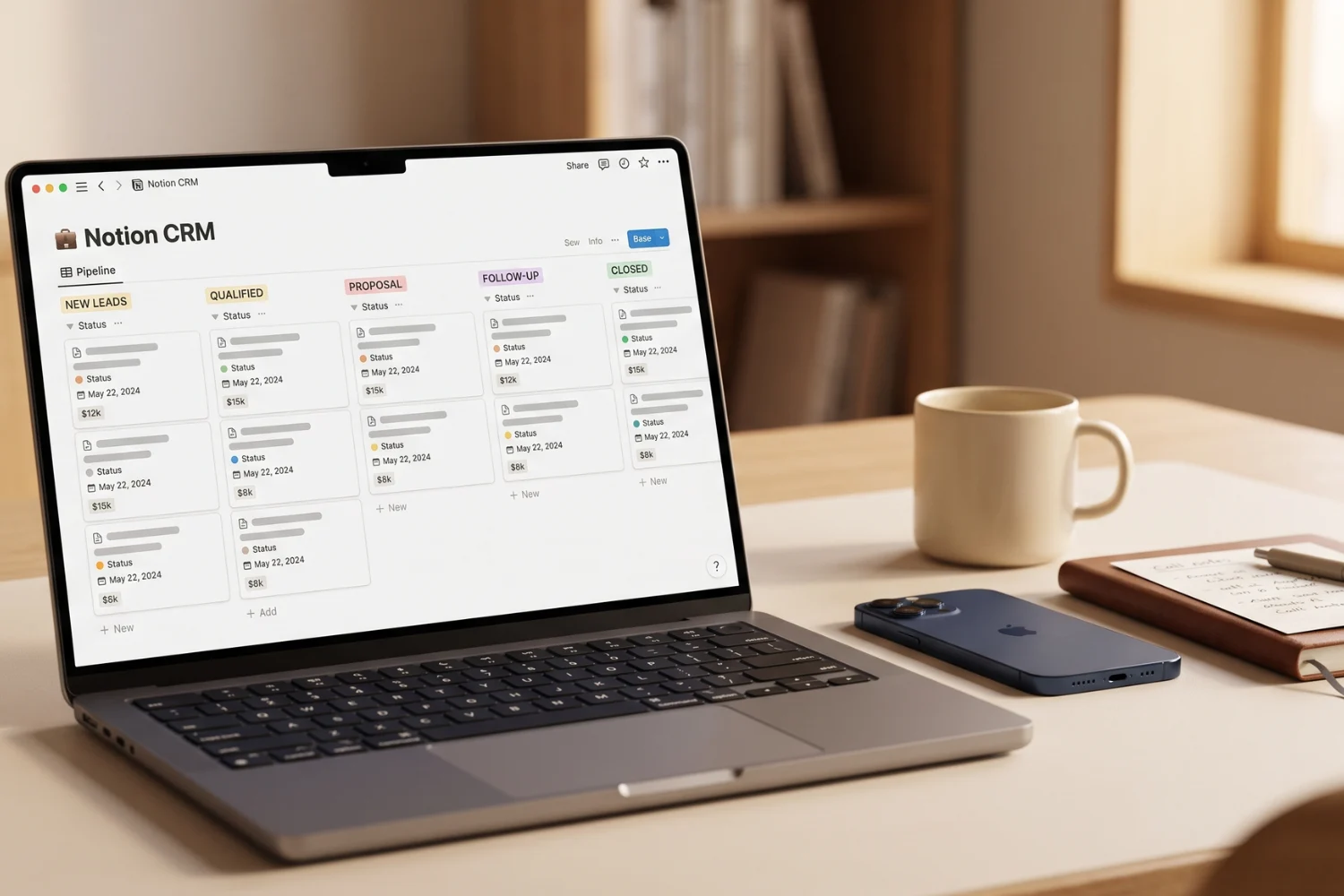
Sales work falls apart when follow-ups live in memory. A prospect asks for pricing, a client says to check back next month, a warm lead replies on Instagram, and one proposal sits untouched for ten days. Without a clear system, the rep loses timing before losing the deal.
That is why this guide ranks the top 10 CRM templates for sales representatives using Notion. The goal is not to pick the prettiest dashboard. The goal is to find a setup a sales rep opens every morning, understands in under one minute, and uses to move leads forward.
These picks work for solo reps, consultants, freelancers, real estate agents, agencies, creators selling services, and small teams. If you want CRM templates for sales reps without a heavy Salesforce-style setup, this list gives you ten Notion options with clear use cases, sales strengths, and free or paid positioning where available.
Table of Contents
What about the top 10 CRM templates for sales representatives
How I ranked the top 10 CRM templates for sales representatives
A sales CRM has one job: make the next action obvious. Good design matters, but a beautiful CRM still fails if a rep forgets who needs a call today.
I ranked every template on five practical criteria:
- Pipeline clarity Can a rep see where every deal sits?
- Follow-up discipline Does the template make calls, proposal reminders, and next actions hard to miss?
- Sales context Does the record hold company details, contact notes, deal value, source, and product interest?
- Daily usability Would a busy rep use it each morning without friction?
- Upgrade fit Does it fit solo sales first, or does it support team handoffs, shared ownership, and reporting?
The best Notion sales CRM template is not always the biggest one. For one rep, a focused pipeline wins. For a small team, ownership, handoffs, and reporting matter more.
Quick comparison table
| Rank | Template | Best for | Free / paid note |
|---|---|---|---|
| 1 | Notion CRM Template: Clients, Sales & Teams | Best overall sales workflow | Paid |
| 2 | CRM Elite / CRM Starter | Goals, payments, and activity tracking | Check current creator page |
| 3 | Sales CRM Notion Template | Simple sales pipeline and reminders | Check current creator page |
| 4 | CRM PRO | Next actions and executive dashboard | Check current creator page |
| 5 | Notion Sales CRM Template | Orders, invoices, calls, and export sales | Check current creator page |
| 6 | Business CRM in Notion | Proposals and customer interactions | Check current creator page |
| 7 | Notion Sales / Real Estate CRM | Real estate and field sales | Paid |
| 8 | CRM Dashboard Notion Template | Accounts, opportunities, tasks, and campaigns | Check current creator page |
| 9 | Notion CRM System for Freelancers | Freelance leads and client meetings | Free |
| 10 | Ultimate Business CRM Notion Template | Business CRM with tiered options | Free / paid tiers |
1. Notion CRM Template: Clients, Sales & Teams by Fayedtion
This is the best overall pick for sales representatives because it connects the sales pipeline with client work, team tasks, meetings, and finance tracking in one system. A rep does not only need a list of people. A rep needs a path from lead to client, then from client to delivery.
Best for: Sales reps, small teams, service businesses, consultants, and agencies.
Sales strength: Strong pipeline structure, client and company management, project and task tracking, and team-ready workflow.
Free / paid: Paid. CRM Basic / CRM V.2 is the free starter path, while CRM Freelancer and CRM Team are paid upgrade paths.
Get it: fayedinua.gumroad.com/l/crm-notion-template-customer-service
Why it ranks first: sales rarely stops at “won.” After a prospect pays, delivery starts. A rep still needs notes, meetings, tasks, and customer context. This template keeps those pieces closer than a plain pipeline board.
Use this if your sales process includes calls, proposals, delivery, support, and repeat work. Use CRM Basic / CRM V.2 if you are solo and want a free base. Move to CRM Freelancer when client delivery becomes the larger pain. Move to CRM Team when several people touch the same pipeline.
2. CRM Elite / CRM Starter by smallwins33
CRM Elite / CRM Starter is a strong choice for reps who care about activity tracking as much as lead tracking. It includes sales pipeline visualization, contacts, companies, payments, goals, milestones, and task management.
Best for: Reps who want goals and money visibility beside the pipeline.
Sales strength: Activity tracking, payment tracking, contact management, and goals.
Free / paid: Check the current creator page before purchase or download.
Get it: smallwins33.gumroad.com/l/notion-crm
This pick works well when the sales rep also manages account details, payment status, and performance goals. Many Notion CRMs stop at lead stage. This one looks wider, which helps when a rep wants a mini operating dashboard.
It is not the lightest choice. If your only need is “who do I call today,” pick a simpler board. If you need pipeline plus payments plus goals, this deserves a top spot.
3. Sales CRM Notion Template by krsta
This template is closest to a classic sales rep workflow: leads, customers, pipeline, reminders, and sales data. It is a practical option for someone who wants a clean sales pipeline template Notion setup without turning the CRM into a full business OS.
Best for: Individual sales reps who need pipeline visibility and follow-up reminders.
Sales strength: Lead tracking, customer records, pipeline progress, follow-up reminders, and sales data analysis.
Free / paid: Check the current creator page before purchase or download.
Get it: krsta.gumroad.com/l/crm
This is the type of CRM a rep should open every morning. Check follow-ups, review proposal status, update customer notes, move cards through the pipeline, repeat tomorrow.
It works best when the sales process is straightforward. If your company needs campaign tracking, customer support, project delivery, and multi-person handoffs, choose a heavier template. For a single rep, this focused style is a benefit.
4. CRM PRO by productiveclub
CRM PRO is built around visual next actions, client records, company profiles, and an executive dashboard. That combination makes it useful for reps who want clarity at the start of the day.
Best for: Sales reps who need a next-action panel and dashboard view.
Sales strength: Kanban sales pipeline, client database, company profiles, and visual next actions.
Free / paid: Check the current creator page before purchase or download.
Get it: productiveclub.gumroad.com/l/nzzuzw
A next-action panel matters because sales work dies in vague stages. “Proposal sent” is not enough. The rep needs “send follow-up email Thursday” or “call decision maker after budget review.” CRM PRO leans into that operational view.
This is a good pick for reps with a high volume of open conversations. It also fits managers who want a clearer dashboard rather than browsing every lead card.
5. Notion Sales CRM Template by verysilvio
verysilvio’s Notion Sales CRM Template fits export sales, client tracking, tasks, orders, and invoices. That makes it different from a simple lead board. It handles the order side of sales, which matters for reps who sell products, wholesale, or recurring services.
Best for: Sales reps who manage clients, calls, tasks, orders, and invoices.
Sales strength: Client manager, call tracking, task scheduling, order and invoice tracking, daily task manager.
Free / paid: Check the current creator page before purchase or download.
Get it: verysilvio.gumroad.com/l/salesCRM
This template fits reps whose sales process includes operations after the deal. If a rep needs to track orders, invoices, follow-up tasks, and customer growth, a plain CRM might feel too thin.
It is less ideal for people who only sell digital templates or book quick consulting calls. It shines when sales connects to fulfillment.
6. Business CRM in Notion by notionologia
Business CRM in Notion is useful for entrepreneurs and small sales teams because it includes contacts, companies, clients, proposals, and interaction tracking. The proposals section is the key sales advantage.
Best for: Entrepreneurs and reps who send quotes or proposals.
Sales strength: Contact management, company management, client management, proposal tracking, and interaction history.
Free / paid: Check the current creator page before purchase or download.
Get it: notionologia.gumroad.com/l/crmnotion
A proposal is often where a good sales process becomes messy. The call went well, the prospect asked for pricing, then the rep forgets when it went out or what version was sent. A CRM with proposals close to contacts reduces that friction.
Use this if your sales workflow is quote-heavy. If most of your sales happen through checkout links, a lighter template might be enough.
7. Notion Sales / Real Estate CRM by ptalkstech
This is the strongest fit for real estate sales reps or field sales professionals on the list. It focuses on leads, sales funnels, and careful organization so important details do not get missed.
Best for: Realtors, field sales reps, brokers, and sales pros with long lead cycles.
Sales strength: Sales funnel management, lead organization, and real estate-friendly workflow.
Free / paid: Paid.
Get it: ptalkstech.gumroad.com/l/nxuty
Real estate sales needs more than names and stages. A rep needs property context, lead notes, follow-up timing, client preferences, and longer relationship memory. This template fits that rhythm better than a generic CRM.
If you sell real estate, keep this high on your shortlist. If you sell services, Fayedtion, krsta, or notionologia will feel more direct.
8. CRM Dashboard Notion Template by rosidssoy
CRM Dashboard Notion Template covers contacts, accounts, events, tasks, sales opportunities, and advanced pro features like invoicing, product management, campaigns, and support cases.
Best for: Reps who want accounts, opportunities, campaigns, tasks, and support context in one dashboard.
Sales strength: Opportunity tracking, account management, CRM dashboard, tasks, events, and broader operations.
Free / paid: Check the current creator page before purchase or download.
Get it: rosidssoy.gumroad.com/l/crmdashboard
This template suits sales work with more moving parts. If you deal with accounts rather than only individual contacts, the account layer helps. If campaigns or support cases connect to sales, the wider dashboard becomes useful.
It might feel too broad for a solo rep with twenty leads. It fits better once your sales process touches marketing, support, or account management.
9. Notion CRM System for Freelancers by notioncy
notioncy’s Notion CRM System for Freelancers is the best free pick for freelance sales. It includes a dashboard for leads, customers, contacts, meeting planning, notes, workflows, automations, and a KPI dashboard.
Best for: Freelancers who sell projects and need a free CRM.
Sales strength: Lead dashboard, customer records, meetings, notes, workflows, and KPI view.
Free / paid: Free.
Get it: notioncy.gumroad.com/l/notioncrmsystem
The freelancer angle matters. Freelancers do not always sell like SaaS reps. They need client context, meeting notes, project history, and follow-up timing. This template handles that better than many generic boards.
Use this when budget is zero and the sales process is still personal. Upgrade later when delivery, invoices, and repeat clients need a deeper system.
10. Ultimate Business CRM Notion Template by marcoetmx
Ultimate Business CRM is a good flexible pick because it has free and paid tiers. It includes contact and company management, project and meeting tracking, a dynamic dashboard, and multi-tier options.
Best for: Solopreneurs and entrepreneurs who want a free entry point with paid tiers later.
Sales strength: Contact management, company management, Kanban dashboard, project tracking, and meeting records.
Free / paid: Free and paid tiers.
Get it: marcoetmx.gumroad.com/l/ultimate-business-crm
This is a good bridge between a free starter CRM and a more complete business system. The free tier helps you test the workflow. Paid tiers matter when you need more structure or team depth.
It ranks tenth only because the article is focused on sales representatives, and several templates above are more pipeline-specific. Still, it deserves a place because many reps eventually need client and project context.
What sales reps should look for in a Notion CRM
A rep should not choose based on screenshots alone. Look for these six pieces before duplicating a template:
1. A pipeline with clear sales stages
The pipeline should show lead movement from new lead to won or lost. Avoid templates with too many vague stages. A good pipeline makes the next step obvious.
2. Follow-up dates
If the CRM does not have a follow-up date, add one. Sales depends on timing. A missed reminder is often a missed deal.
3. Next action
Every active lead needs a short next action. Examples: send pricing, call after demo, share proposal, check buying timeline, or ask for referral.
4. Contact and company records
Sales reps need people and organizations. A contact alone is not enough if multiple people influence the deal.
5. Deal value and product interest
Deal value helps prioritize. Product interest helps personalize the next message.
6. Views for daily work
The best views are simple:
- Today follow-ups
- Hot leads
- Proposal sent
- Won clients
- Lost leads
- Source review
If a CRM has those views, the rep has a daily operating system.
Free vs paid CRM template guidance
Free templates are enough when one person owns the sales process. A free CRM is a good fit if:
- You work alone
- You have fewer than 100 active leads
- You need a clean pipeline
- You do not need team ownership
- Your sales process is simple
Paid templates make sense when:
- Multiple people touch leads
- Handoffs matter
- Follow-ups get missed
- Proposals, invoices, and projects connect to sales
- You need reporting and accountability
- The CRM supports delivery after the deal closes
For Fayedtion products, think of it this way:
- CRM Basic / CRM V.2: Free starter CRM for solo users.
- CRM Freelancer: Paid upgrade for solo client work, projects, and service delivery.
- CRM Team: Paid upgrade for shared sales pipelines, team handoffs, and client operations.
Do not upgrade because paid feels more serious. Upgrade when the free workflow costs time, focus, or revenue.
Best picks by use case
Best overall sales CRM
Fayedtion Notion CRM Template: Clients, Sales & Teams. It connects leads, clients, tasks, meetings, projects, and team workflow.
Best free CRM for freelancers
notioncy Notion CRM System for Freelancers. It gives solo sellers a useful lead and client dashboard without payment friction.
Best for real estate sales
ptalkstech Notion Sales / Real Estate CRM. It matches long lead cycles and property-focused follow-ups.
Best for proposal-heavy sales
Business CRM in Notion by notionologia. The proposals section makes it strong for quotes and consultative sales.
Best for sales operations
CRM Dashboard Notion Template by rosidssoy. It connects opportunities, accounts, campaigns, tasks, and support context.
Best free-to-paid bridge
Ultimate Business CRM by marcoetmx. It gives a free entry point with more structured paid tiers later.
How to choose the right sales CRM from the top 10
If you are stuck between three or four options, do not compare every feature. Compare the sales motion.
Choose a pipeline-first CRM if you sell through follow-ups
If most deals close after multiple calls, emails, proposals, or DMs, choose a template with strong pipeline stages and follow-up views. Fayedtion, krsta, CRM PRO, and ptalkstech fit this use case. The most important view is not the full database. It is the Today follow-ups view.
A rep should open the CRM and know which lead needs attention first. If the dashboard does not answer that, the template is not the right fit yet.
Choose a proposal-first CRM if every deal needs a quote
If you send custom proposals, quotes, scope docs, or checkout links, pick a CRM with proposal tracking close to the contact record. Business CRM in Notion is strong here because proposals are part of the workflow. Fayedtion also works well when sales connects to project delivery after the client says yes.
Proposal-first sales needs four fields: proposal date, proposal link, follow-up date, and deal value. Without those, a rep will lose context after the first conversation.
Choose a client-first CRM if sales and delivery are connected
Freelancers, consultants, agencies, and real estate professionals often need more than lead tracking. They need notes, meetings, files, tasks, and relationship memory after the sale. In that case, pick Fayedtion, notioncy, marcoetmx, or a real estate-specific CRM.
This is where paid templates start to make sense. A free sales board handles a simple lead pipeline. A paid CRM earns its price when the same system also supports delivery, account history, and team handoffs.
Choose a team CRM if ownership matters
The best CRM template for sales team use cases should show who owns each lead, what the next action is, when the follow-up is due, and where handoff notes live. If two people can work the same deal, ownership is not optional.
Solo reps can survive with a lighter system. Teams need accountability. That is the difference between a personal CRM and a sales operation.
FAQ
What is the best CRM template for sales representatives in Notion?
The best overall pick is Fayedtion’s Notion CRM Template: Clients, Sales & Teams because it connects pipeline, clients, tasks, meetings, and team workflow. Solo reps who need a free starter path should start with CRM Basic / CRM V.2. Freelancers with project delivery should consider CRM Freelancer, while teams should look at CRM Team.
Can sales reps use Notion instead of a traditional CRM?
Yes, Notion works well for reps who want a flexible CRM without heavy software. It is strongest for solopreneurs, freelancers, consultants, real estate reps, creators, and small teams. Larger sales teams with advanced forecasting, call logging, and enterprise reporting might still need a dedicated CRM platform.
What should a sales CRM template include?
A sales CRM template should include a pipeline, contacts, companies, deal value, lead source, next action, follow-up date, proposal status, meeting notes, and views for today’s work. If the template does not show who needs attention today, it is not ready for daily sales use.
Are free Notion CRM templates enough for sales reps?
Free Notion CRM templates are enough for solo reps with simple pipelines. notioncy and marcoetmx are strong free options from this list. Paid templates become better when sales connects to delivery, team handoffs, invoices, reporting, or several people managing one pipeline.
When should a sales team move from a free CRM template to a paid one?
Move from free to paid when follow-ups get missed, team ownership is unclear, client context gets scattered, or proposals and delivery need more structure. CRM Team is the right Fayedtion path when multiple people work the same pipeline and handoffs matter.
Key takeaways
- The top 10 CRM templates for sales representatives should be judged by follow-up clarity, not dashboard design.
- Fayedtion’s Notion CRM Template is the best overall pick for reps and small teams because it links sales with client work.
- CRM Basic / CRM V.2 is the free starter path. CRM Freelancer and CRM Team are paid upgrade paths.
- notioncy is the strongest free pick for freelancers.
- ptalkstech is the best real estate and field sales pick.
- Sales reps should prioritize next action, follow-up date, deal value, lead source, and proposal tracking.
- A paid CRM template makes sense when missed follow-ups, team handoffs, or delivery context start costing revenue.
- The best CRM is the one a rep opens every morning and uses before checking anything else.
How to Use Notion: A Complete Beginner’s Guide (with Workflows That Stick)
