

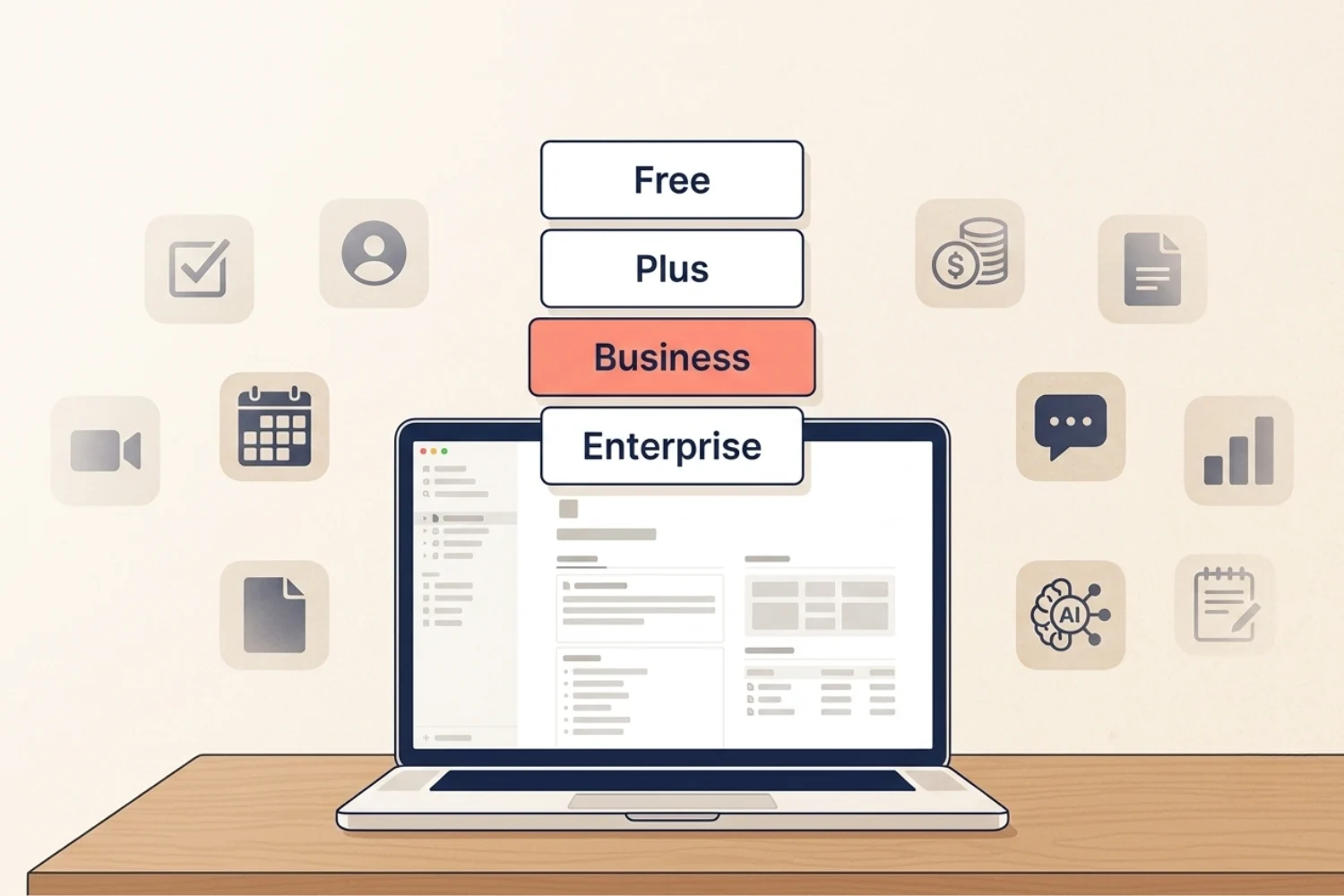
You run your business across tasks, docs, a CRM, a content calendar, a finance tracker, meeting notes, and a project board. Each tool charges a fee. Each one holds a slice of your work. None of them talk to each other.
The real question is not which Notion plans for solopreneurs is cheapest. It is how much of your business you want Notion to carry.
This guide walks through Notion pricing for small business owners and solopreneurs, what each tier gives, what free users miss as work grows, and how Notion AI changes the math. Prices and feature lists shift over time, so check the official Notion pricing page before you upgrade.
Table of Contents
What You’ll Learn
The quick answer
For most solopreneurs the call comes down to three real options:
- Free for testing Notion and running simple personal systems.
- Plus for serious solo work, freelancers, creators, and small teams with light collaboration.
- Business for when Notion becomes the operating system of your business and you want full Notion AI inside daily work.
Enterprise sits above all three for larger teams with security and compliance needs.
Most solo builders land on Plus once they run their full workflow inside Notion. People who lean on AI for writing, meetings, research, and database setup get the most out of Business.
What the Free plan is good for
Free is a real tool, not a trial. For a single user you get unlimited pages and blocks, personal dashboards, basic databases, a content calendar, simple project tracking, and a week of version history.
It is the right starting point if you are:
- Trying Notion for the first time.
- Testing a Fayedtion template before committing to a full system.
- Running personal productivity and life admin.
- Building one or two small systems for a side project.
- Working alone without shared teamspaces or long version history.
Free is also where most people learn how Notion thinks. Pages, blocks, databases, views, and relations work the same on every tier, so the skills carry forward.
A small number of complimentary Notion AI responses are included so you can try AI features inside the workspace. Once you use them, AI prompts pause until you upgrade.
What free users miss as work grows
Free is generous, but the limits show up the moment your workspace turns into real business infrastructure.
The pinch points:
- Block caps kick in once you add collaborators.
- Version history is capped at a week, which is fine for personal notes but tight for client work.
- File uploads are smaller, so heavier attachments stop fitting.
- Charts, sync databases, and custom automations sit behind paid tiers.
- Guest collaboration is limited, which is fine for personal use but tight for client work.
- Full Notion AI is not included; you only get the small trial pool of responses.
Free is built for testing and personal work. Once Notion holds your business, the gaps start costing you time.
When Plus makes sense
Plus is the natural step up for a serious solo builder. Pricing as of writing is $10 per member per month on annual billing and $12 per member per month on monthly billing in USD. Check Notion pricing for current rates in your currency.
Plus is the right call when you:
- Run client work and want longer version history.
- Share with collaborators on shared databases.
- Upload bigger files such as recordings, briefs, and design assets.
- Use sync databases, charts, and advanced views.
- Build cross-database systems where tasks link to projects link to clients link to invoices.
This is where most freelancers, creators, and solo business owners settle. A creator running a content calendar, a brand-deal tracker, and an income log feels at home on Plus. A freelancer running client projects, deliverables, and invoices in one place feels the same way.
Plus does not include full Notion AI. You get the same limited trial responses as Free, with all the workspace upgrades on top. If your work does not lean on AI inside Notion, Plus is enough for a long time. This is the Notion Free vs Plus vs Business decision point most solo founders hit first.
When Business makes sense
Business is where Notion stops being a productivity app and becomes the operating system of your business. The biggest reason to choose it is full Notion AI inside every workflow you already run.
Pick Business when you want:
- Your full operation in Notion: tasks, docs, CRM, content, finance, projects, reports.
- AI Meeting Notes recording and summarizing calls automatically.
- Research Mode auto-drafting long docs with citations.
- Enterprise Search across Notion, Slack, Google Drive, GitHub, and other connected apps.
- A Personal Agent doing multi-step work for you.
- AI autofill writing summaries, keywords, and properties on every database row.
- AI building databases, views, and formulas in seconds.
The Notion AI Business plan also gives you access to top AI models through one workspace, instead of a stack of separate AI subscriptions. The fastest growing companies (OpenAI, Figma, Ramp, Vercel, Perplexity) run on Business and Enterprise for this reason. The price is lower than stacking a writing assistant, an AI meeting tool, an AI research tool, and a chatbot subscription on top of your existing tools.
Business also includes private teamspaces, advanced permissions, SAML SSO, and 90 days of page history. These help when you bring on contractors, a VA, or a small team and want to keep control over who sees what.
What Notion AI adds to your workflow
Notion AI is included on Business and Enterprise. Free and Plus users get a small number of complimentary AI responses, then prompts pause until they upgrade.
The reason AI inside Notion matters is simple: it works where your work already lives. You do not paste notes between five tools. You ask the AI about the page in front of you.
In plain business terms, Notion AI helps you:
- Write and edit first drafts of emails, proposals, briefs, sales pages, and blog posts using the page context you already built.
- Build databases like a CRM, content calendar, or task system with views, properties, and relations in seconds.
- Autofill content properties such as summaries, keywords, categories, and custom fields for every row in a database.
- Record and summarize meetings into structured notes with action items (AI Meeting Notes).
- Auto-draft long documents with citations from your workspace and the web (Research Mode).
- Search across Notion plus your connected apps such as Slack, Google Drive, GitHub, and Jira from one bar (Enterprise Search).
- Hand off multi-step tasks like “summarize this week’s client calls, draft a status report, and post it in the project page” (Personal Agent).
- Answer questions from your own pages.
These features matter most when Notion is already holding your real business data. The more pages, notes, projects, and client work you store inside it, the more useful the AI gets.
A note on AI models and data safety
Notion is model agnostic. Behind the scenes Notion AI uses several providers and top models, picked for the task. You do not choose a model for most workflows. The point is not a model name on a marketing page. The point is the AI sitting next to the work.
Notion states in its documentation that customer data is not used to train AI subprocessor models. Enterprise customers get extra controls. For exact security and privacy details, read Notion’s official AI security practices page.
Why one Notion workspace replaces ten apps
Most solopreneurs and small business owners pay for ten or more tools to do work Notion handles in one place:
- A task manager (Asana, ClickUp, Trello).
- A note-taking tool (Evernote, Apple Notes).
- A CRM (HubSpot, Pipedrive).
- A content calendar (Trello, Airtable, spreadsheets).
- A finance tracker (Google Sheets, separate budgeting apps).
- A meeting note tool (Otter, Fathom).
- A docs tool (Google Docs, Word).
- A reporting tool.
- A standalone AI subscription (ChatGPT Plus, separate AI writers).
- A research tool.
Every tool has its own login, its own data silo, its own export problem. None of them know about the others. You spend hours copy-pasting between them.
A connected Notion business workspace flips the model. Tasks, notes, CRM, content, finance, meetings, docs, reports, and AI live in one place. The data talks to itself. The AI reads real pages instead of guessing.
You do not have to drop every other tool. Some stay, such as your email, your accounting software, your design app. Notion becomes the command center, and the rest become inputs. That is the practical case for Notion vs multiple apps: fewer logins, fewer subscriptions, less context switching, and one connected source of truth.
Plan decision table about Notion plans for solopreneurs
| Use case | Best plan | Why |
|---|---|---|
| Personal planning and life admin | Free | One user, simple systems, no need for AI |
| Testing a template before buying | Free | Full block and database access for a real trial |
| Solo business workspace with client work | Plus | Longer history, bigger files, sync databases |
| Freelancer client system | Plus | Guest access, shared databases, larger uploads |
| Content creator system (deals, calendar, products) | Plus or Business | Plus for setup, Business if you lean on AI |
| SEO or marketing operations with AI | Business | Full Notion AI for research, drafts, autofill |
| Small agency running multiple clients | Business | Teamspaces, AI Meeting Notes, advanced search |
| Team with security and compliance needs | Enterprise | SAML SSO, SCIM, audit log, advanced controls |
How this looks inside real templates
Different Fayedtion templates lean on different tiers depending on how deep you take them.
SEO Manager V.02 is a complete SEO operating system inside Notion. Business pays off here because Research Mode pulls citations, AI autofill writes meta descriptions, and Enterprise Search connects keyword research with your content calendar.
Finance OS runs money, invoices, cash flow, subscriptions, and reports in one workspace. Plus is enough for most solo users. Business adds AI-assisted month-end reviews, automated spending summaries, and natural-language queries on your finance data.
UGC Creator OS manages brand deals, sample tracking, content, and client communication. Free or Plus works fine for solo creators starting out. Business helps if you want AI to summarize brand-deal calls, write creative briefs, and tag content automatically.
Email Marketing Toolkit handles campaigns, funnels, subject lines, and performance. Business pays off if you want AI drafting email variations, summarizing open and click data into a weekly report, and structuring nurture sequences.
Digital marketing Agency and CRM V.2 replace scattered client, project, and reporting tools. Plus works for a solo consultant. Business is the right tier once you bring on a VA, a contractor, or a second hire and want AI handling status reports and meeting summaries.
The template gives you the workflow. The plan gives you the horsepower.
Final recommendation
- Exploring Notion or testing a template: start with Free.
- Running real solo work and want room to grow: choose Plus.
- Making Notion your business HQ and want AI inside every workflow: choose Business.
- Managing a larger team with security or compliance needs: talk to Notion about Enterprise.
Most solopreneurs upgrade from Free to Plus within a few months of taking Notion seriously. The jump from Plus to Business happens once AI becomes part of the daily flow.
Frequently asked questions
Is Notion Free enough for a solopreneur?
Free is enough for testing, personal planning, and one or two simple business systems. Once Notion holds client work, longer histories, and bigger files, Plus is the better fit.
Is Notion Plus worth it for one person?
Yes, for serious solo builders. Plus removes block limits with collaborators, extends version history, opens up larger files, sync databases, and charts. It is the most common plan for freelancers and creators.
Do I need Notion Business to use Notion AI?
Full Notion AI is included on Business and Enterprise. Free and Plus users get a small number of complimentary AI responses, then prompts pause until they upgrade. If you want AI inside daily work, choose Business.
What does Notion AI help with?
Writing and editing, building databases, autofilling row properties, AI Meeting Notes, Research Mode for long docs, Enterprise Search across connected apps, a Personal Agent for multi-step work, and answering questions from your own pages.
Should I use Notion instead of Trello, Asana, Google Docs, and spreadsheets?
Notion replaces or absorbs most of these for solopreneurs. Trello-style boards, Asana-style task lists, doc editing, and spreadsheet-style databases all live inside Notion. Some tools stay, such as email and accounting. Notion becomes the command center.
Which Notion plan works best for Fayedtion templates?
All Fayedtion templates work on Free and Plus. Templates with AI-heavy workflows such as SEO Manager V.02, Email Marketing Toolkit, and parts of UGC Creator OS get the most out of Business.
Is Notion better for business or personal productivity?
Both. The same blocks, pages, and databases run a Life OS and a business operating system. Plus and Business open up the workspace for serious business use.
When should I upgrade from Free to Plus?
When you start running client work, sharing with collaborators, uploading bigger files, building cross-database systems, or hitting block limits with members.
When should I upgrade from Plus to Business?
When you want AI inside daily work: meeting notes, research, autofill, search across connected apps, and an agent doing multi-step tasks. Business pays off once AI saves more time than it costs.
Key takeaways
Pricing changes. Check the official Notion pricing page before upgrading.
The right plan depends on how much of your business you want Notion to carry.
Free is a real tool, good for testing and personal systems.
Plus is the workhorse plan for freelancers, creators, and serious solo work.
Business is where Notion becomes a business operating system, with full Notion AI included (AI Meeting Notes, Research Mode, Enterprise Search, Personal Agent).
Enterprise is built for larger teams that need SAML SSO, SCIM, audit log, and advanced controls.
Notion AI matters because it lives inside the workspace where the work already lives.
One Notion workspace replaces a stack of ten disconnected apps for most solopreneurs.
If you are building your business in Notion, Fayedtion templates give you a faster starting point. Start with the system which matches your workflow, then choose the Notion plan which fits how much work you want the workspace to carry.
